Repository navigation
Conversation


 sharabai
changed the title
sharabai
changed the title
|
@Expensify/design Here’s what the fade-in looks like. What do you think? Screen.Recording.2026-10-08.at.17.58.15.mov |


That's feeling pretty good to me! |
|
Quick update: this PR got too big to review in one go, so I split it. #103684 is the first part, and it'll be merged first. It has the refactor that sizes each chart from its card's width before the chart mounts. I'll rebase this branch onto #103684 and force push, so the diff here only shows what's left:
|
57bff60 to
99d61e7
Compare
sharabai
changed the title
82ad5b5 to
4c0ac5a
Compare
sharabai
changed the title
|
@codex review |
|
@MelvinBot review |

Codex Review SummaryThis comment shows the latest Codex review activity on this pull request.
ℹ️ About Codex in GitHubYour team has set up Codex to review pull requests in this repo. Reviews are triggered when you
Codex reacts with 👀 while any review is running, comments if it has suggestions, and reacts with 👍 once all reviews finish with no findings. |
|
@MelvinBot find regressions |

ReviewI found no correctness bugs, and all CI checks pass except Suggestion: let touches pass through the spinner overlay during the fade. In What I checked
|
![chatgpt-codex-connector[bot]](https://avatars.githubusercontent.com/in/1144995?s=60&v=4)

There was a problem hiding this comment.
💡 Codex Review
Here are some automated review suggestions for this pull request.
Reviewed commit: 751a00e6f7
ℹ️ About Codex in GitHub
Codex has been enabled to automatically review pull requests in this repo. Reviews are triggered when you
- Open a pull request for review
- Mark a draft as ready
- Comment "@codex review".
If Codex has suggestions, it will comment; otherwise it will react with 👍.
When you sign up for Codex through ChatGPT, Codex can also answer questions or update the PR, like "@codex address that feedback".
| // The chart this stands in for holds its own loading spinner at exactly this height. | ||
| const SPINNER_CARD_HEIGHT = CHART_CONTENT_MIN_HEIGHT; | ||
| // Home's first insight, spend over time, is a line chart, which holds its loading spinner at this height. | ||
| const SPINNER_CARD_HEIGHT = getCartesianChartHeight(); |
There was a problem hiding this comment.

When an Insights-beta user has persisted Top Spenders, Top Merchants, or Top Categories as the Home insight, Home restores that supporting chart rather than the first line chart; InsightsSectionContent.tsx:100 passes shouldShowGroupLabels={false}, so the bar/pie wrappers reserve only the 250px content height. This unconditional getCartesianChartHeight() reserves 289px instead, making the cold-start skeleton 39px taller than the restored card and causing it to visibly shrink; derive this height from the restored chart or otherwise accommodate the label-free selections.
Useful? React with 👍 / 👎.
There was a problem hiding this comment.
The 39px shrink is real, but neither option fits this PR, so the skeleton stays matched to spend over time, the first insight and the one Home falls back to.
Deriving the height from the restored chart isn't possible: the skeleton only shows while the first OpenApp is pending on an empty store (useInFlightRequests.ts:196-199), which means right after sign-in or a cache reset, and sign-out doesn't keep the saved insight (SignInRedirect.ts:56-68). It comes back in the same OpenApp response that removes the skeleton, so while the skeleton is up there's nothing to tell it which chart is coming. Accommodating the label-free charts would mean one height for every Home insight, which changes how the loaded card looks, so it belongs with design rather than in this PR.
|
🤖 Web test steps verification results: ❌ fail The line chart rendered correctly the first time. After that, the Spend section, including the plain Expenses list, got stuck on its row-loading skeleton and never recovered, so the bar, pie, and reload checks couldn't run. I don't think this PR causes the stall: the Expenses list renders no chart, and this PR doesn't touch Search data loading. A code review of every chart consumer (Home Insights, the Insights page, and Spend) also found no regressions.
|
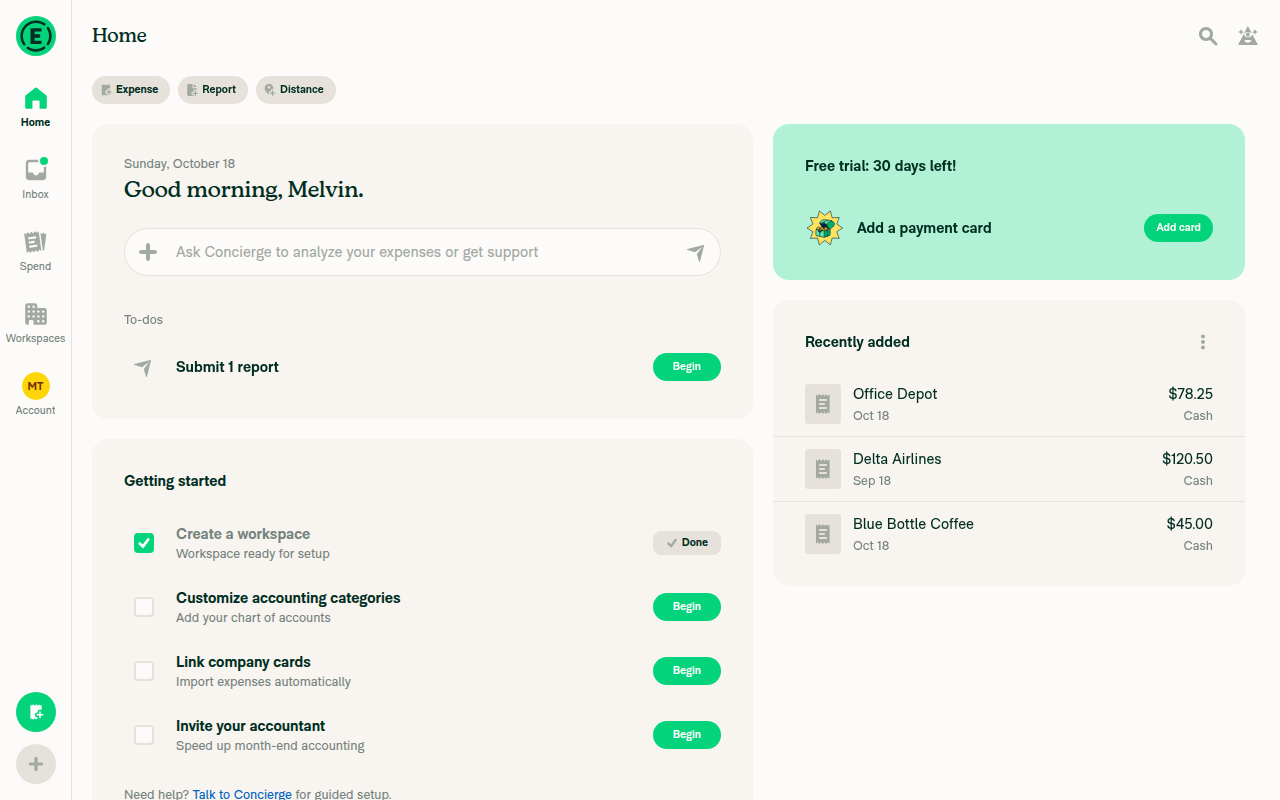
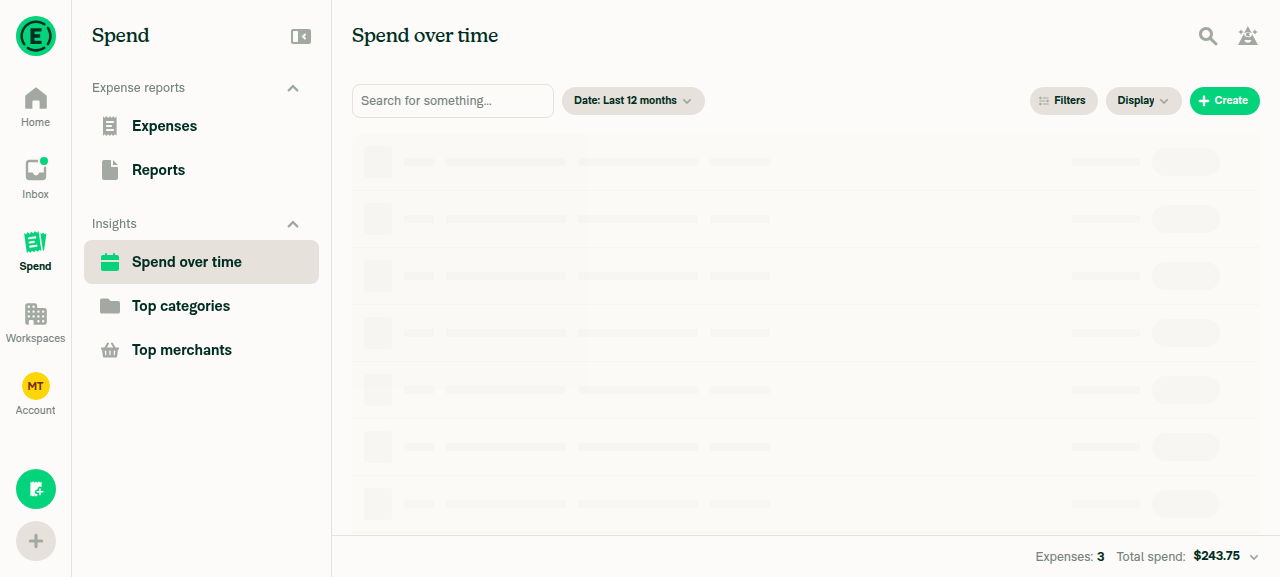
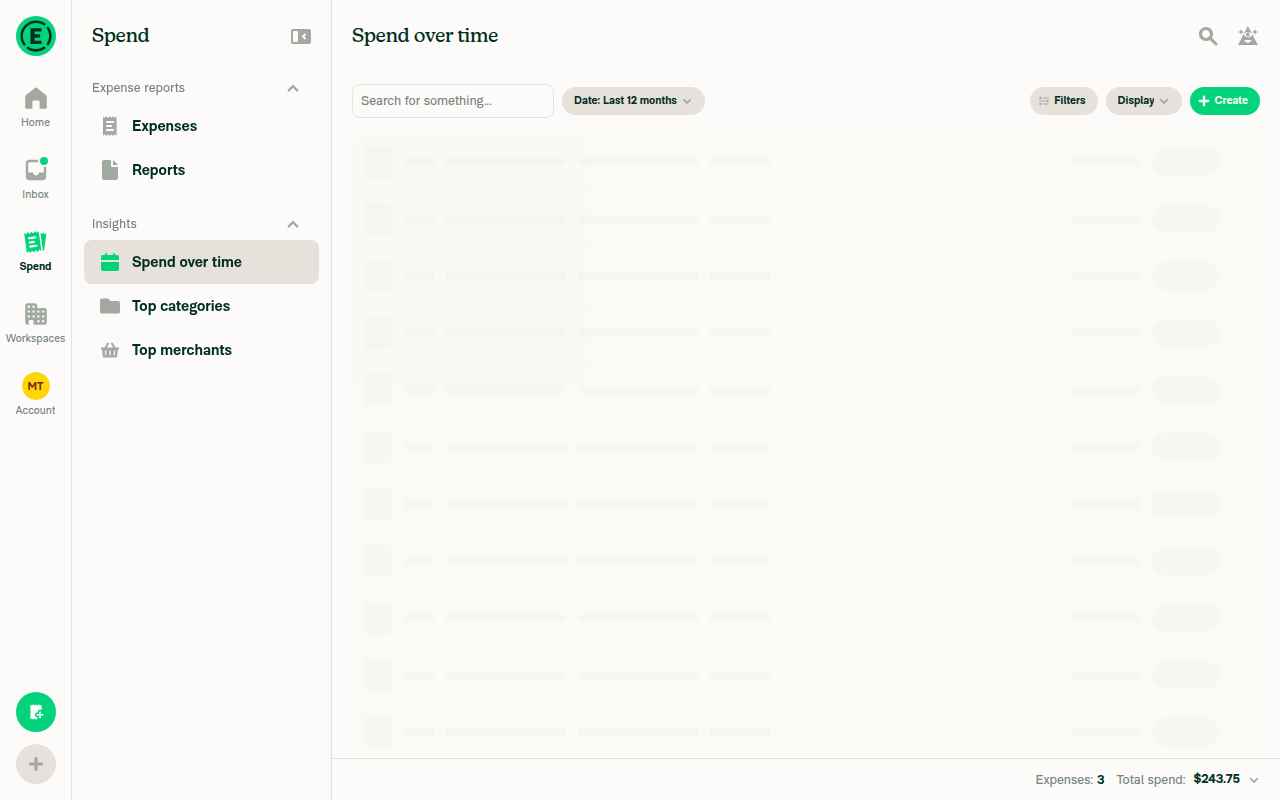
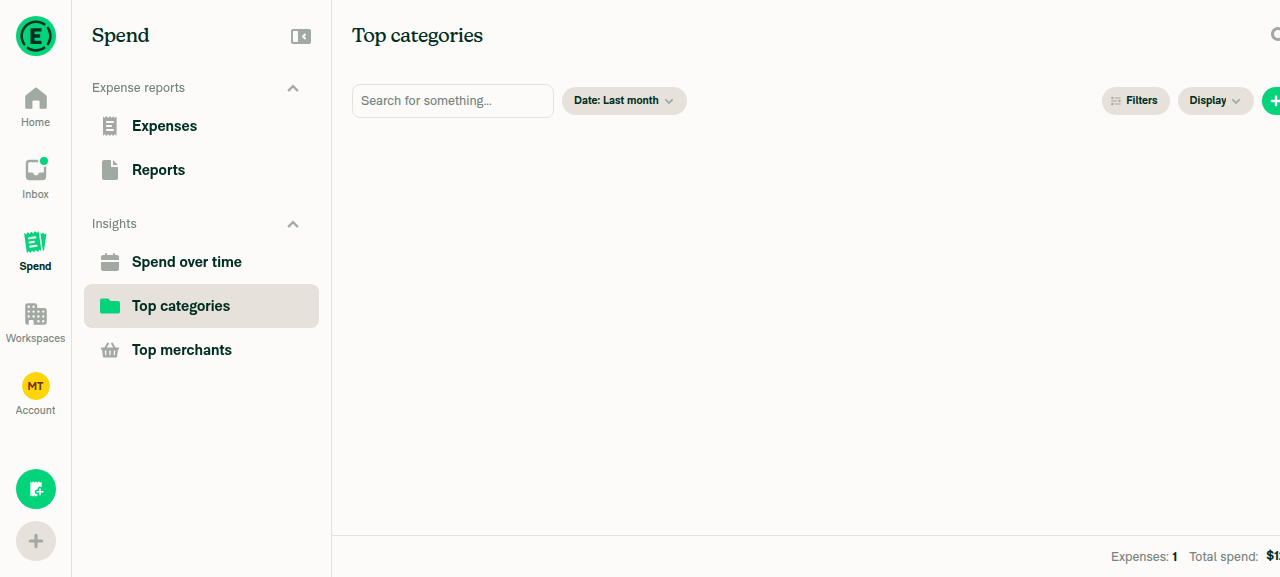
Not a bug, so no change: on native the overlay can't take a tap or hover from the chart in that window. It sits at opacity 0 for the whole window, set on the UI thread, and neither native touch path hit-tests a view that transparent: iOS skips anything under alpha 0.01 (RCTViewComponentView.mm:746), and gesture handler on Android, which carries every chart tap and hover, skips anything under 0.1 (GestureHandlerOrchestrator.kt:912). So on native the overlay already behaves as if it had |
Not caused by this PR: in each failed step Search never got its own content on screen, and the PR doesn't change any Search code. That includes the blank Top categories area. A chart view always renders inside a card with its title, and that card sits outside the chart code (SearchChartWrapper.tsx:22-27), so a chart that hadn't faded in yet would still leave a titled card behind. The screenshot has no card at all, which means Search never showed its chart view there. Nothing in the run's artifacts shows a rendered chart, though. The screenshot captioned as the rendered line chart shows the same row skeleton, and the recording ends while the test expenses are still being created, so the chart steps went untested rather than failing. |


![github-actions[bot]](https://avatars.githubusercontent.com/in/15368?s=60&v=4)
|
|
||
| import ChartReveal from './ChartReveal'; | ||
| import ChartWidthBox from './ChartWidthBox'; | ||
|
|

There was a problem hiding this comment.
❌ CONSISTENCY-13 (docs)
This new, non-trivial component file opens straight into a type declaration with no header comment describing its purpose. A one-line header would orient the next reader immediately instead of forcing them to infer from the body that ChartFrame composes ChartWidthBox with ChartReveal and collapses a chart that loads with no data.
Add a short header comment above the first declaration, e.g.:
import type {ReactNode} from 'react';

import React from 'react';

import ChartReveal from './ChartReveal';
import ChartWidthBox from './ChartWidthBox';

/**
 * Wraps a chart in its width box and reveal: measures the card, holds one spinner until the chart is ready, and collapses when it loads with no data.
 */
type ChartFrameProps = {
Reviewed at: 751a00e | Please rate this suggestion with 👍 or 👎 to help us improve! Reactions are used to monitor reviewer efficiency.


Reviewer Checklist
Screenshots/VideosAndroid: HybridAppAndroid: mWeb ChromeiOS: HybridAppiOS: mWeb SafariMacOS: Chrome / Safari |

| <View> | ||
| <Animated.View style={fadeStyle}>{children}</Animated.View> | ||
| {!isRevealed && ( | ||
| <Animated.View style={[styles.chartActivityIndicator, StyleUtils.getHeight(loadingHeight), isReady && [styles.pAbsolute, styles.t0, styles.l0, styles.r0, spinnerStyle]]}> |

There was a problem hiding this comment.
The spinner overlay is position: absolute with no pointerEvents, and opacity: 0 disables neither hit-testing nor the accessibility tree - so between the fade starting on the UI thread and scheduleOnRN(setIsRevealed, true) landing on JS, it swallows every hover/tap over the chart and keeps shadowing the chart's accessible elements from VoiceOver.
Could you add pointerEvents="none" and hide the overlay from the a11y tree once it's transparent?
<Animated.View
    pointerEvents="none"
    accessibilityElementsHidden={isReady}
    importantForAccessibility={isReady ? 'no-hide-descendants' : 'auto'}
    style={[styles.chartActivityIndicator, StyleUtils.getHeight(loadingHeight), isReady && [styles.pAbsolute, styles.t0, styles.l0, styles.r0, spinnerStyle]]}
>This branch has not been deployed
5 participants


Explanation of Change
Part 2 of 2 of the chart spinner fade-in, building on #103684, which sizes each chart from its card width.
Each chart entry point (
BarChart,LineChart,PieChart, web and native) now renders insideChartFrame, which putsChartRevealinsideChartWidthBox.ChartRevealkeeps one spinner up from the chart engine download until the chart body reports throughuseReportChartLoadingthat its data and fonts are ready, and the card has been measured. The chart then mounts at opacity 0 under the spinner, waitsHOLD_FRAMES(5) frames for Skia's first draw, and fades in. The frames are counted on the UI thread, where native Skia draws, because the JS thread can be busy for seconds after launch. A chart that mounts with everything in memory has no spinner to hold, so it fades in as soon as its card is measured, in place of the spinner #103684 showed there on native.The spinner box takes the loaded chart's height from
utils/chartHeights.ts, and Home's skeleton spinner card matches it.Important
A chart with angled x-axis labels, or a pie whose legend wraps past one row, makes its card grow as it mounts under the spinner. The spinner box reserves one line of flat labels and one legend row, because the label angle and the row count depend on the data. The spinner stays in place and the card grows below it.
On native, a chart that loads at app start can leave its card blank for a moment between the spinner and the chart. On a cold start, native Skia puts its first frame on screen after the hold has ended and gives no signal to wait for, so the chart appears partway through its fade. Main removes its spinner as soon as the data is ready, so it shows the same blank with no hold covering any of it.
Fixed Issues
$ #103964
PROPOSAL:
Follow-up to #99560
Tests
Preconditions:
Spend over time.All five tests exercise the change.
1. Home keeps the chart's spinner in place until the chart fades in (Account A, web)
Spend over timechart fades in, and that the card does not change height when the chart appears.2. Each chart type fades in without the card jumping (Account A, web)
3. A reloaded chart shows the spinner again (Account A, web)
4. Without WebGL, the error message replaces the spinner (Account A, web)
open -a "Google Chrome" --args --disable-webgl5. On native, only a loading chart shows the spinner (Account A, iOS or Android)
Offline tests
N/A: this change only affects how a chart looks while it loads. It makes no requests and writes no Onyx data.
QA Steps
Same as tests.
PR Author Checklist
### Fixed Issuessection aboveTestssectionOffline stepssectionQA stepssectionAvatar, I verified the components usingAvatarare working as expected)npm run compress-svg)Avataris modified, I verified thatAvataris working as expected in all cases)Designlabel and/or tagged@Expensify/designso the design team can review the changes.mainbranch was merged into this PR after a review, I tested again and verified the outcome was still expected according to theTeststeps.Screenshots/Videos
Android: Native
Android: mWeb Chrome
iOS: Native
pr-103210-test-5-native-only-loading-chart-shows-spinner.mp4
iOS: mWeb Safari
MacOS: Chrome / Safari
pr-103210-test-1-home-keeps-chart-spinner-in-place-until-fade-in.mp4
pr-103210-test-2-each-chart-type-fades-in-without-card-jumping.mp4
pr-103210-test-3-reloaded-chart-shows-spinner-again.mp4
pr-103210-test-4-without-webgl-error-replaces-spinner.mp4