


Linux/MAC |
Windows |
Donate |
|---|---|---|
 |
 |
 |
Software that allows you to manually and quickly annotate images in directories. The method is pseudo manual because it uses the algorithm watershed marked of OpenCV. The general idea is to manually provide the marker with brushes and then to launch the algorithm. If at first pass the segmentation needs to be corrected, the user can refine the markers by drawing new ones on the erroneous areas (as shown on video below).

Example :

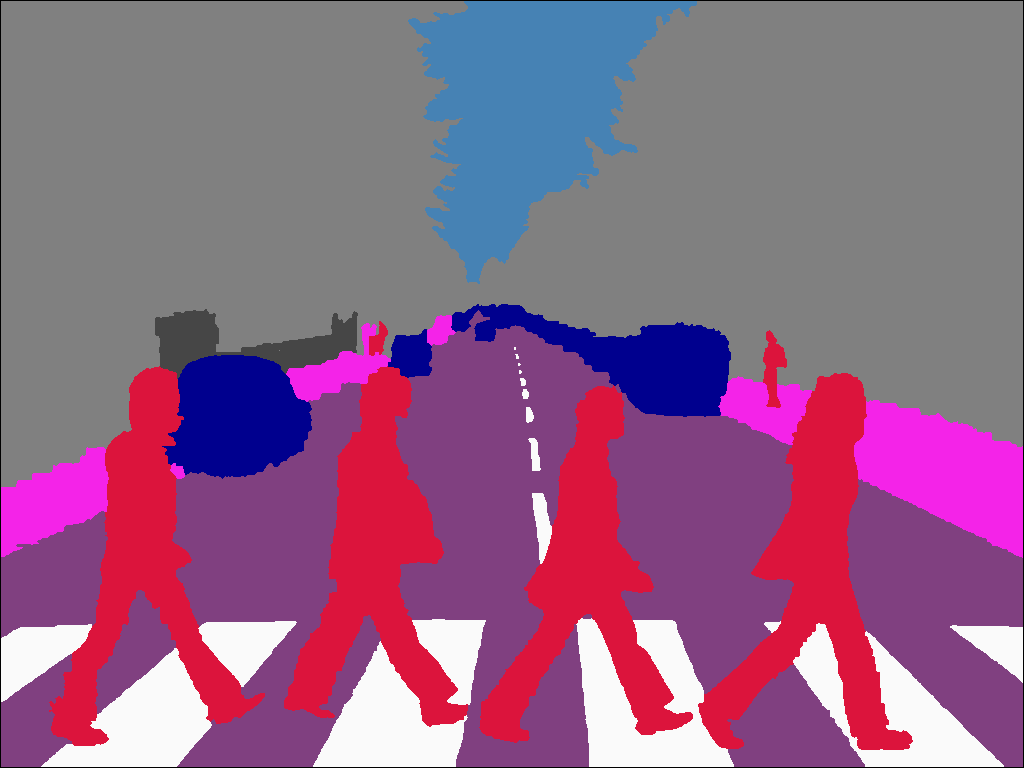
Little example from an user (tenjumh) of PixelAnnotationTools : https://www.youtube.com/watch?v=tX-xcg5wY4U
How to build go to here
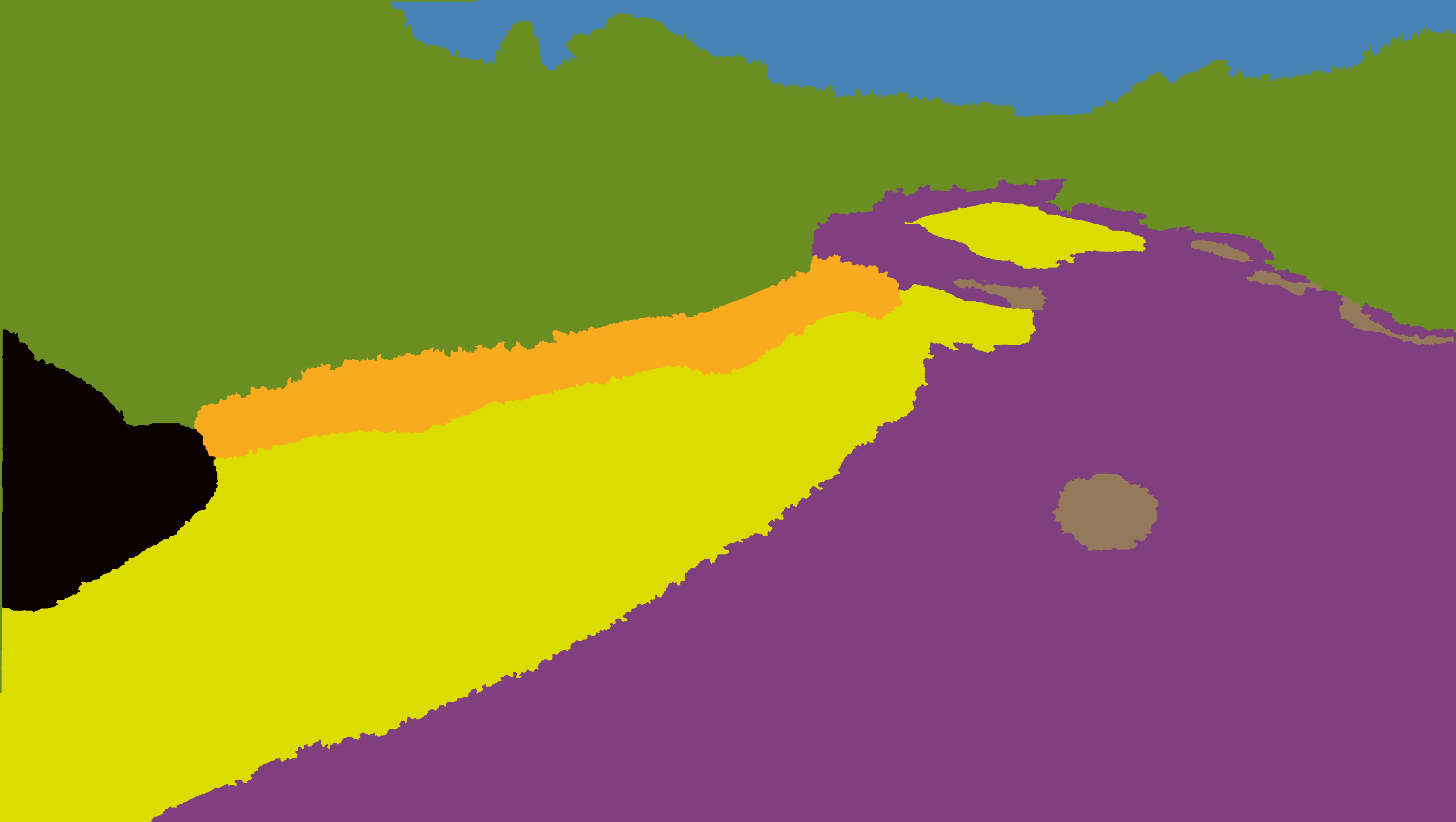
boat maybe we can locate boat
bridge obstacle that both drone and boat need to avoid
dry sediment safe area where drone can land
forest vegetation tall trees that drone cannot land upon
river safe area where boat can drive
self drone body itself
senescent vegetation grassland where drone can land, can be combined with dry sediment
sky can be combined with forest vegetation
wood in river obstacle that boat needs to avoid
- Every visible category needs to be labeled, like small wood in river that sticks out of river.
- Edges between adjacent categories need not to be very precise, like edges between sky and forest vegetation, and edges between senescent vegetation and dry sediment.
- We mainly care about where boat cannot go, so try to label wood in river thoroughly as you can.
- After annotation an image, remember to click File -> save current image, then 3 images will be saved in your current image folder. I will think of a way for collecting and uploading those annotation images, maybe by adding option to this QT panel to select annotation directory.
- cont...
Click File -> Open directory to open the image folder you want to annotate, then the images list will show up on the right side of the panel, you can click any image in that list and your current annotation progress will remain when you click back the previous image tabs.
Main Panel
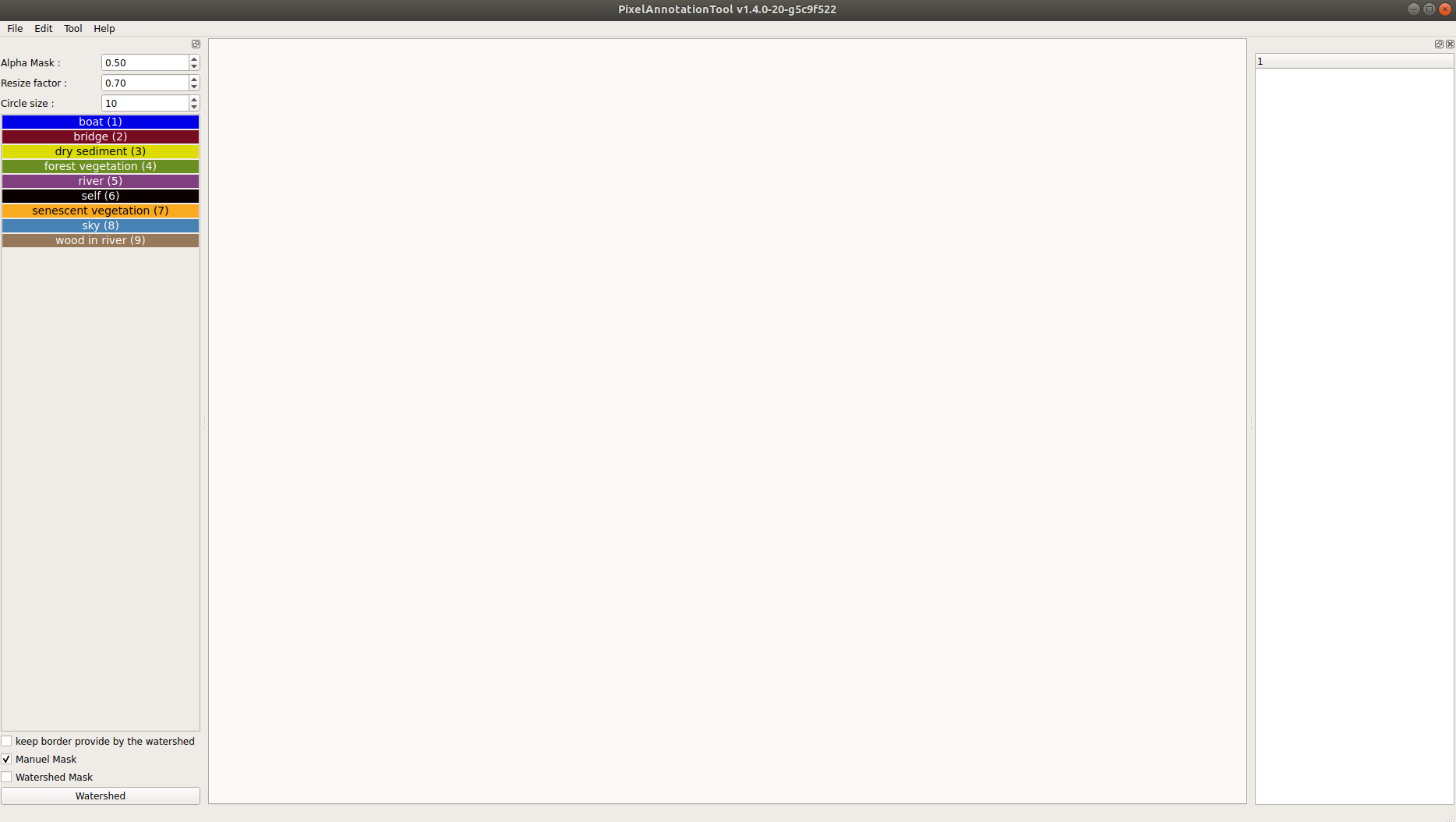
Image with river, dry sediment, forest vegetation, sky and wood in river
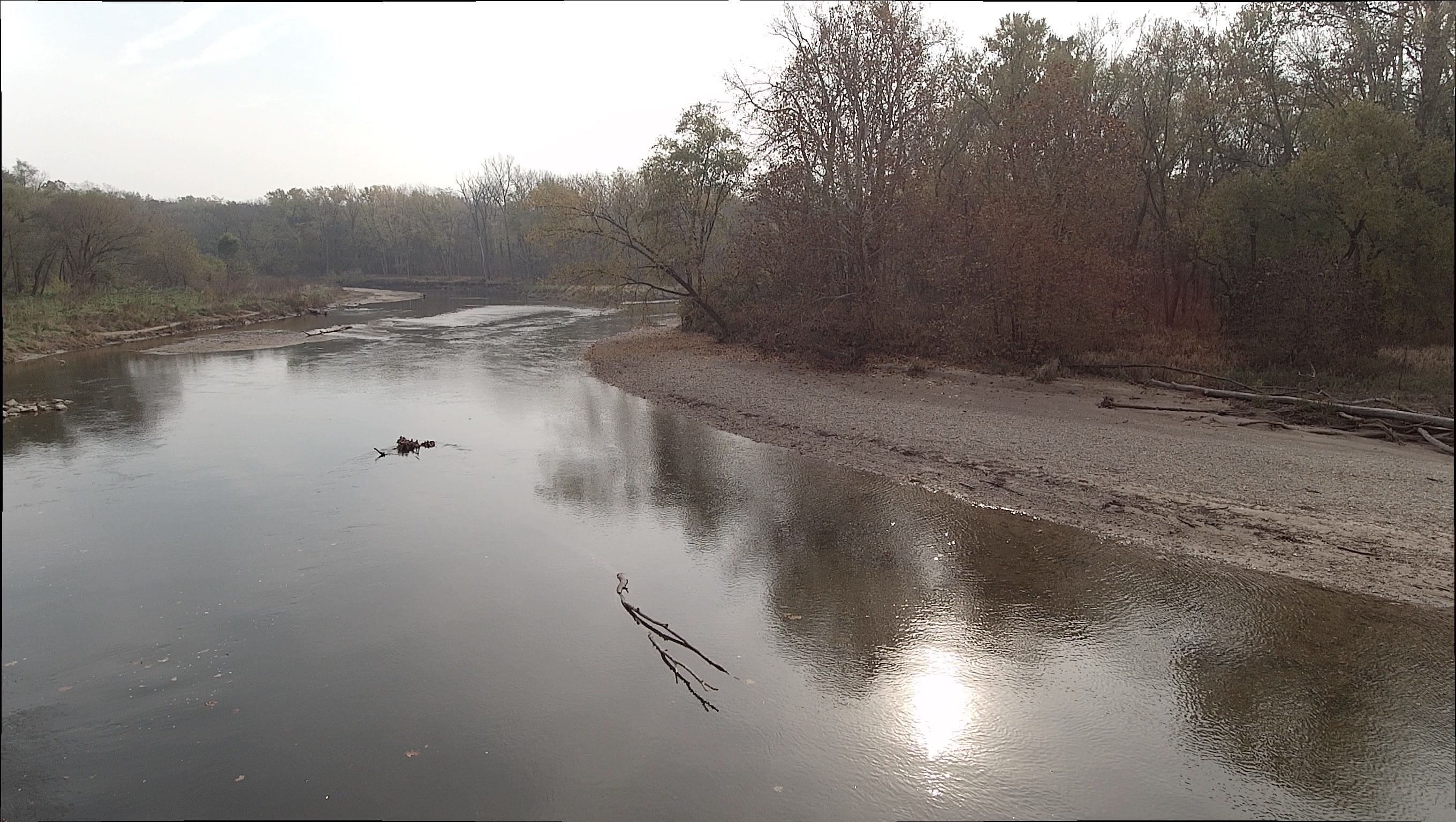
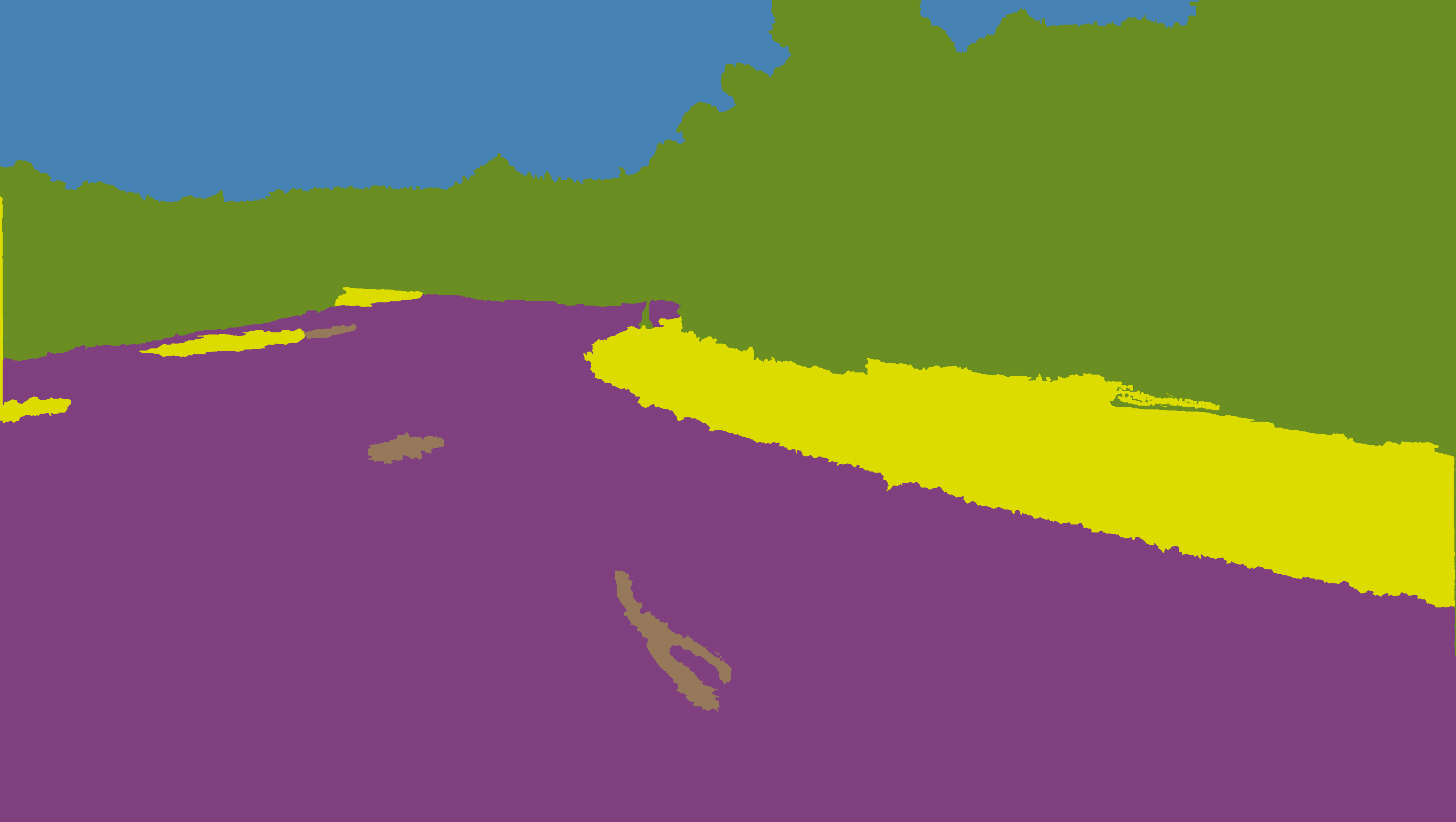
Image with river, dry sediment and boat
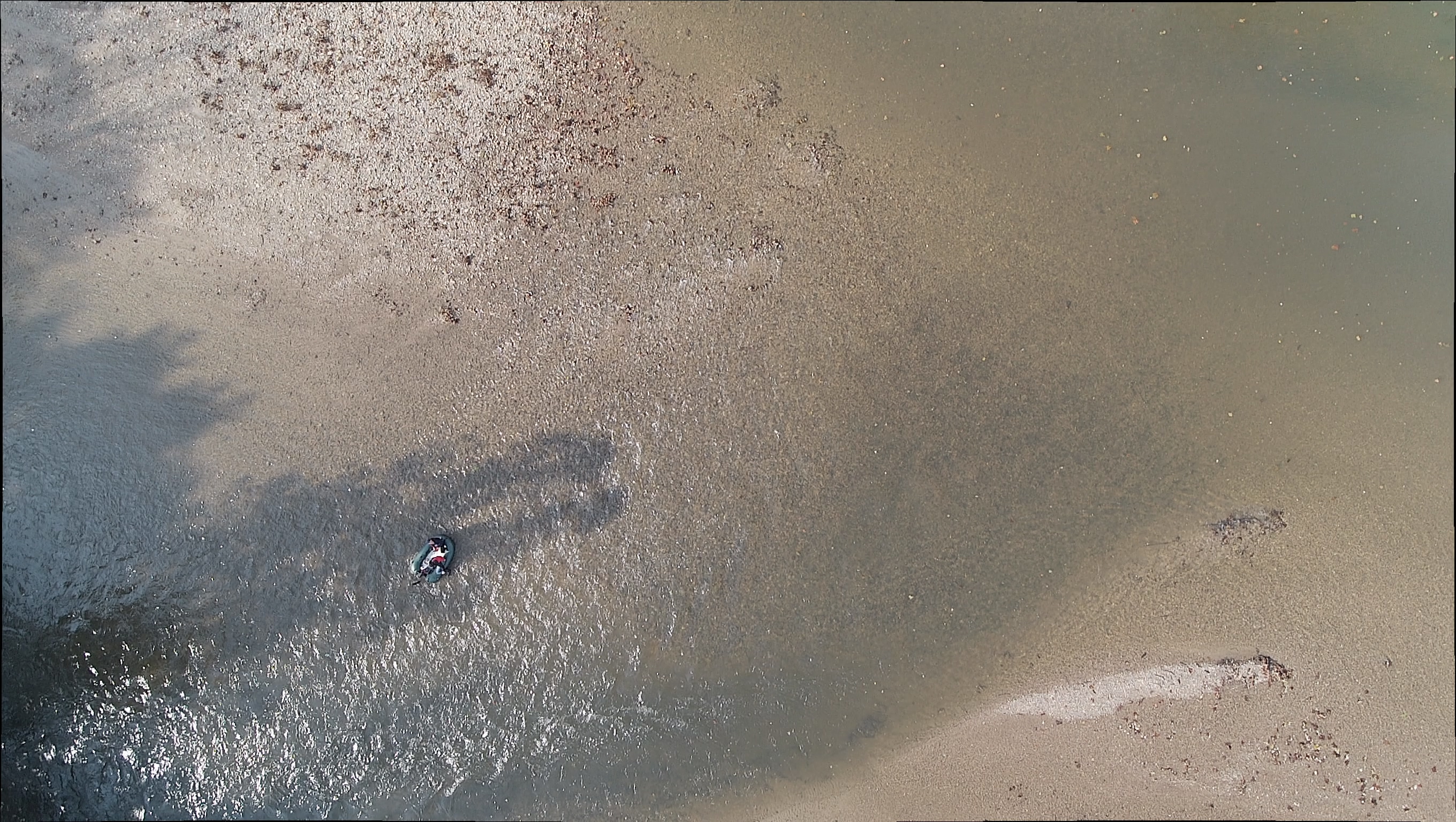

Image with river, dry sediment, forest vegetation, senescent vegetation, sky and wood in river
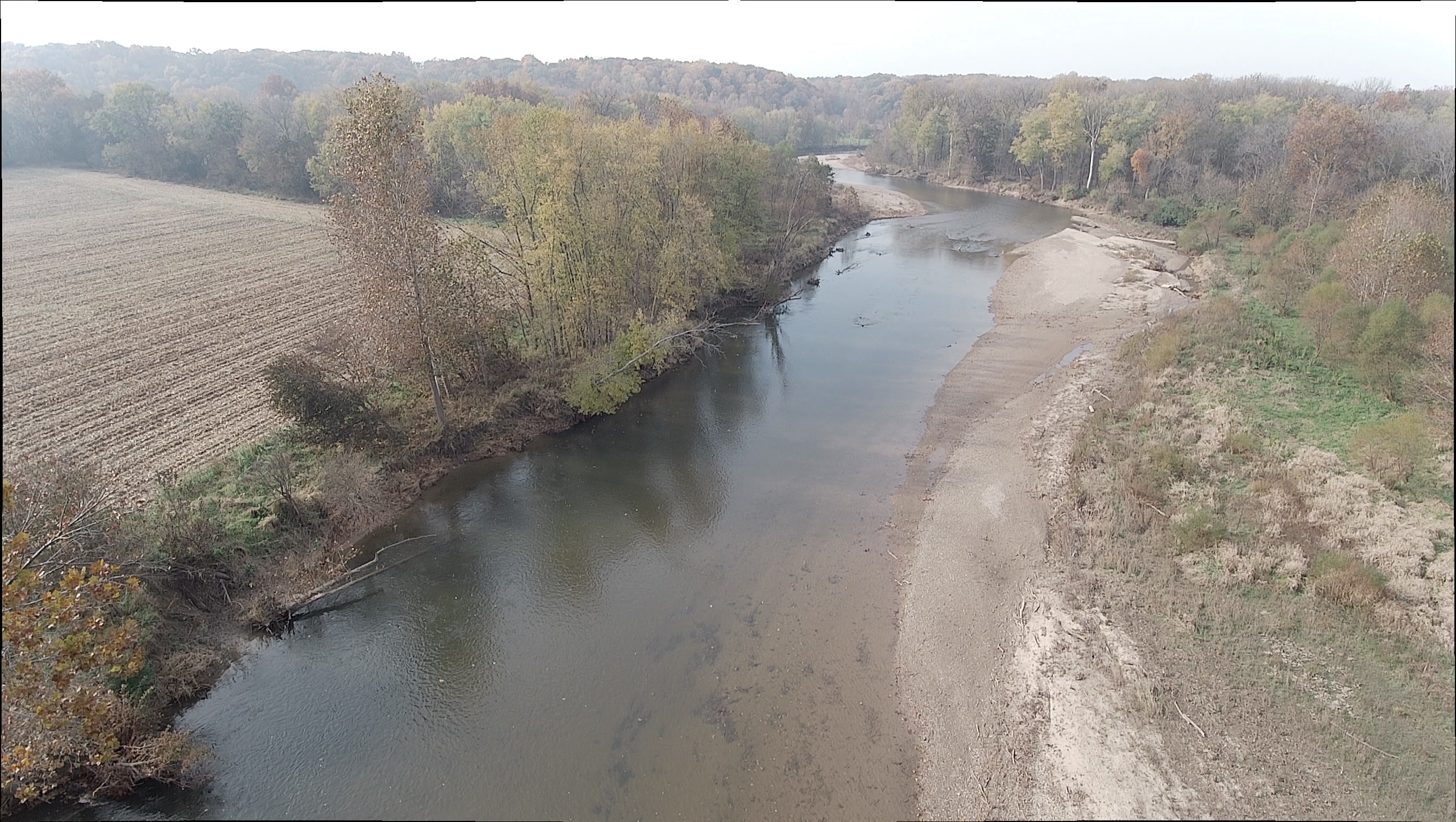
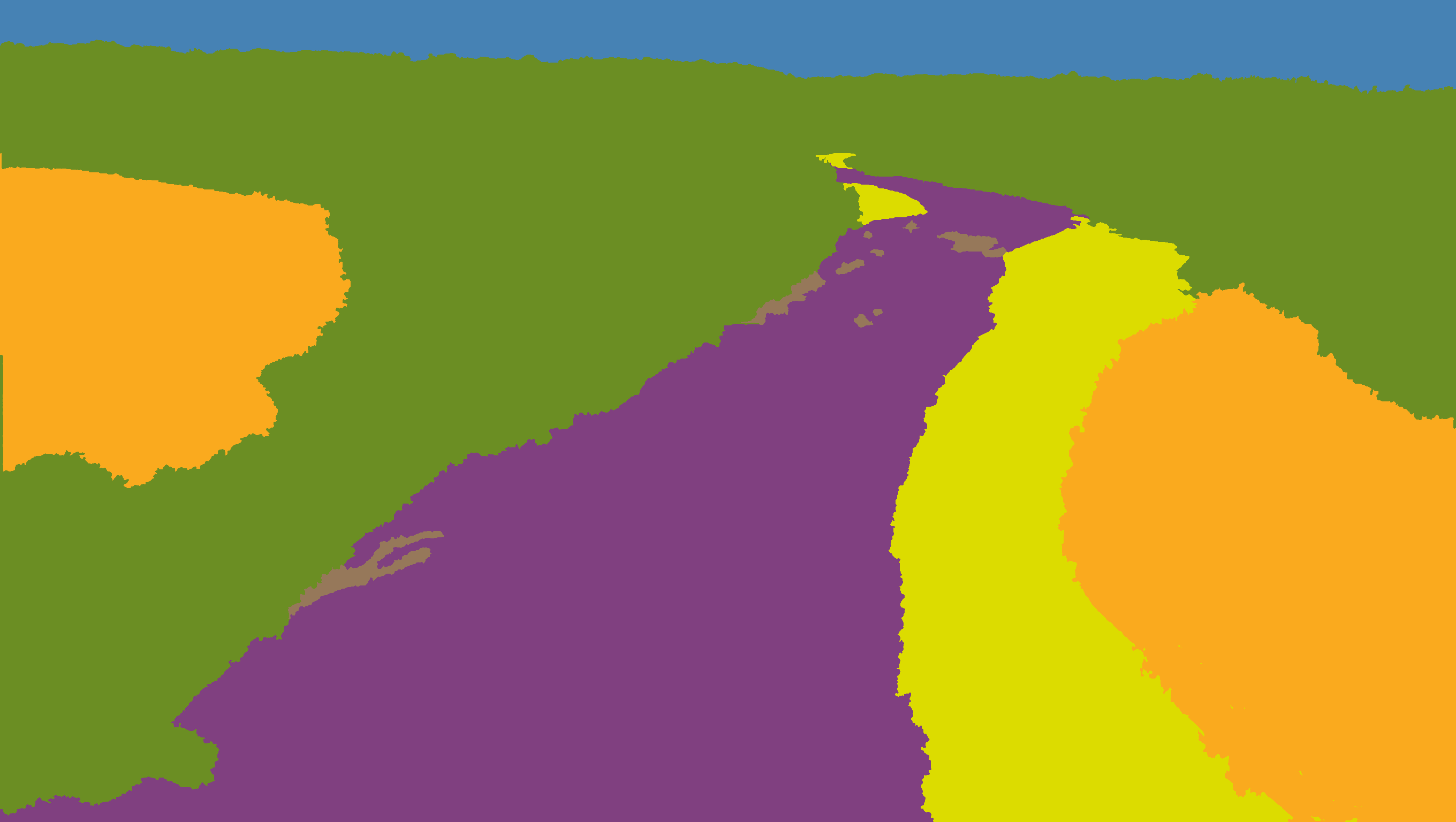
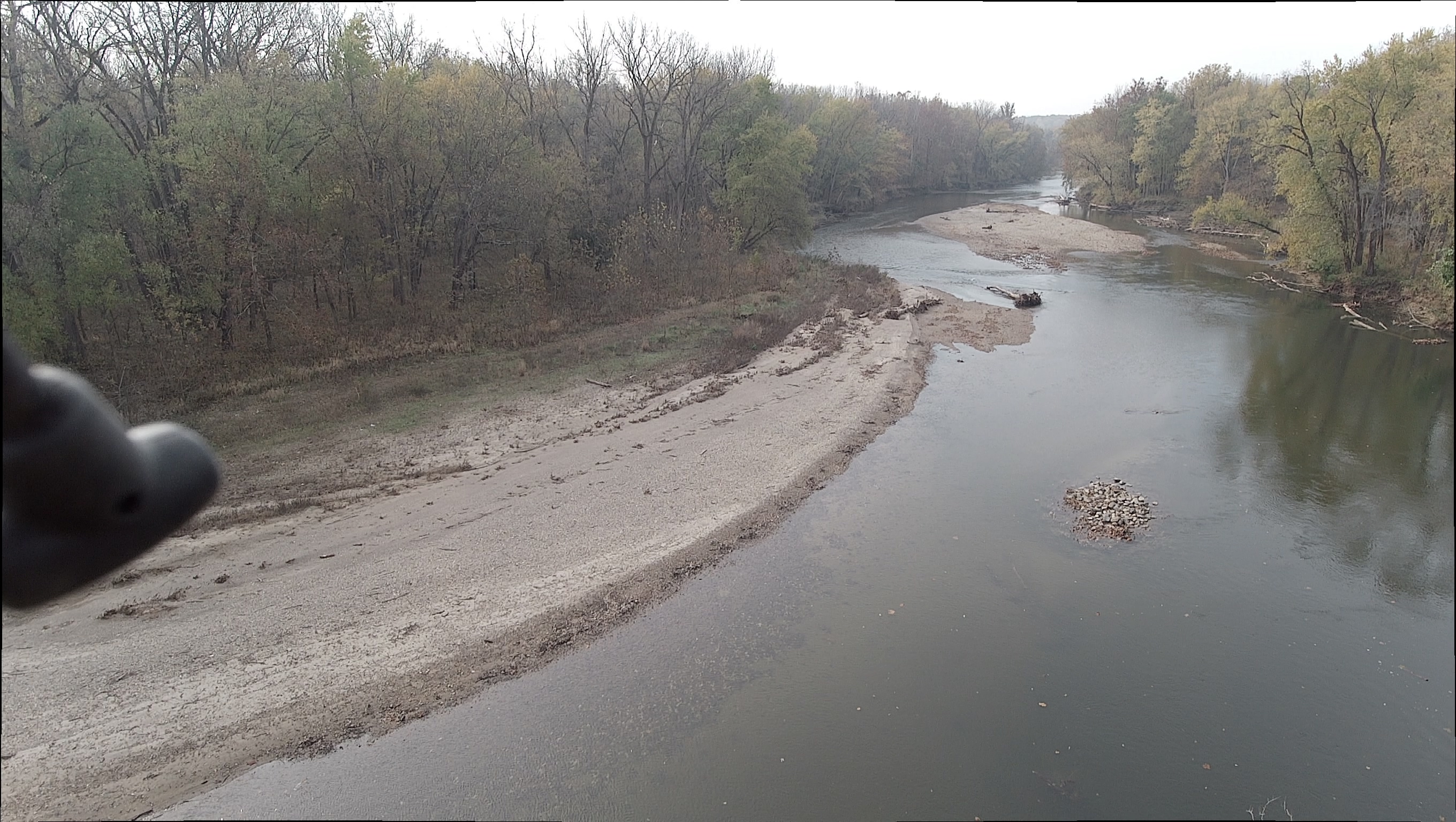
Image with river, self, dry sediment, forest vegetation, senescent vegetation, sky and wood in river
Go to release page
If you like, donate !
Donating is very simple - and secure. Please click here to make a donation.
Thank you!
Your donation will help me to maintain and update PixelAnnotationTool.
GNU Lesser General Public License v3.0
Permissions of this copyleft license are conditioned on making available complete source code of licensed works and modifications under the same license or the GNU GPLv3. Copyright and license notices must be preserved. Contributors provide an express grant of patent rights. However, a larger work using the licensed work through interfaces provided by the licensed work may be distributed under different terms and without source code for the larger work.
  @MISC{Breheret:2017,
    author = {Amaury Br{\'e}h{\'e}ret},
    title = {{Pixel Annotation Tool}},
    howpublished = "\url{https://github.com/abreheret/PixelAnnotationTool}",
    year = {2017},
  }