Repository navigation
[No QA] Show a spinner below the DynamicForm header and drop redundant shouldUseGoBackButton props - #104053
Conversation


…UseGoBackButton props

Co-authored-by: Situ Chandra Shil <[email protected]>

 melvin-bot
Bot
added
Melvin-Test-Android
Melvin-Test-Web
melvin-bot
Bot
added
Melvin-Test-Android
Melvin-Test-Web

|
|

|
@MelvinBot add [No QA] prefix to the title and mark as ready for review |
…derBelowHeader

Co-authored-by: Situ Chandra Shil <[email protected]>

|
Fixed the failing Details
|
|
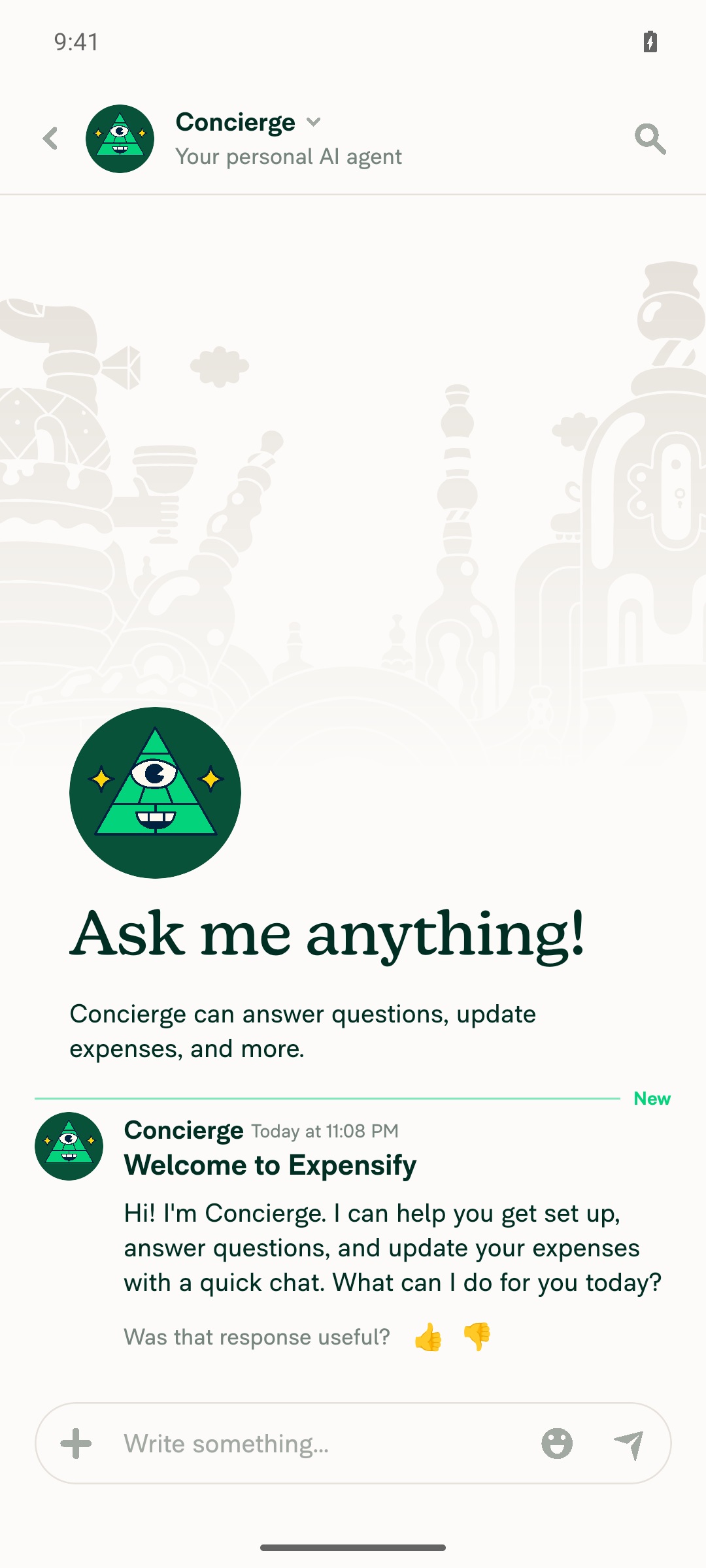
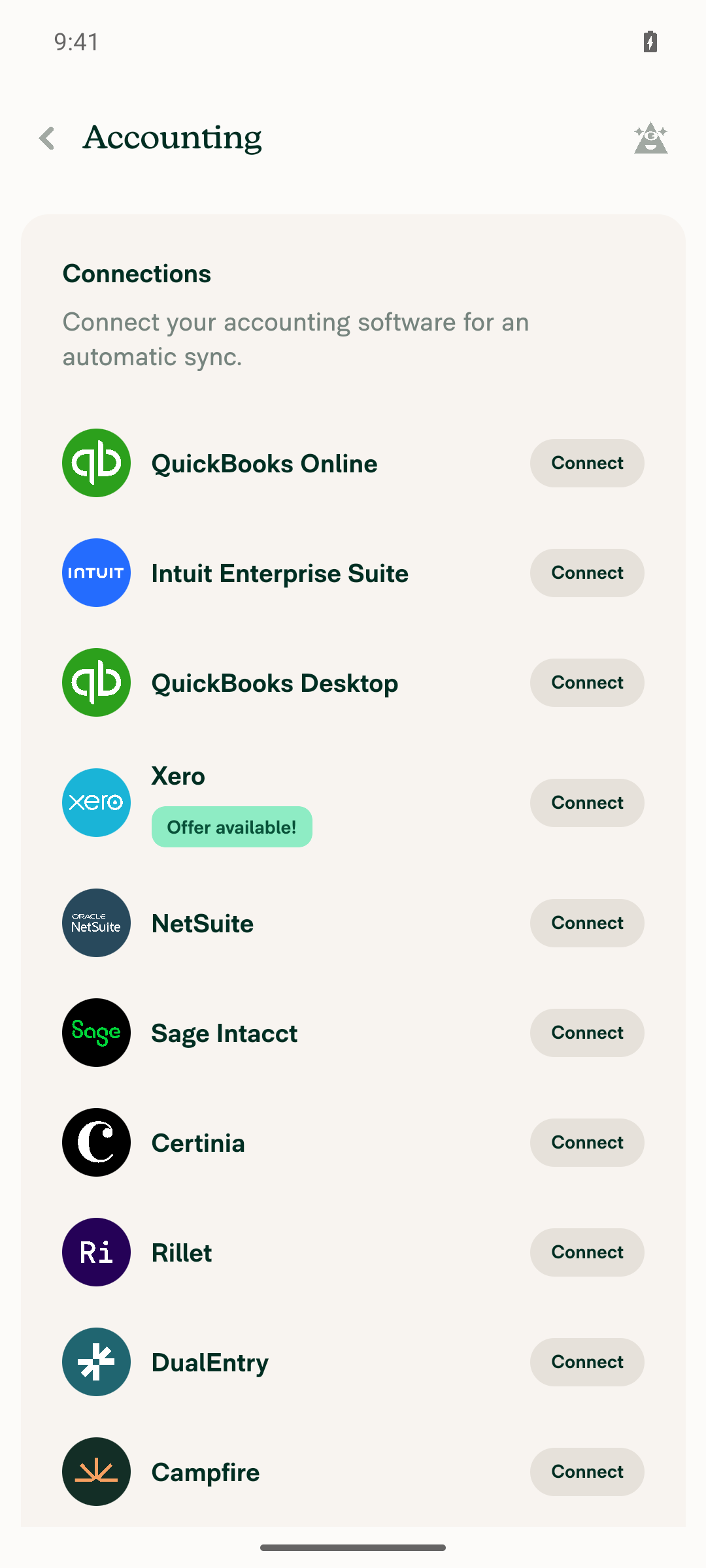
🤖 Android test steps verification results: The PR documents only one test step ("Verify that no errors appear in the JS console"), so I also ran regression checks on the screens it touches. On Android, the Concierge chat, workspace Accounting page, and Receipt partners page all loaded with no stuck loaders or errors. The tester could not run the not-found deep link or scan logcat for JS errors because its tools don't allow either.
|

 MelvinBot
changed the title
MelvinBot
changed the title
|
Done. I added the The |

Codex Review SummaryThis comment shows the latest Codex review activity on this pull request.
ℹ️ About Codex in GitHubYour team has set up Codex to review pull requests in this repo. Reviews are triggered when you
Codex reacts with 👀 while any review is running, comments if it has suggestions, and reacts with 👍 once all reviews finish with no findings. |
![github-actions[bot]](https://avatars.githubusercontent.com/in/15368?s=60&v=4)
|
|
||
| if (decision === 'loading') { | ||
| return <FullscreenLoadingIndicator shouldUseGoBackButton />; | ||
| return <FullscreenLoadingIndicator />; |

There was a problem hiding this comment.
❌ UI-1 (docs)
This FullscreenLoadingIndicator is returned as the sole content for the 'loading' decision, with no navigation (header/back button) rendered in this branch. Removing shouldUseGoBackButton means that if loading hangs, the user has no escape route and is trapped on the screen. Since this prop is being migrated to become the default, it must be set explicitly for now.
Restore the prop:
if (decision === 'loading') {
    return <FullscreenLoadingIndicator shouldUseGoBackButton />;
}
Reviewed at: 041f4ff | Please rate this suggestion with 👍 or 👎 to help us improve! Reactions are used to monitor reviewer efficiency.

There was a problem hiding this comment.
This doc is no longer valid.
shouldUseGoBackButton is now set to true default when omitted.
@MelvinBot create followup PR to update this doc so that claude no longer reports as bug. Instead, they should catch the bug of {shouldUseGoBackButton=false} being omitted when it doesn't make sense to go back.
There was a problem hiding this comment.
🤖 I couldn't open the follow-up PR. My environment blocks edits to files under .claude/, so I can't change .claude/skills/app-coding-standards/rules/ui-1-correct-loading-indicator.md. An engineer needs to apply the change. The full replacement file is below.
The new rule makes 3 changes:
- It stops flagging a missing
shouldUseGoBackButton, because the prop defaults totrue(src/components/FullscreenLoadingIndicator.tsx:39). It also stops flagging removal of an explicitshouldUseGoBackButton, like the 3 comments on this PR did. - It flags a
FullscreenLoadingIndicatorwithoutshouldUseGoBackButton={false}when a header with a back button renders in the same tree. Otherwise the loader stacks a second "Go Back" button over the header's back button. - It flags the same omission where going back makes no sense, such as global overlays and sign-in or sign-out pages. Main already does this in
FullScreenLoaderContext,LogOutPreviousUserPage, andValidateLoginPage. The old "correct" example that usedValidateLoginPagewithshouldUseGoBackButtonwas out of date.
Proposed ui-1-correct-loading-indicator.md
---
ruleId: UI-1
title: Use the correct loading indicator based on navigation context
---

## [UI-1] Use the correct loading indicator based on navigation context

### Reasoning

If loading hangs, users need an escape route. `FullscreenLoadingIndicator` provides one by default: `shouldUseGoBackButton` defaults to `true`, so it shows an emergency "Go Back" button after a timeout. Omitting the prop is correct when no navigation is visible.

The default is wrong when going back doesn't make sense:
- **Navigation is already visible.** If a header with a back button (or a close button) renders alongside the loader, the default "Go Back" button duplicates it. Prefer `ActivityIndicator` below the header, since `FullscreenLoadingIndicator` is absolutely positioned and draws over the header. If `FullscreenLoadingIndicator` stays, pass `shouldUseGoBackButton={false}`.
- **Going back is dead or harmful.** Global overlays, sign-in/sign-out transitions, and auth or session handoff pages have nowhere safe to go back to. Pass `shouldUseGoBackButton={false}`.

### Incorrect

```tsx
// Header and FullscreenLoadingIndicator in SAME return without shouldUseGoBackButton={false} - stacks a second "Go Back" button over the header's back button
<ScreenWrapper>
    <HeaderWithBackButton title="Settings" />
    <FullscreenLoadingIndicator />
</ScreenWrapper>

// Sign-in transition page - going back mid-transition is dead or harmful, so the default "Go Back" button must be turned off
function LogInWithShortLivedAuthTokenPage() {
    return <FullscreenLoadingIndicator />;
}

// ActivityIndicator as sole content without navigation - use FullscreenLoadingIndicator
function AuthLoadingPage() {
    return (
        <View style={[styles.flex1, styles.justifyContentCenter, styles.alignItemsCenter]}>
            <ActivityIndicator size="large" />
        </View>
    );
}
```

### Correct

```tsx
// No navigation in return - FullscreenLoadingIndicator shows the "Go Back" button by default
function ReportLoadingPage() {
    return <FullscreenLoadingIndicator />;
}

// Loader and navigation in DIFFERENT returns - OK to use FullscreenLoadingIndicator with the default "Go Back" button
function SettingsPage() {
    if (isLoading) {
        return <FullscreenLoadingIndicator />;
    }
    return (
        <ScreenWrapper>
            <HeaderWithBackButton title="Settings" />
            <Content />
        </ScreenWrapper>
    );
}

// Header visible during loading - use ActivityIndicator
function SettingsPage() {
    return (
        <ScreenWrapper>
            <HeaderWithBackButton title="Settings" />
            {isLoading ? (
                <View style={[styles.flex1, styles.justifyContentCenter, styles.alignItemsCenter]}>
                    <ActivityIndicator size="large" />
                </View>
            ) : (
                <Content />
            )}
        </ScreenWrapper>
    );
}

// Going back is dead or harmful - turn the "Go Back" button off
function LogInWithShortLivedAuthTokenPage() {
    return <FullscreenLoadingIndicator shouldUseGoBackButton={false} />;
}
```

---

### Review Metadata

Flag ONLY when ANY of these patterns is found:

- `FullscreenLoadingIndicator` without `shouldUseGoBackButton={false}` when `HeaderWithBackButton` (or other navigation like a close button) is rendered **in the same JSX tree** (not separated by conditionals into different returns). Suggest `ActivityIndicator` below the header, or at minimum `shouldUseGoBackButton={false}`
- `FullscreenLoadingIndicator` without `shouldUseGoBackButton={false}` where **going back is dead or harmful**: global overlays, sign-in/sign-out transitions, auth or session handoff pages
- `ActivityIndicator` as the **sole/main screen content** (flex:1 container, early return) without any navigation component (e.g., `HeaderWithBackButton`, close button) **in the same return statement or conditional branch**

**DO NOT flag if:**

**For `FullscreenLoadingIndicator`:**
- `shouldUseGoBackButton` is omitted and no navigation is rendered in the same return statement or conditional branch. The prop defaults to `true`, so do not ask to add `shouldUseGoBackButton` or `shouldUseGoBackButton={true}`
- An explicit `shouldUseGoBackButton` (or `={true}`) is removed. This does not change behavior
- Visibility is controlled by `FullScreenLoaderContext`

**For `ActivityIndicator`:**
- Used within interactive UI elements (buttons, list items, cards) where user can still interact with surrounding navigation

**Search Patterns** (hints for reviewers):
- `FullscreenLoadingIndicator`
- `FullScreenLoadingIndicator`
- `shouldUseGoBackButton`
- `ActivityIndicator`There was a problem hiding this comment.
It flags a FullscreenLoadingIndicator without shouldUseGoBackButton={false} when a header with a back button renders in the same tree. Otherwise the loader stacks a second "Go Back" button over the header's back button.
@MelvinBot I corrected sentence:
when it doesn't make sense to go back
As FullScreenLoadingIndicator should not be used in the first place when the page already has header back button
There was a problem hiding this comment.
Agreed. I changed the proposed rule to match your correction:
- Header with a back button in the same tree: flag the
FullscreenLoadingIndicatoritself and suggestActivityIndicator. The rule no longer offersshouldUseGoBackButton={false}as a fix for this case. This matches the current rule onmain. shouldUseGoBackButton={false}: flag a missing={false}only when it doesn't make sense to go back, such as global overlays, sign-in or sign-out transitions, and auth handoff pages.- Unchanged: the rule still doesn't flag a missing or removed
shouldUseGoBackButton, because the prop defaults totrue.
I still can't edit files under .claude/, so I couldn't open the PR. An engineer needs to replace .claude/skills/app-coding-standards/rules/ui-1-correct-loading-indicator.md with the file below. The ={false} example is LogOutPreviousUserPage.tsx:105, which already does this on main.
Revised ui-1-correct-loading-indicator.md
---
ruleId: UI-1
title: Use the correct loading indicator based on navigation context
---

## [UI-1] Use the correct loading indicator based on navigation context

### Reasoning

If loading hangs, users need an escape route. When navigation (back button, close) is visible alongside the loader, users can escape - use `ActivityIndicator`. `FullscreenLoadingIndicator` doesn't belong there: it is absolutely positioned, draws over the header, and adds a second "Go Back" button. When no navigation is visible, users are trapped - use `FullscreenLoadingIndicator`, which shows an emergency "Go Back" button after a timeout. `shouldUseGoBackButton` defaults to `true`, so omit it. Pass `shouldUseGoBackButton={false}` only when it doesn't make sense to go back, such as global overlays, sign-in/sign-out transitions, and auth or session handoff pages.

### Incorrect

```tsx
// Header and FullscreenLoadingIndicator in SAME return - use ActivityIndicator
<ScreenWrapper>
    <HeaderWithBackButton title="Settings" />
    <FullscreenLoadingIndicator />
</ScreenWrapper>

// Sign-out transition page - going back makes no sense, so turn the "Go Back" button off
function LogOutPreviousUserPage() {
    return <FullscreenLoadingIndicator />;
}

// ActivityIndicator as sole content without navigation - use FullscreenLoadingIndicator
function AuthLoadingPage() {
    return (
        <View style={[styles.flex1, styles.justifyContentCenter, styles.alignItemsCenter]}>
            <ActivityIndicator size="large" />
        </View>
    );
}
```

### Correct

```tsx
// No navigation in return - FullscreenLoadingIndicator shows the "Go Back" button by default
function ReportLoadingPage() {
    return <FullscreenLoadingIndicator />;
}

// Loader and navigation in DIFFERENT returns - OK to use FullscreenLoadingIndicator
function SettingsPage() {
    if (isLoading) {
        return <FullscreenLoadingIndicator />;
    }
    return (
        <ScreenWrapper>
            <HeaderWithBackButton title="Settings" />
            <Content />
        </ScreenWrapper>
    );
}

// Header visible during loading - use ActivityIndicator
function SettingsPage() {
    return (
        <ScreenWrapper>
            <HeaderWithBackButton title="Settings" />
            {isLoading ? (
                <View style={[styles.flex1, styles.justifyContentCenter, styles.alignItemsCenter]}>
                    <ActivityIndicator size="large" />
                </View>
            ) : (
                <Content />
            )}
        </ScreenWrapper>
    );
}

// Going back makes no sense - turn the "Go Back" button off
function LogOutPreviousUserPage() {
    return <FullscreenLoadingIndicator shouldUseGoBackButton={false} />;
}
```

---

### Review Metadata

Flag ONLY when ANY of these patterns is found:

- `FullscreenLoadingIndicator` and `HeaderWithBackButton` (or other navigation like close button) are **both under the same JSX tree** (not separated by conditionals). Suggest `ActivityIndicator` instead
- `FullscreenLoadingIndicator` without `shouldUseGoBackButton={false}` when **it doesn't make sense to go back**: global overlays, sign-in/sign-out transitions, auth or session handoff pages
- `ActivityIndicator` as the **sole/main screen content** (flex:1 container, early return) without any navigation component (e.g., `HeaderWithBackButton`, close button) **in the same return statement or conditional branch**

**DO NOT flag if:**

**For `FullscreenLoadingIndicator`:**
- `shouldUseGoBackButton` is omitted and no navigation is rendered in the same return statement or conditional branch. The prop defaults to `true`, so do not ask to add `shouldUseGoBackButton`
- An explicit `shouldUseGoBackButton` (or `={true}`) is removed. This does not change behavior
- Visibility is controlled by `FullScreenLoaderContext`

**For `ActivityIndicator`:**
- Used within interactive UI elements (buttons, list items, cards) where user can still interact with surrounding navigation

**Search Patterns** (hints for reviewers):
- `FullscreenLoadingIndicator`
- `FullScreenLoadingIndicator`
- `shouldUseGoBackButton`
- `ActivityIndicator`
| shouldUseGoBackButton | ||
| style={styles.flex1} | ||
| /> | ||
| <FullScreenLoadingIndicator style={styles.flex1} /> |
There was a problem hiding this comment.
❌ UI-1 (docs)
This FullScreenLoadingIndicator is rendered inside AccessOrNotFoundWrapper, which renders its children without any surrounding navigation (header/back button). In the isFetchingConnections branch the loader is the only visible content, so removing shouldUseGoBackButton leaves the user with no escape route if the connections fetch hangs. The prop is being migrated to become the default and must be set explicitly for now.
Restore the prop:
<FullScreenLoadingIndicator
    shouldUseGoBackButton
    style={styles.flex1}
/>
Reviewed at: 041f4ff | Please rate this suggestion with 👍 or 👎 to help us improve! Reactions are used to monitor reviewer efficiency.
| shouldUseGoBackButton | ||
| style={styles.flex1} | ||
| /> | ||
| <FullScreenLoadingIndicator style={styles.flex1} /> |
There was a problem hiding this comment.
❌ UI-1 (docs)
This FullScreenLoadingIndicator is rendered inside AccessOrNotFoundWrapper, which renders its children with no surrounding navigation. The header/back button only appears in the non-loading (ScreenWrapper) branch, so during the isLoading branch there is no navigation visible. Removing shouldUseGoBackButton traps the user with no escape route if loading hangs. The prop is being migrated to become the default and must be set explicitly for now.
Restore the prop:
<FullScreenLoadingIndicator
    shouldUseGoBackButton
    style={styles.flex1}
/>
Reviewed at: 041f4ff | Please rate this suggestion with 👍 or 👎 to help us improve! Reactions are used to monitor reviewer efficiency.
|
@codex review |
|
@MelvinBot review |
|
Codex Review: Didn't find any major issues. Keep them coming! Reviewed commit: ℹ️ About Codex in GitHubCodex has been enabled to automatically review pull requests in this repo. Reviews are triggered when you
If Codex has suggestions, it will comment; otherwise it will react with 👍. When you sign up for Codex through ChatGPT, Codex can also answer questions or update the PR, like "@codex address that feedback". |
Reviewer Checklist
Screenshots/VideosAndroid: HybridAppAndroid: mWeb ChromeiOS: HybridAppiOS: mWeb SafariMacOS: Chrome / Safari |

Code reviewI found no issues. This PR is ready to merge.
|

|
@situchan conflicts to resolve. |
|
@MelvinBot pull main and fix conflict |
…derBelowHeader

Co-authored-by: Situ Chandra Shil <[email protected]>

# Conflicts:
#	tests/unit/components/DynamicForm/DynamicFormFlowTest.tsx
|
I merged The only conflict was the import block in I couldn't run Jest, typecheck, or lint here because this environment blocks the install scripts they need. CI on the new commit will check them. |

|
PR doesn’t need product input as a refactor PR. Unassigning and unsubscribing myself. |


|
🚧 Julesssss has triggered a test Expensify/App build. You can view the workflow run here. |

|
✋ This PR was not deployed to staging yet because QA is ongoing. It will be automatically deployed to staging after the next production release. |
|
🧪🧪 Use the links below to test this adhoc build on Android, iOS, and Web. Happy testing! 🧪🧪
|


|
🚀 Deployed to staging by https://github.com/Julesssss in version: 9.5.14-0 🚀
|
|
No help site update needed: this PR changes a loading spinner in a form component no screen uses yet and removes props that matched their defaults, so users see no change. |
|
🚀 Deployed to production by https://github.com/grgia in version: 9.5.14-3 🚀
Bundle Size Analysis (Sentry): |


Explanation of Change
Follow-up to the
shouldUseGoBackButtondefault flip (#99786).DynamicFormloader no longer covers its own header.DynamicFormShellalways renders a header (HeaderWithBackButtonAndTitle, orInteractiveStepWrapperwhen the step indicator shows), and the loading state is rendered inside it. SinceFullScreenLoadingIndicatoris absolutely positioned and now shows a "Go Back" button by default, it drew over the header and stacked a second back button on top of the header's own back button. The loader is now a plainActivityIndicatorin aflex1+fullScreenLoadingview, the same pattern the earlier sibling-of-header refactors used, so the spinner sits below the header and the header's back button stays the only way back. No screen rendersDynamicFormyet, so this has no in-app repro.Cleanup. Removed the now-redundant explicit
shouldUseGoBackButton(which istrueby default) fromReportOrNotFoundGuard,ConnectionsMergePageBase, andConnectionsReceiptPartnersPage. Behavior at these sites is unchanged.Added a
DynamicFormFlowunit test that checks the header is drawn with a plain spinner under it, and not aFullScreenLoadingIndicator, while the flow loads. It fails without the fix.Fixed Issues
$ #96098
PROPOSAL:
Tests
// TODO: The human co-author must fill out the tests you ran before marking this PR as "ready for review"
// Please describe what tests you performed that validates your changed worked.
Offline tests
QA Steps
// TODO: The human co-author must fill out the QA tests you ran before marking this PR as "ready for review".
// Please describe what QA needs to do to validate your changes and what areas do they need to test for regressions.
PR Author Checklist
### Fixed Issuessection aboveTestssectionOffline stepssectionQA stepssectionAvatar, I verified the components usingAvatarare working as expected)npm run compress-svg)Avataris modified, I verified thatAvataris working as expected in all cases)Designlabel and/or tagged@Expensify/designso the design team can review the changes.mainbranch was merged into this PR after a review, I tested again and verified the outcome was still expected according to theTeststeps.Screenshots/Videos
Android: Native
Android: mWeb Chrome
iOS: Native
iOS: mWeb Safari
MacOS: Chrome / Safari
AI tests run locally by MelvinBot
npm testonDynamicFormFlowTest,withReportOrNotFound.test,ConnectionsPanelGatesTest,FullScreenLoadingIndicatorTest, and alltests/unit/components/DynamicFormsuitesDynamicFormchangenpm run lint-changednpm run typechecknpm run fmt(oxfmt)npm run spell-changednpm run react-compiler-compliance-check check <changed components>check-changedcould not resolve the base ref in this environment, so the 4 changed components were checked by path)DynamicFormyet, and the other 3 files only drop a prop equal to its default