


Converts mouse X/Y movement into vJoy button or axis input.
Install vJoy and enable the virtual pad.
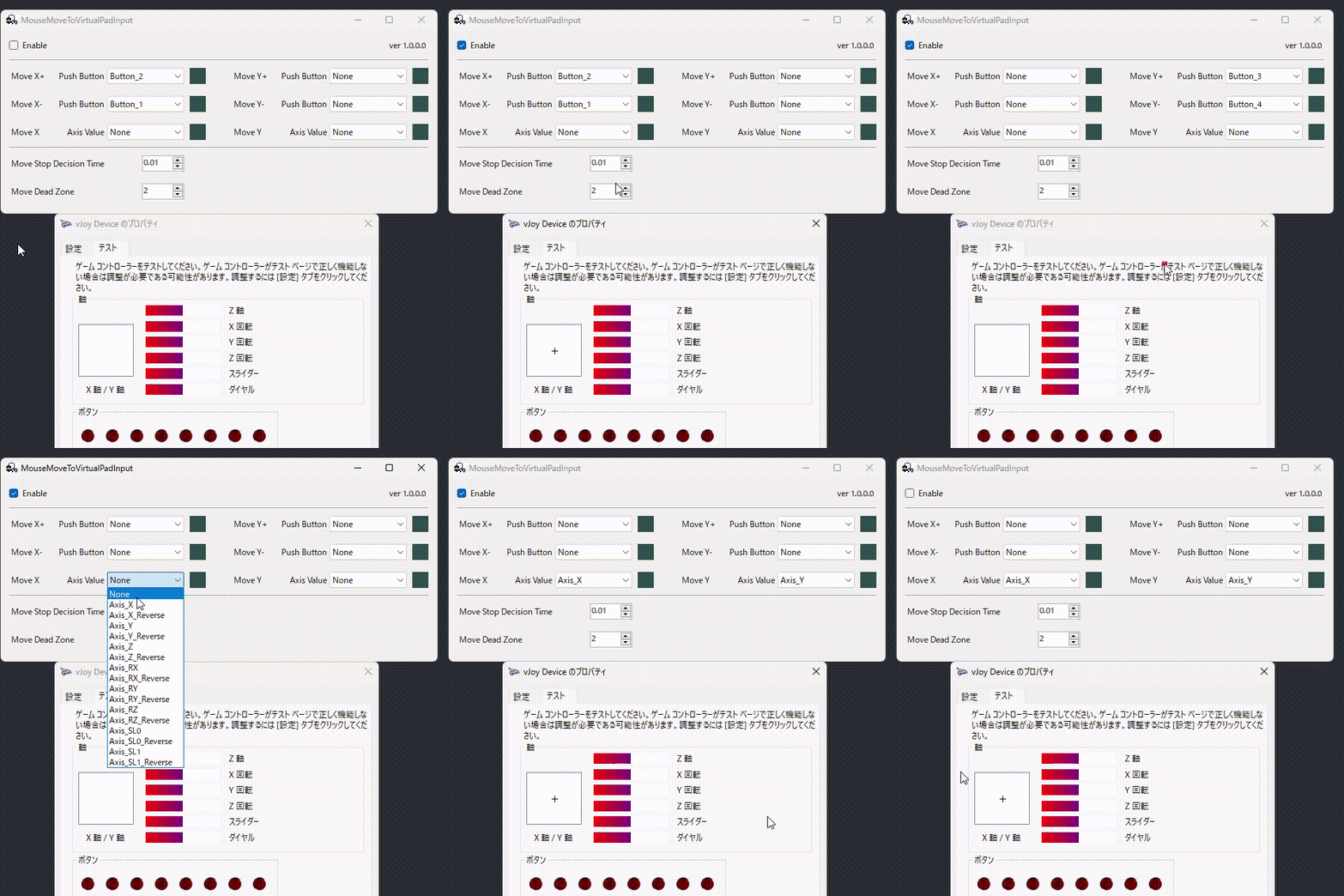
Start the app and select a button or axis for Move X/Y items.
Turn on Enable.
Converts mouse X/Y movement into vJoy button or axis input.
Install vJoy and enable the virtual pad.
Start the app and select a button or axis for Move X/Y items.
Turn on Enable.