

Your terminal. Any browser. Any device.
Your actual running terminal, wherever you are. Connect your machine once, and from then on it's just there — open a browser on any device to check on jobs, keep Claude or Codex going, or start something new.
pockettui.com · Open the app · Live demo






- Your sessions follow you. Open the same running tmux session from your phone, laptop, or another device. Switch between them whenever you want, or keep multiple devices connected at once.
- Independent views on every device. Each connected device gets its own screen size without resizing or detaching the session on your other devices.
- Built for phone. A full terminal (xterm.js) with a touch-first key bar — Esc, Ctrl, Tab, arrows — and tap-to-open for image and video paths printed in the terminal.
- Direct connection. The hosted page is a static shell; your machine's address lives only in your phone's local storage. Terminal traffic does not pass through PocketTUI servers.
Three steps, once.
1. On your computer — run the installer on the machine where your tmux sessions already live:
curl -fsSL https://pockettui.com/install.sh | bashIt fetches the source, builds a venv from requirements.txt, and offers to keep the backend running in the background — a systemd user service on Linux, a launchd agent on macOS. Requires Python ≥ 3.10 and tmux — and if either is missing it provisions them into the install's own environment (via uv or micromamba), without sudo and without touching system packages.
From a clone, if you'd rather see the source first — the installer uses the files next to it instead of downloading anything:
git clone https://github.com/saidwivedi/PocketTUI.git
cd PocketTUI && ./install.sh
Or skip the installer entirely: ./run.sh creates a .venv on first run and starts the server.
2. On your phone — open pockettui.com/app and add it to your home screen (iPhone: Share → Add to Home Screen; Android: Menu → Add to Home screen).
3. Connect — enter your machine's address and the pairing code the installer printed. Any address your phone can reach works; a Tailscale hostname is the easiest way to reach a machine behind NAT. The pairing code is what authenticates the connection — the backend will not start without one. PocketTUI remembers both; tap a session to attach.
Not natively (the backend wraps tmux and Unix PTYs), but it works in WSL2: run the same installer inside WSL and reach it via Tailscale or WSL's mirrored networking mode.
The same web client in its own window, for macOS and Linux. It loads the hosted UI, so it updates itself, and shortcuts a browser keeps for itself (Ctrl+W, Ctrl+T, Ctrl+N, Ctrl+Tab) reach the terminal. Install or update it from a terminal:
curl -fsSL https://pockettui.com/desktop.sh | bashOn macOS this puts PocketTUI.app in /Applications (or ~/Applications) and opens it, with no Gatekeeper prompt; on Linux it installs the AppImage to ~/.local/bin with an app menu entry, no sudo.
Or download a build: pockettui.com picks your OS, and the rest (Intel or Apple silicon .dmg, .zip, arm64 .AppImage, .deb) are at pockettui.com/download, which opens the latest GitHub release. The app is not notarized, so a downloaded .dmg is blocked on first open: System Settings → Privacy & Security → Open Anyway.
In the desktop app the browser pane is a real browser of its own: logins and cookies persist across restarts, and addresses only your machine can reach (its localhost, intranet names) still open, fetched through your machine. Certificates are checked against the system's trust store; on Linux that is NSS, so a private CA (an institute's, say) needs adding there once: certutil -d sql:$HOME/.pki/nssdb -A -t C -n "My CA" -i ca.pem.
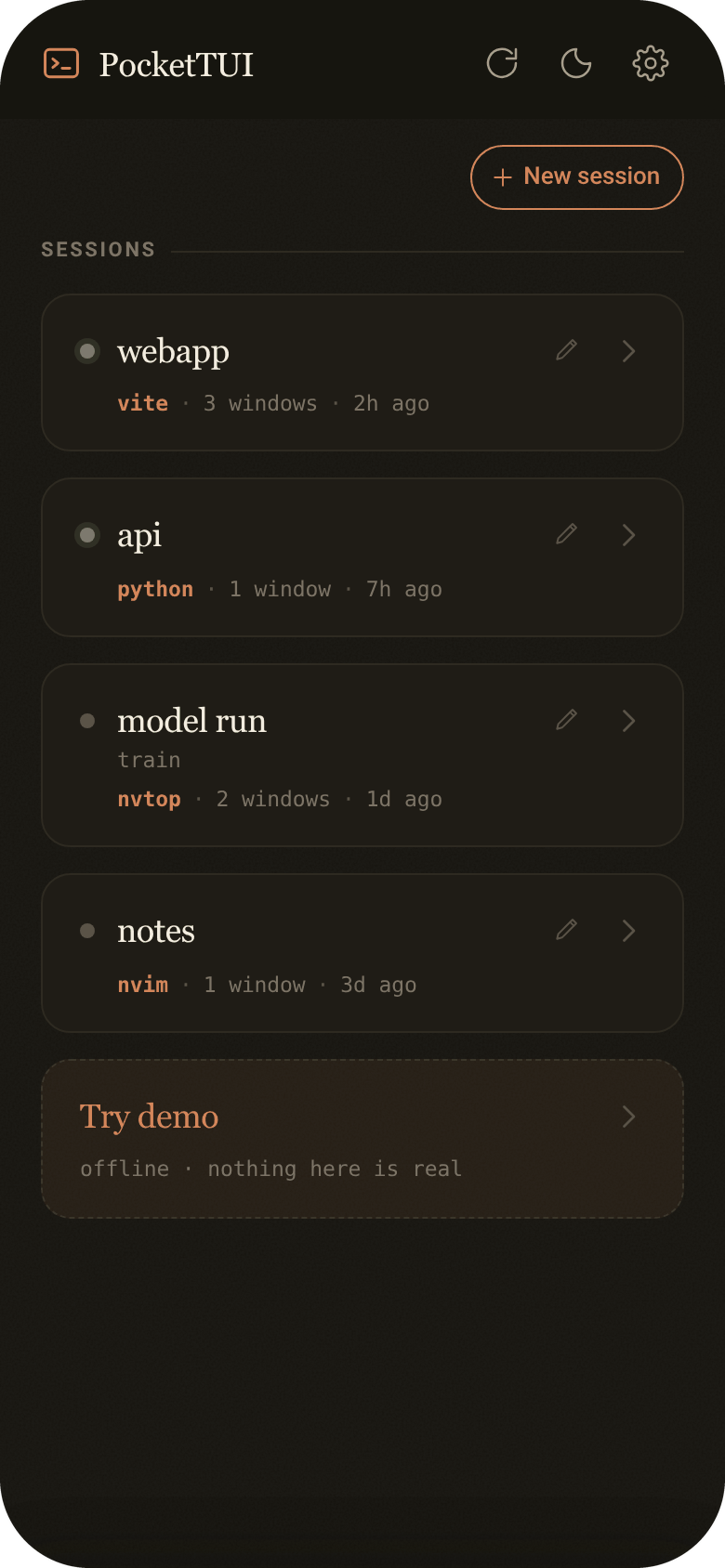
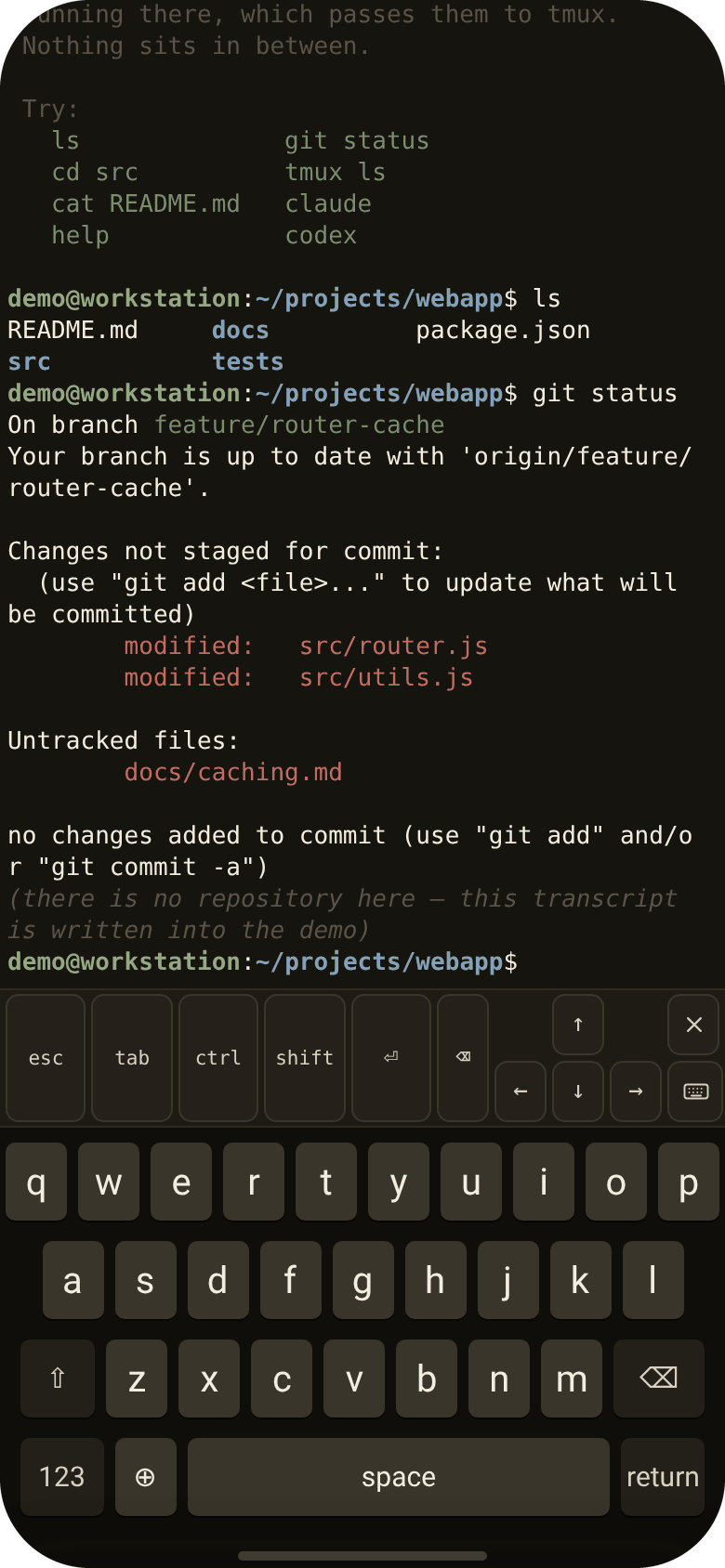
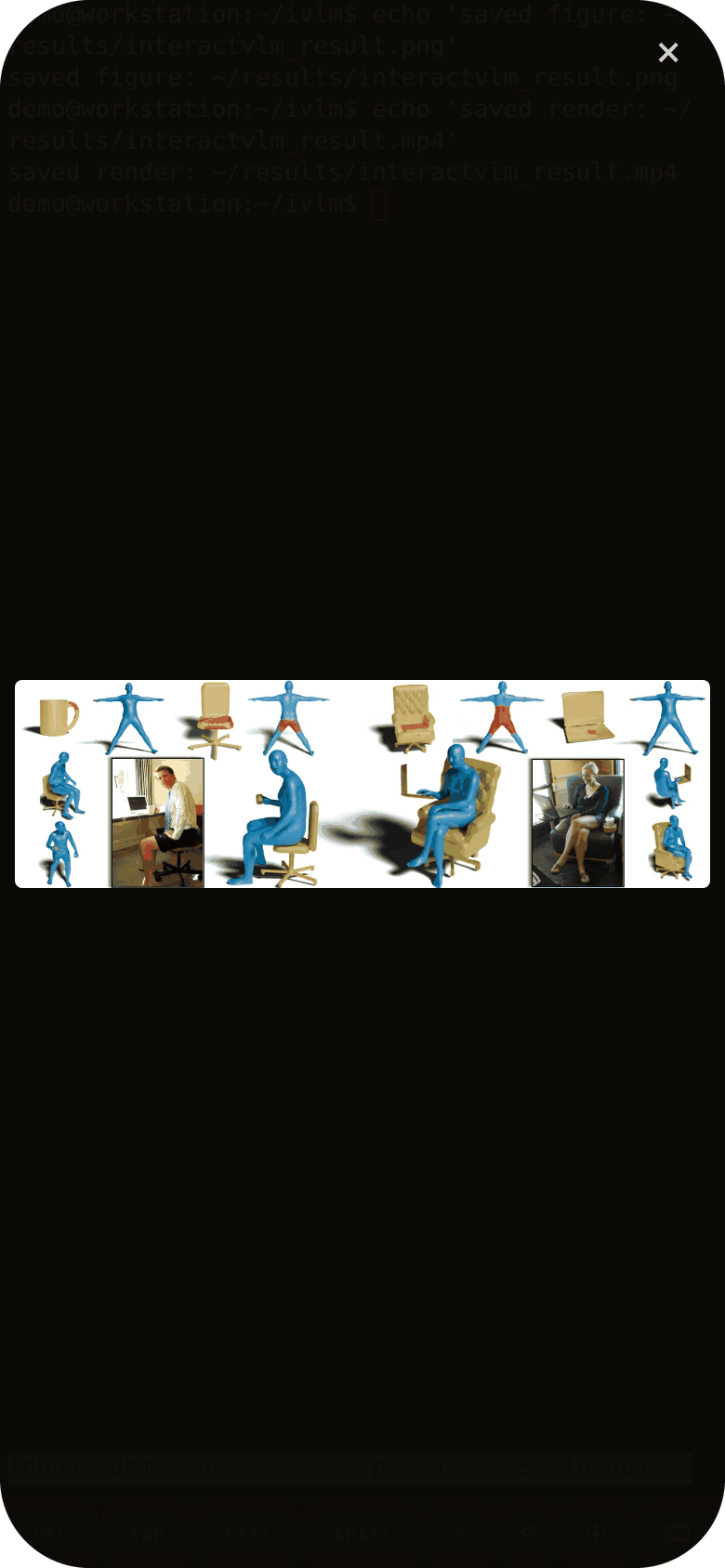
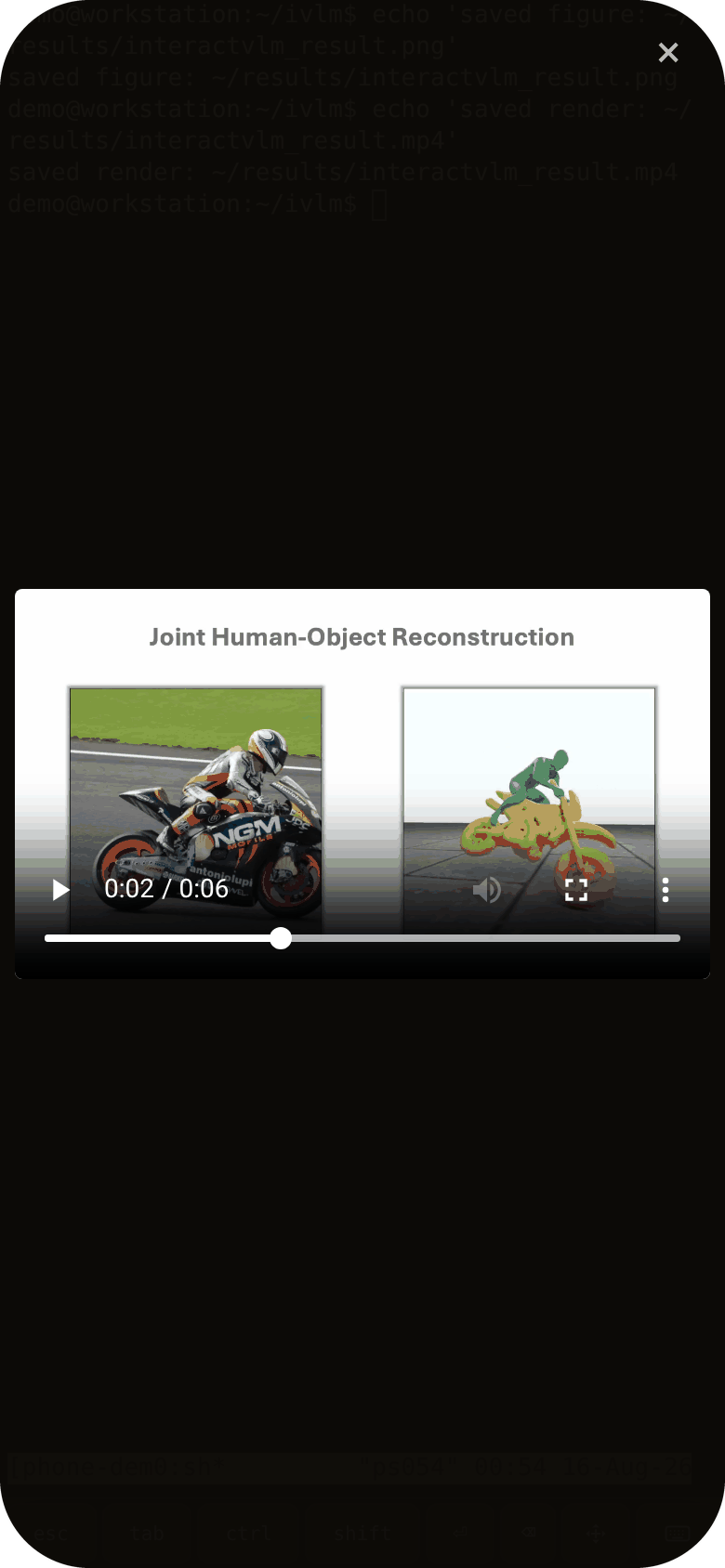
phone (PWA, xterm.js) ⇄ websocket ⇄ app.py (FastAPI, on your machine) ⇄ tmux
The web app at pockettui.com/app is a static shell — it asks for your machine's address on first run and stores it locally. The server (app.py) lists your tmux sessions, attaches through a PTY, and serves tapped image/video files. That's the whole system: one Python file, one HTML file, and tmux doing what tmux does.
Useful environment variables: PORT (default 5560), POCKETTUI_DIR (install dir), POCKETTUI_PATH_REWRITES (src:dst[,src:dst] prefix rewrites for remote-mounted storage whose local mount point differs).
PocketTUI sends a small anonymous usage summary by default and never collects terminal content. The server also sends a random install ID once a day. If you opt in to return-visit counting, PocketTUI additionally stores a random ID in your browser.
By default, PocketTUI collects:
- App and server versions
- Device type
- Session duration
- Session and feature counts
- Country and city
PocketTUI does not collect:
- Terminal text or commands
- Hostnames or paths
- Session names
- Pairing codes
- IP addresses
Usage statistics can be disabled in Settings.
If you opt in, PocketTUI stores a random ID in your browser so we can determine whether the same browser uses PocketTUI again.
The ID contains no personal or terminal information. Turning return-visit counting off deletes it.
Each install of the server gets a random ID, made when you install and kept across updates. Once a day the server sends it to pockettui.com with:
- Server version
- Operating system family (Linux or macOS)
- CPU type
The installer adds the same ID to its download. Country and city are recorded with it; the IP address is not. The ID is random and says nothing about your computer.
To turn this off, set POCKETTUI_NO_PING=1 when you install or update. The installer then leaves a .no_ping file in the install folder, which the server and later updates obey; creating that file yourself does the same.
Usage data is stored in Cloudflare's EU region and deleted after 400 days. The exact fields are in src/mobile/js/45-usage.js, the app code that sends them; the daily check is ping_once in app.py; installer and tarball downloads are counted server-side.
You don't have to use the hosted page: build_mobile.py builds the phone app into a single HTML file you can serve from anywhere (--backend URL bakes your address in).
MIT — free and open source. No account, and your terminal stays on your computer.
Built with xterm.js, CodeMirror and KaTeX. Their licenses and versions are in THIRD_PARTY_NOTICES.md.
Some ideas in PocketTUI were inspired by AgentsServer, T3 Code and herdr.