

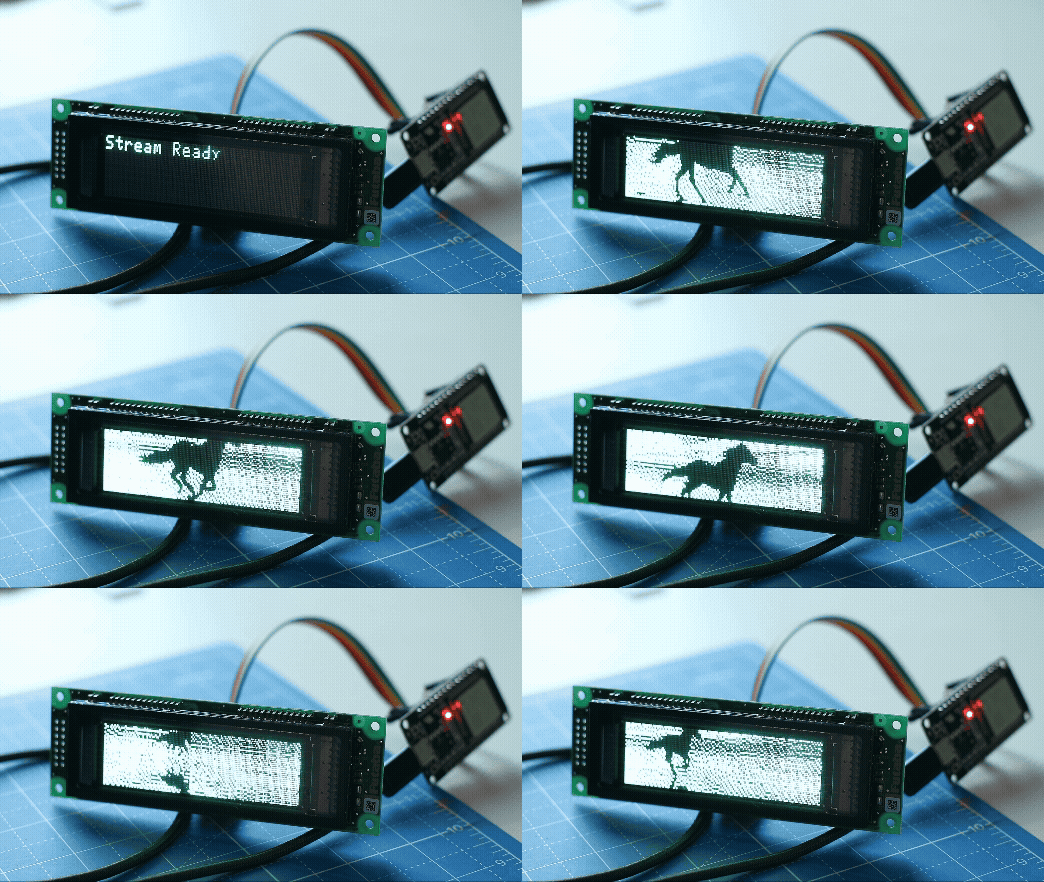
A high-performance Arduino/PlatformIO driver for the Futaba NAGP1250 Vacuum Fluorescent Display (VFD).
This library is a C++ port of the MicroPython driver by Catlin Kintsugi, optimized for speed and hardware flow control.
- High-Speed Graphics: Logic-optimized for streaming animations (circles, lines, boxes).
- Hardware Flow Control: Supports the
SBUSYpin for maximum frame rate without corruption. - Text & Windows: Full support for hardware text layers, windowing, and scrolling.
- Robust SPI: Uses
LSBFIRSTand correct timing to ensure glitch-free operation on ESP32 and other MCUs.
| VFD Pin | ESP32 Pin | Description |
|---|---|---|
| SIN | GPIO 23 | MOSI (Data) |
| CLK | GPIO 18 | SCK (Clock) |
| RES | GPIO 5 | Reset |
| BSY | GPIO 35 | SBUSY (Flow Control) |
| GND | GND | Ground |
| VCC | 5V | Power |
Note: The
SBUSYconnection is highly recommended. If connected, the library automatically detects it and switches to a high-speed polling mode, allowing for smooth 30+ FPS animations. If disconnected, it falls back to safe timing delays (~400µs per byte).
Add to your platformio.ini:
lib_deps =
FutabaNAGP1250#include <FutabaNAGP1250.h>
// Pin Definitions
#define PIN_MOSI 23
#define PIN_SCK 18
#define PIN_RESET 5
#define PIN_SBUSY 35
FutabaNAGP1250 vfd(SPI, PIN_RESET, PIN_SBUSY);
void setup() {
SPI.begin(PIN_SCK, -1, PIN_MOSI, -1);
// Initialize VFD (140x32 resolution)
vfd.begin();
vfd.setLuminance(8); // Max brightness
// Text
vfd.setCursorPosition(0, 0);
vfd.writeText("Hello World!");
// Graphics
std::vector<uint8_t> bitmap(140 * 32 / 8, 0); // Packed buffer
// ... draw to bitmap ...
vfd.displayGraphicImage(bitmap, 140, 32);
}
void loop() {
}For video or fast animations, ensure you connect the SBUSY pin. The library utilizes a tight polling loop to synchronize perfectly with the VFD's processing speed, eliminating buffer overflows and visual corruption while maximizing throughput.
For a high-performance video streaming demonstration (30FPS with compression and dithering), check out the companion project: FutabaNAGP1250_Stream