
Open a repo. Know where to start.
Project details, Git status, and development tools in your terminal.


Install · Try it · Screenshots · Documentation · Releases
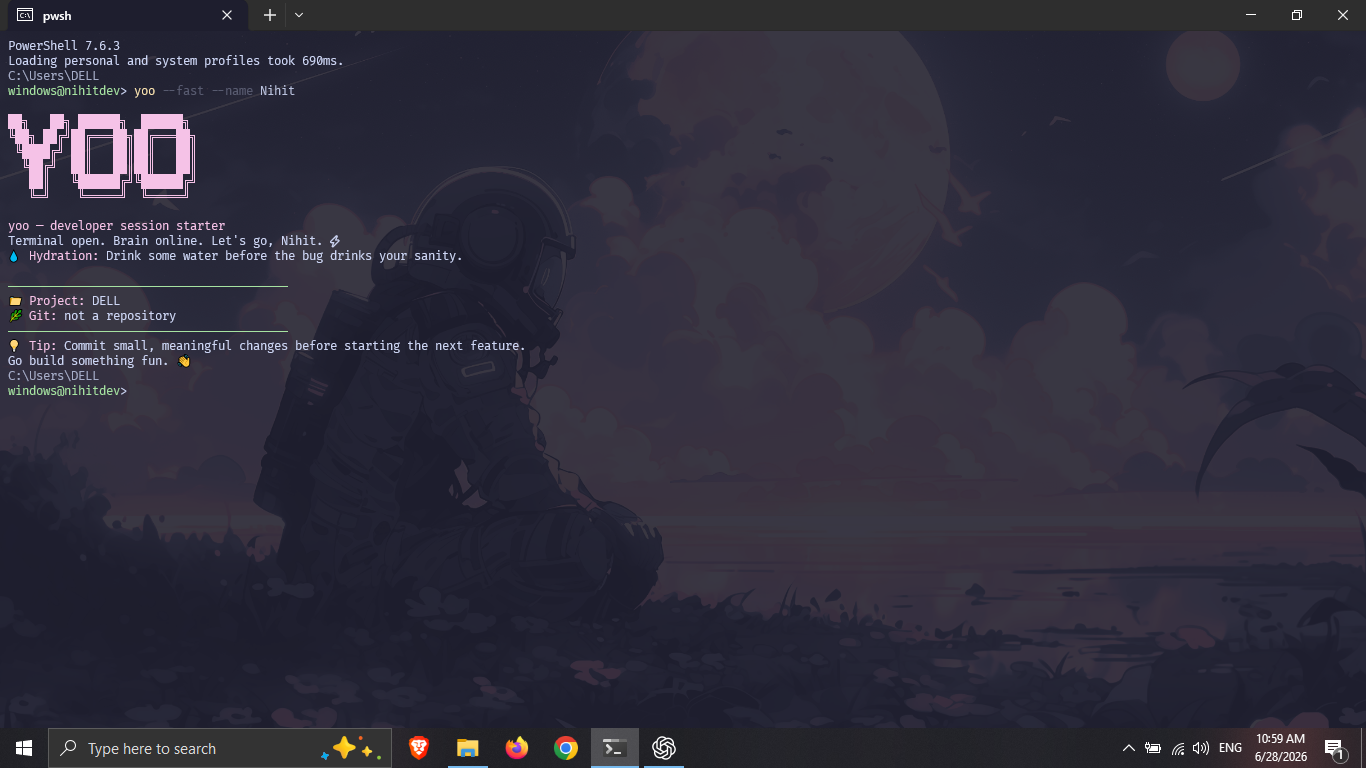
yoo is a local CLI built in Rust for Linux, macOS, and Windows. See the project
you’re in, check its tools, inspect Git changes, save project snapshots, or start
a focus timer. No account, background service, telemetry, or AI connection is
required to use the tool.
Choose one installation method. Use GitHub’s copy button in the top-right corner of each command block.
yay -S yoo-binRequires Rust 1.85 or newer. Use this on other supported Rust targets too.
cargo install yoo --lockedcargo binstall yoopnpm add -g @nihit_dev/yoobun add -g @nihit_dev/yoobrew tap nihitdev/tapbrew install yoowinget install --id Nihitdev.yoo --exactscoop bucket add nihitdev https://github.com/nihitdev/scoop-nihitdevscoop install nihitdev/yoonix run github:nihitdev/yo-cliLinux x86-64 and Apple Silicon macOS; installs to ~/.local/bin.
curl --proto '=https' --tlsv1.2 -LsSf https://yo-cli.vercel.app/yo-setup | shcurl -fsSL https://yo-cli.vercel.app/apt/setup.sh | sudo shsudo apt install yooRequires Node.js 18 or newer. Supports Linux x64, Windows x64, and Apple Silicon macOS. The installer verifies the release checksum before installing.
npm install -g @nihit_dev/yooOther packages, including RPM, APK, XBPS, and Flatpak, are covered in the installation guide. Download release binaries and checksums from GitHub Releases.
Open a terminal in your project directory, then run:
yoo --fastShow the language, package manager, manifest, source counts, and Git state.
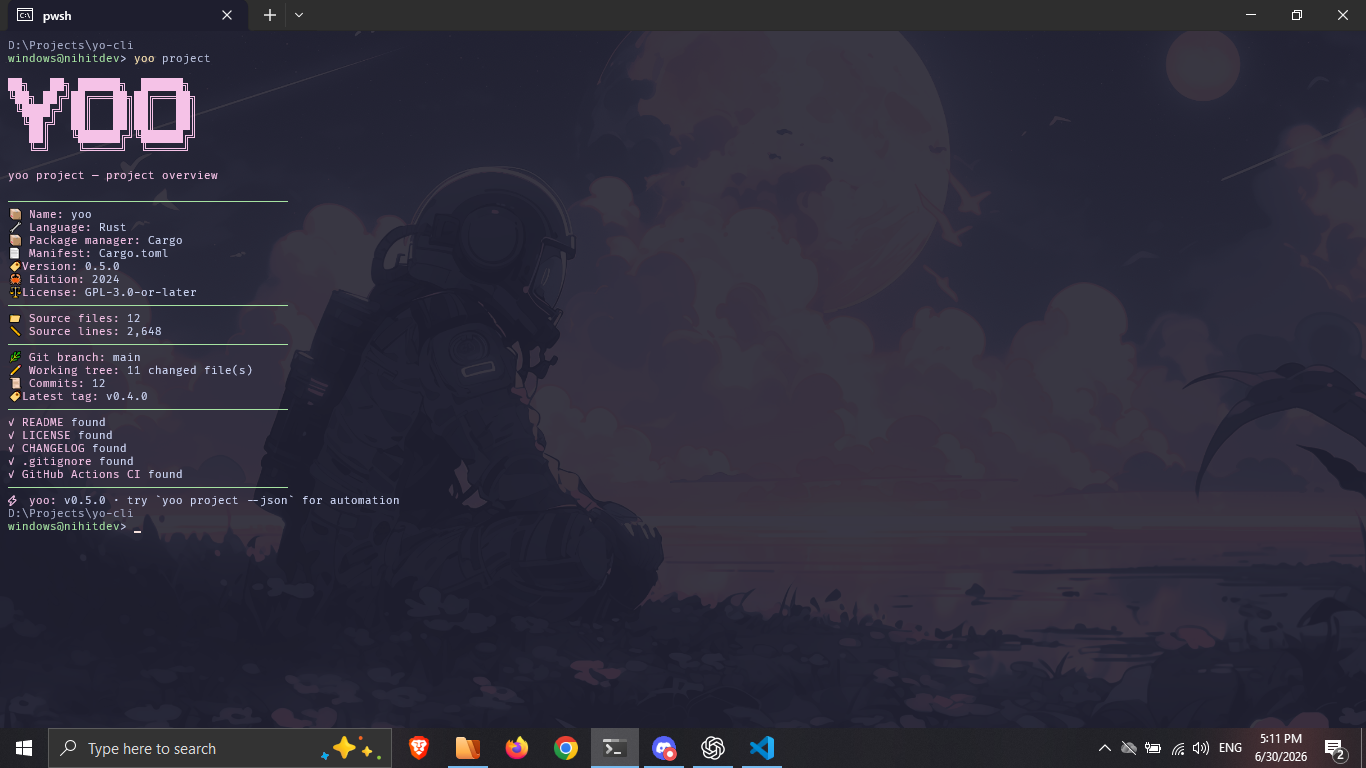
yoo projectCheck the tools that match your project. Optional configuration warnings are shown separately from failures.
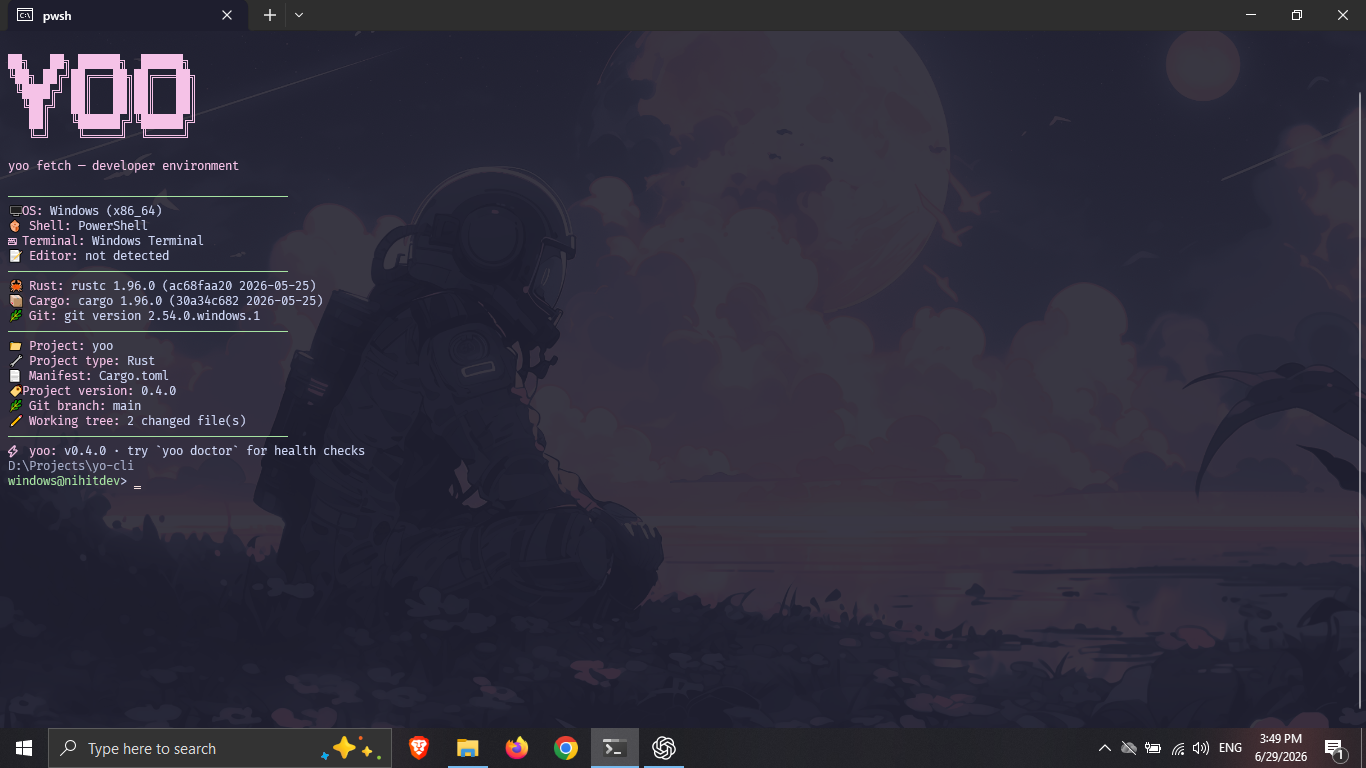
yoo doctoryoo fetchSave a local report before you start working:
yoo snapshotAfter making changes, compare the saved report with the current project:
yoo snapshot compare --currentSnapshots stay in .yoo/snapshots/ and are ignored by Git automatically.
yoo session 25yoo edityoo tip rustyoo project --jsonAll commands, flags, exit codes, and examples →
Real captures of the CLI on Linux, including the tools and Git state detected on the capture machine. Your platform, versions, and warnings will differ.
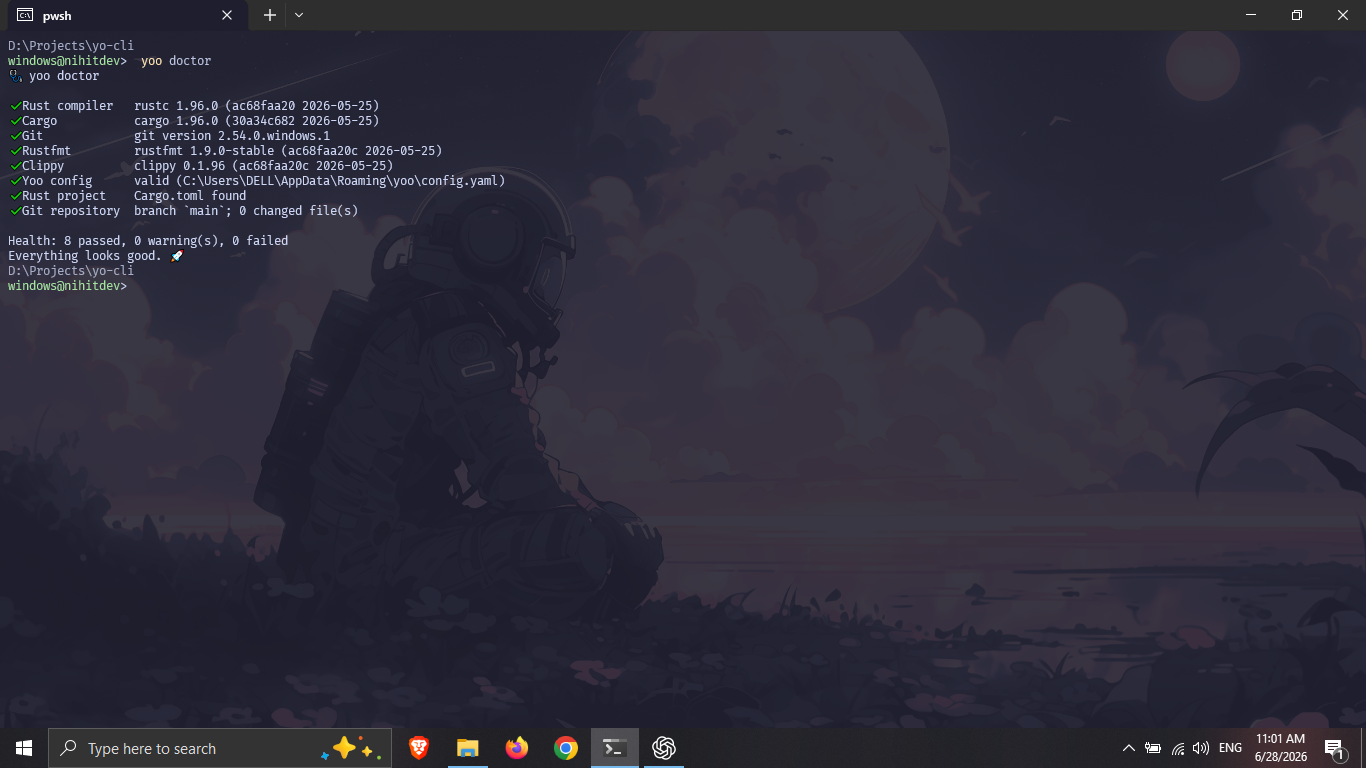
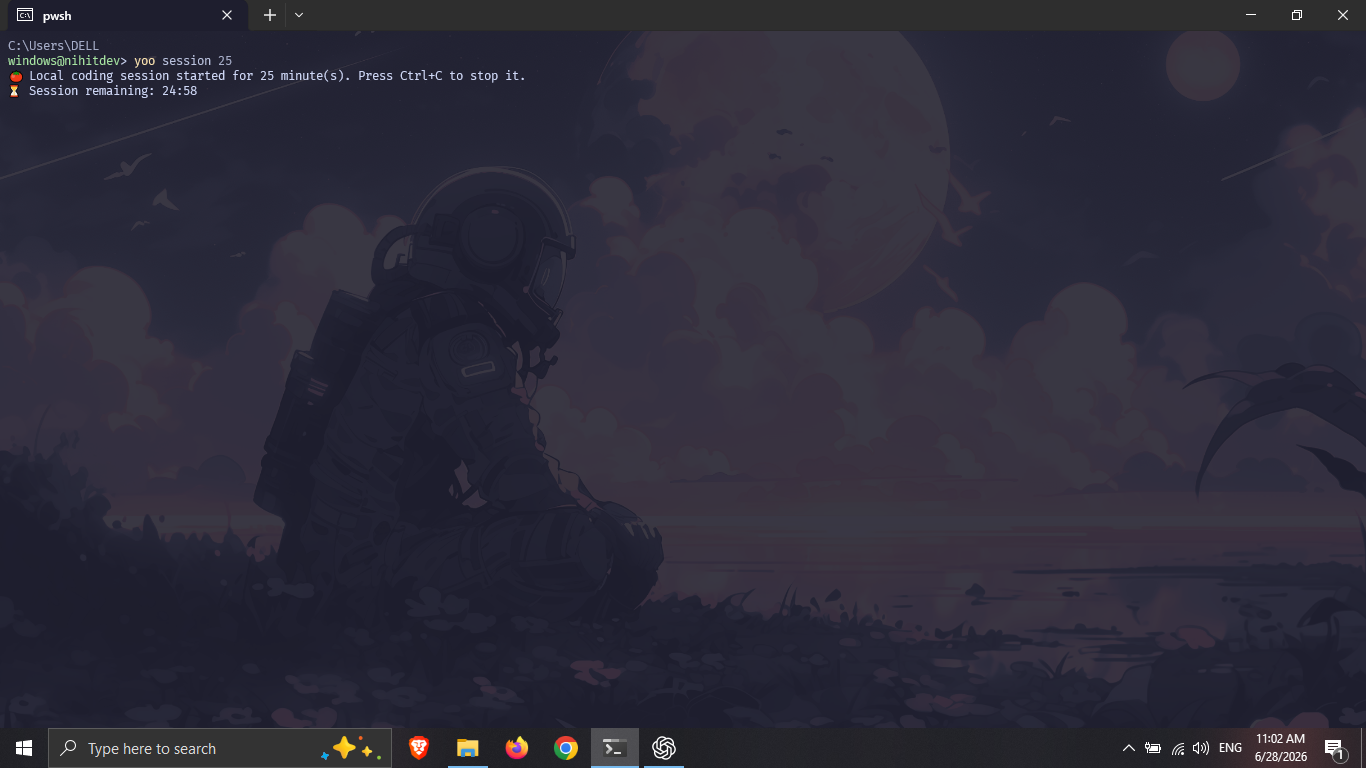
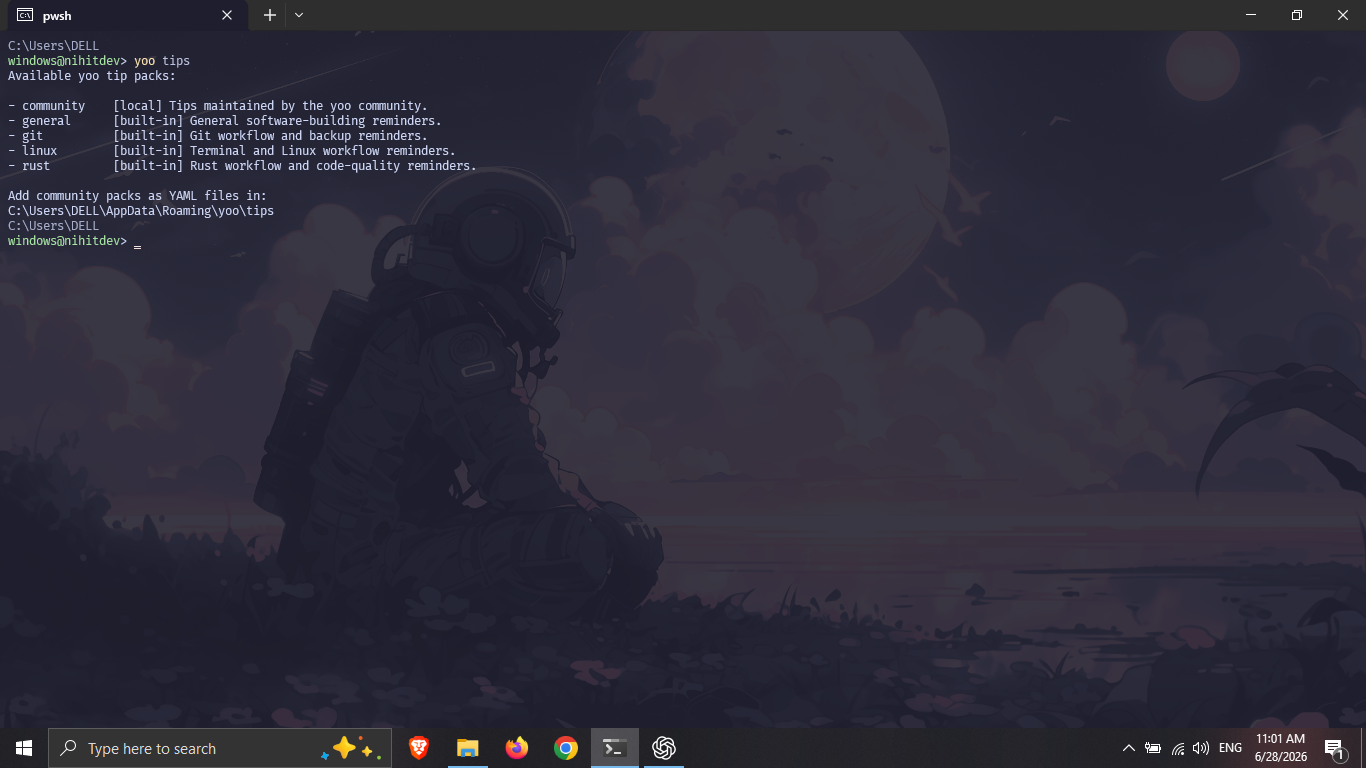
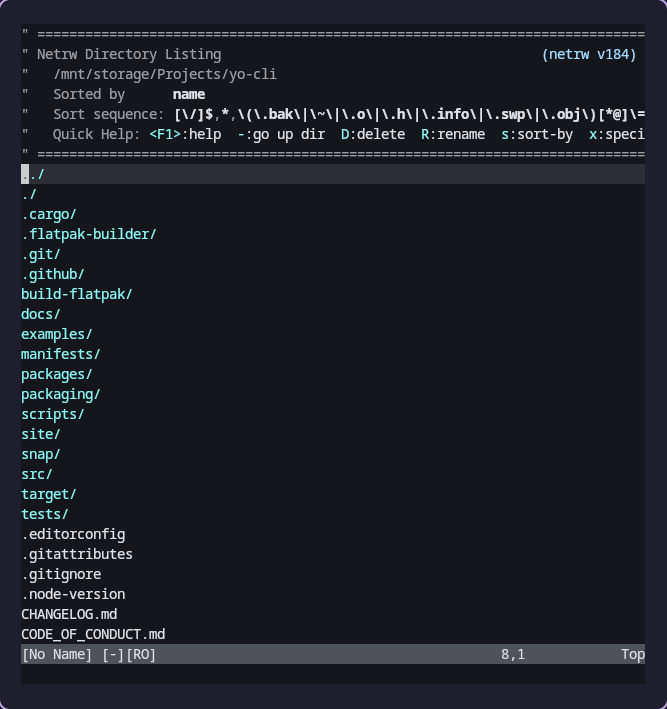
Create your local configuration:
yoo initFind its location:
yoo configTry a theme without changing your configuration:
yoo --fast --theme catppuccinNine themes: neon, ocean, mono, dracula, tokyo-night, gruvbox, nord, rose-pine, catppuccin. Configure your editor, timer, ASCII art, colors, and YAML tip packs in the configuration guide.
Enable completion for your shell using the Bash, Zsh, Fish, and PowerShell instructions.
Rust, Zig, Node.js, Python, Go, Java, Ruby, PHP, Swift, Dart/Flutter, Elixir, C/C++ with CMake, and .NET.
Detection uses manifests in the current directory. Source counts respect ignore rules. In mixed projects, the first matching manifest wins. Detection markers and precedence →
- Command not found? Restart your terminal and check that your package manager’s binary directory is on
PATH. - Missing tools or configuration? Run
yoo doctor. A missing optional configuration file uses defaults. - Unexpected project? Run from the directory containing its manifest. Project paths are not positional arguments.
- Need to check the installed version? Run:
yoo --versionyoo 1.1.3
Installation, updates, and removal · Report a bug
git clone https://github.com/nihitdev/yo-cli.gitcd yo-clicargo build --release --lockedbash scripts/check.shThe check script also needs Node.js 24, Bash, and Git. See Contributing for setup and Code structure for module responsibilities.