

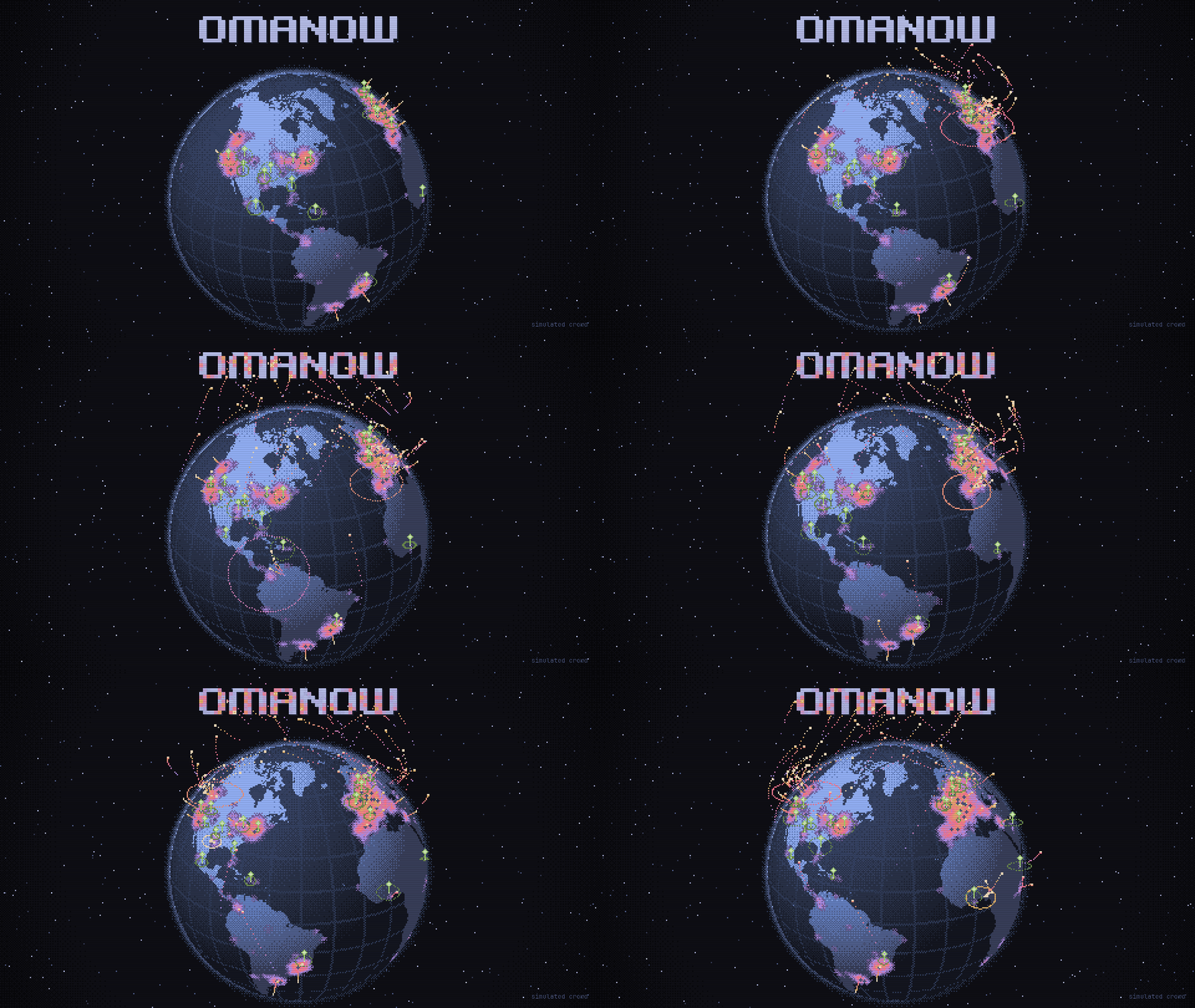
A globe in your omarchy bar that puts your machine on the omanow map while it's online.
Open the map · Source and issues · On the plugin marketplace
omarchy plugin add https://github.com/mark-omarov/omanow-plugin --enable
omarchy bar move io.github.mark-omarov.omanow --after omarchy.indicators
omanow is also listed on the omarchy plugin marketplace.
The globe stays hidden like the indicators. Hover the middle of your bar to find it.
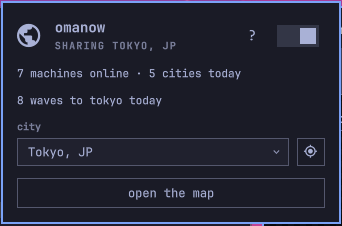
- Click the globe.
- Pick your city, or press the crosshair to use the nearest city from your weather setting or timezone.
- Switch sharing on.
Right-click the globe to open the map in your current omarchy theme.
| Key, with the popup open | Action |
|---|---|
enter or s |
Switch sharing on or off |
l |
Locate |
o |
Open the map |
? |
Show what gets shared |
esc |
Close |
From a script or keybinding:
omarchy-shell omanow toggleSharing
omarchy-shell omanow toggle
To add it to the omarchy menu under Trigger, then Toggle, put this line in ~/.config/omarchy/extensions/omarchy-menu.jsonc:
While sharing is on, the plugin sends the city you picked and a random install id once an hour. The server keeps a hash of the id and deletes it a day after the last check-in, or as soon as you switch sharing off. If the connection drops, the plugin keeps your setting and retries after 1, 2, 4, and up to 30 minutes.
The plugin keeps its settings in ~/.local/state/omanow/state.json, outside your dotfiles.
omarchy plugin remove io.github.mark-omarov.omanow
rm -r ~/.local/state/omanow
Source and issues are at mark-omarov/omanow. This repository is built from it on each release. MIT license.