
This was a project I worked on entirely on my Mac, getting libraries and everything to work to prove I can work Python on this machine was the main goal.
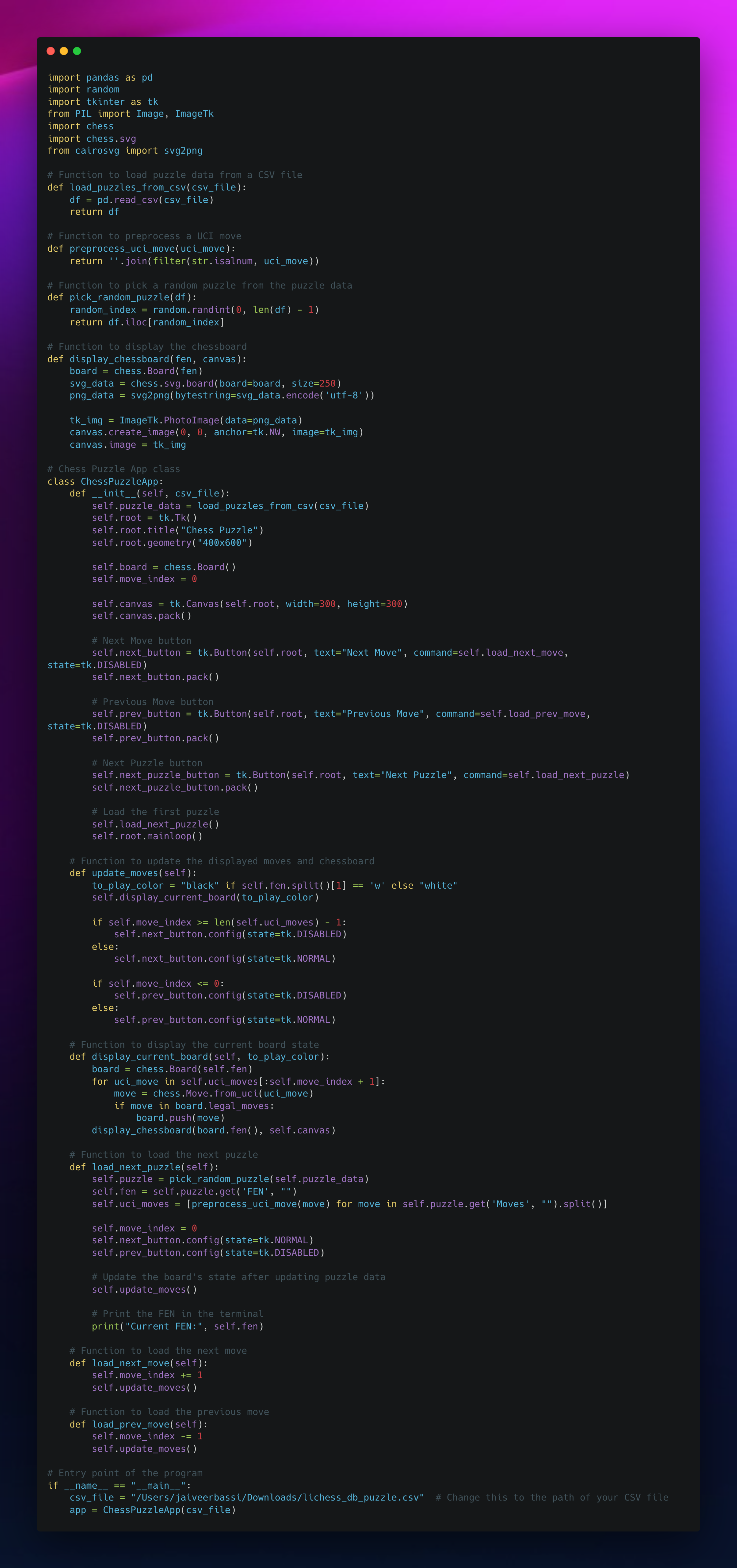
The Chess Puzzle App is a simple interactive application built using Python and the Tkinter library that lets you browse and step through puzzles from the Lichess puzzle database, right from your desktop.
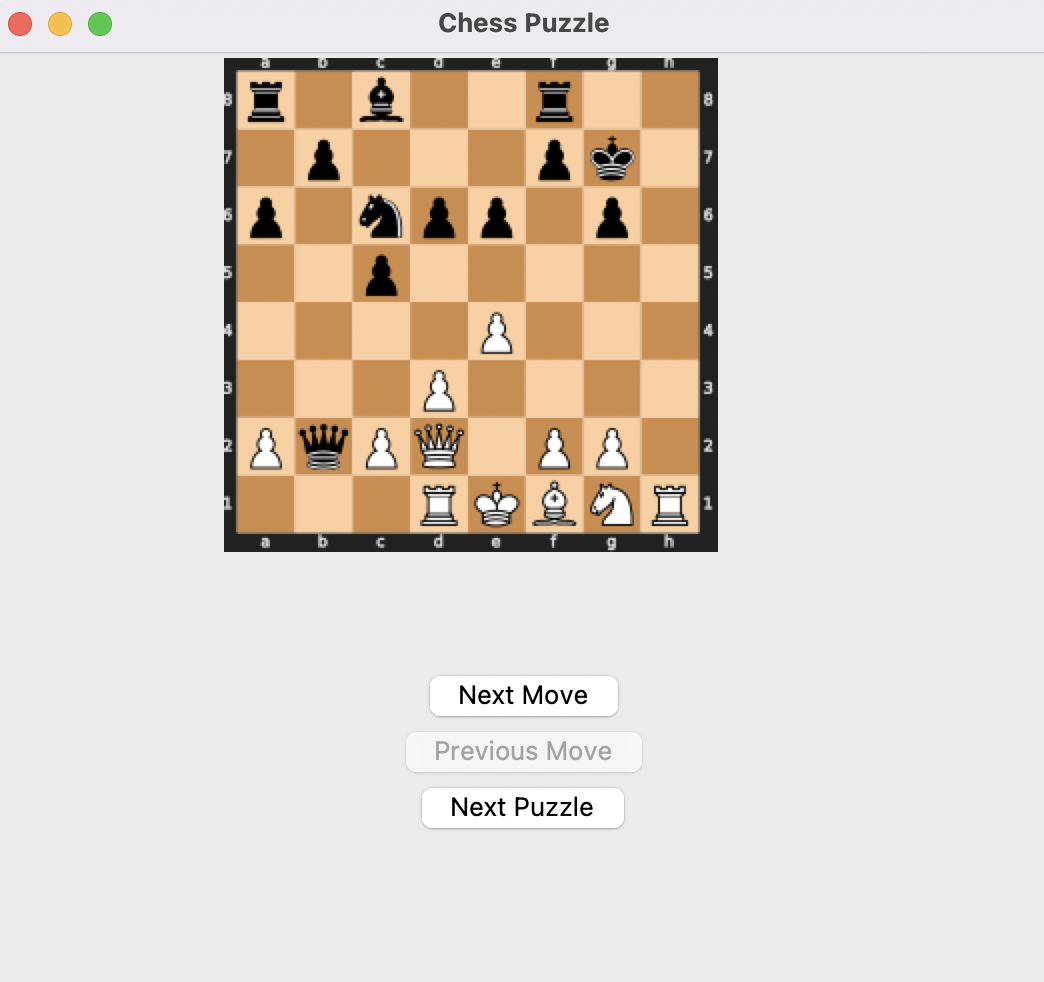
This Python program loads chess puzzles from a CSV file, displays them on a graphical chessboard using tkinter, and enables users to navigate through moves using "Next" and "Previous" buttons. It's a handy tool for practicing and improving chess tactics.
- Loads chess puzzles from the Lichess puzzle database (CSV format).
- Renders the board with
python-chess+cairosvg, so it looks like the real thing. - Step forward/backward through a puzzle's solution move-by-move.
- Shows puzzle rating and themes (e.g.
mateIn2,fork,endgame) for each puzzle. - Tracks how many puzzles you've seen vs. completed in the session.
- Picks a new random puzzle at the click of a button.
- Shows whose move it is (White/Black) and prints the FEN to the console for reference.
- Graceful error message if the puzzle CSV is missing, instead of a crash.
flowchart TD
    A[lichess_db_puzzle.csv] -->|pandas.read_csv| B[ChessPuzzleApp]
    B -->|pick_random_puzzle| C[Random puzzle row: FEN + Moves + Rating + Themes]
    C --> D[chess.Board from FEN]
    D -->|chess.svg.board| E[SVG board]
    E -->|cairosvg.svg2png| F[PNG bytes]
    F -->|ImageTk.PhotoImage| G[Tkinter Canvas]
    G --> H{User clicks}
    H -->|Next Move| I[Push next UCI move onto board]
    H -->|Previous Move| J[Pop back one move]
    H -->|New Puzzle| C
    I --> D
    J --> D
graph LR
    subgraph Repo
        A[chess_puzzle_app.py]
        B[requirements.txt]
        C[lichess_db_puzzle.csv <br/><i>you provide this</i>]
        D[Images/]
    end
    A -->|reads| C
    A -->|depends on| B
-
Clone this repository to your local machine:
git clone https://github.com/imjbassi/Lichess-Puzzle-Python-GUI.git cd Lichess-Puzzle-Python-GUI -
Install the required dependencies:
pip install -r requirements.txt
-
Download the puzzle database from database.lichess.org/#puzzles and decompress it:
- macOS:
brew install zstdthenzstd -d lichess_db_puzzle.csv.zst - Windows: install zstd or use 7-Zip to extract it
- Puzzles are formatted as standard CSV with the fields:
PuzzleId,FEN,Moves,Rating,RatingDeviation,Popularity,NbPlays,Themes,GameUrl,OpeningTags
- macOS:
-
Place the extracted
lichess_db_puzzle.csvin the project folder (or updateCSV_FILEat the top ofchess_puzzle_app.py).
Run the app:
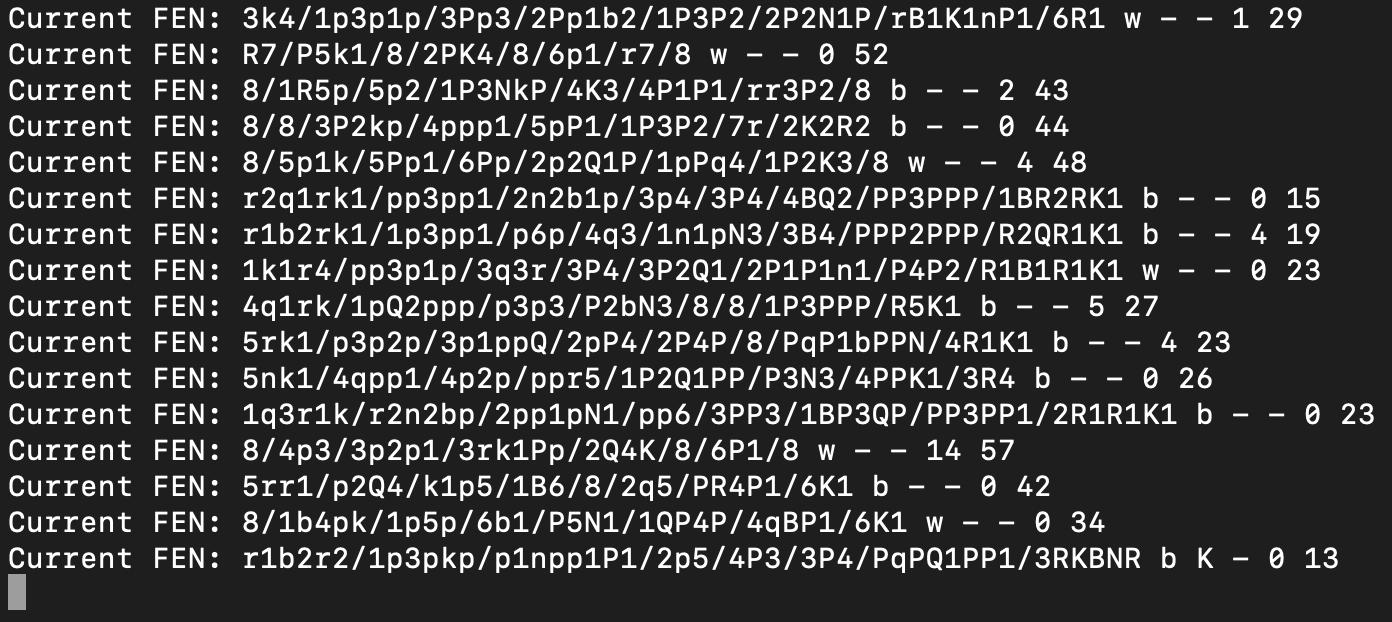
python chess_puzzle_app.pyUse Next >> / << Previous to step through the puzzle's solution moves in the correct board orientation. The rating, themes, and whose turn it is are shown above the board, and the FEN is printed to the console for every new puzzle:
Click New Puzzle at any time to load a different random puzzle from the database.
If you hit trouble with cairocffi or cairosvg:
brew install cairoconda install -c conda-forge cairocffi(this ultimately worked for me)pip install zstandardif you seeImportError: Missing optional dependency 'zstandard'chmod +x lichess_db_puzzle.csvif you seezsh: permission denied: lichess_db_puzzle.csv
cairosvg depends on the Cairo graphics library, and you may see an error that cairo-2 (or a variant) can't be found. To fix it:
- Install GTK for Windows Runtime via MSYS2.
- Add its
bindirectory to your systemPATHenvironment variable. - Restart your terminal and re-run
pip install -r requirements.txt.
If the app can't find lichess_db_puzzle.csv, it now shows a popup instead of crashing — just double check the file is extracted and sitting next to chess_puzzle_app.py, or update the CSV_FILE constant.
See LICENSE.