
Turn your ideas into software. Create projects, work with AI agents, and try what you build.
Start with Glowbom Mobile on iPhone, iPad, or Apple Vision Pro, connected to Glowbom Desktop on your Mac.
Get started with Glowbom Mobile →
Documentation · Report a bug or suggest a feature · Open-source code
This repository is the public home for Glowbom Labs. It hosts product feedback, small apps, and earlier work. Karaoke is the current app example.
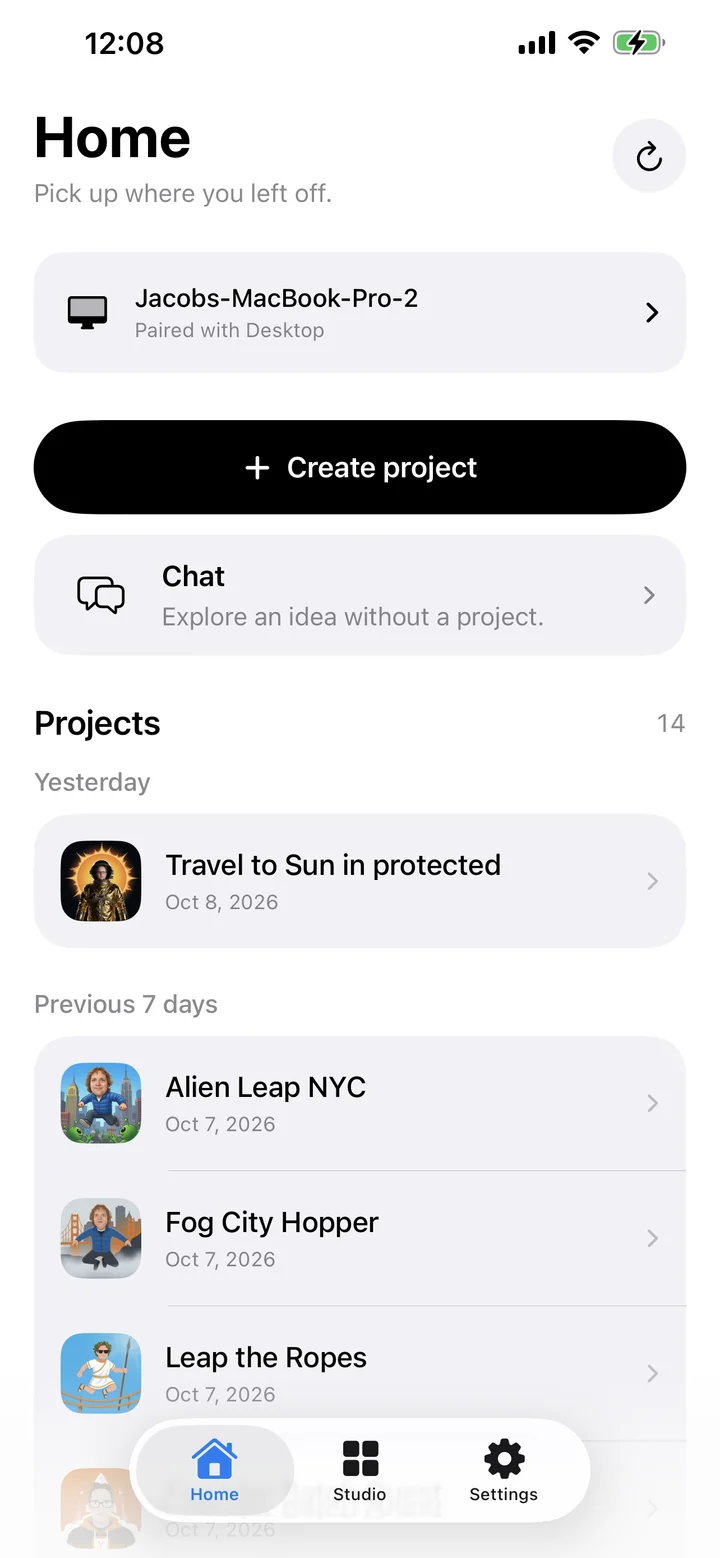
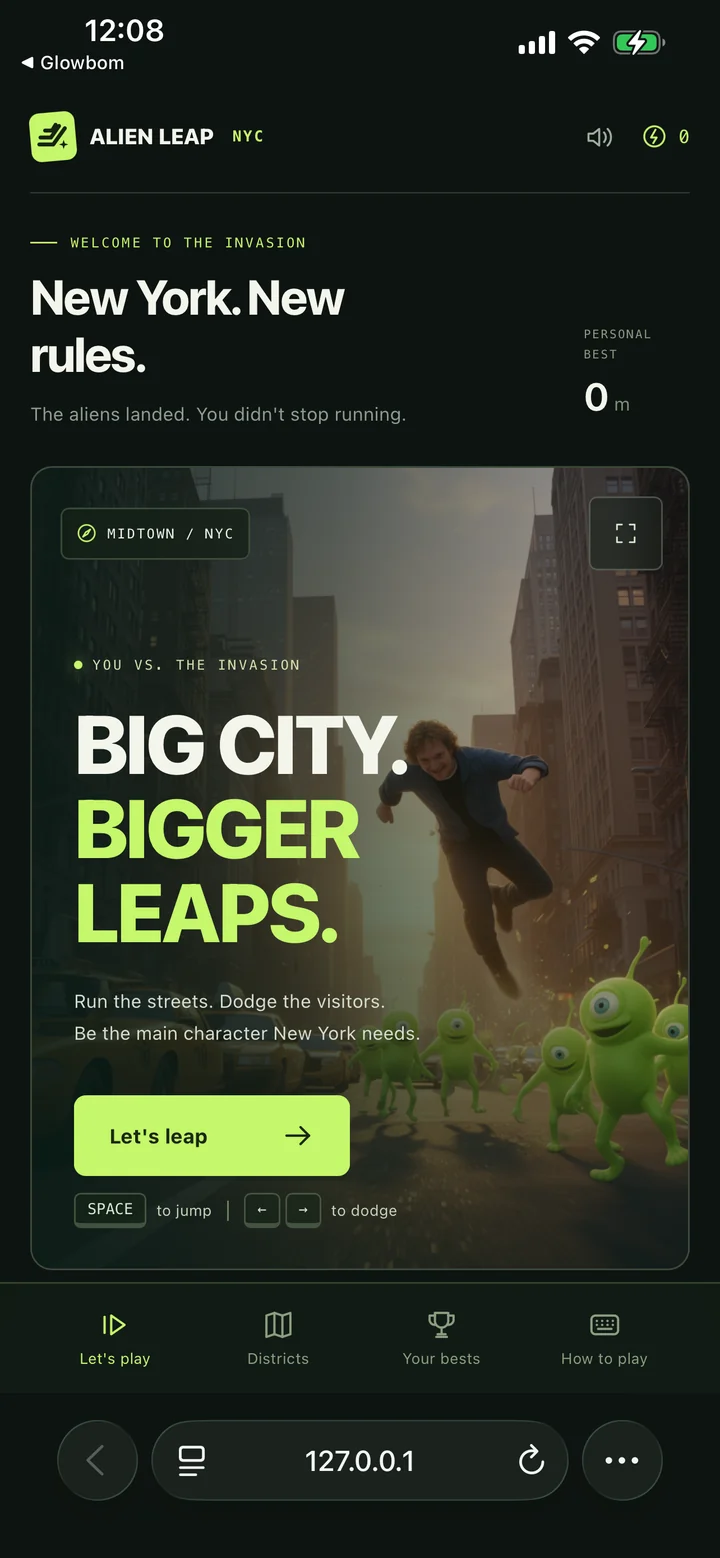
- Get Glowbom Mobile for iPhone, iPad, or Apple Vision Pro through TestFlight.
- Install Glowbom Desktop on your Mac.
- Pair your device, then open or create a project.
Keep Desktop open and your Mac awake on the same Wi-Fi as your device.
Follow builds, preview your app, and read your project notes in Project Book. With Glowbom Tasks, you can send tasks and messages to your agents, share files, and review their work from your device.
| Product | Where to start |
|---|---|
| Mobile and Vision Pro | Work with your Mac projects from your device. |
| Desktop for Mac | Create projects and work with your local coding agents. |
| Web | Draw an idea in your browser. |
| OSS | Run the open backend, CLI, and Agent + Buzz browser interface locally. |
Glowbom OSS works without Desktop or a Glowbom account for local coding. Desktop and the companion apps are separate products; their full interfaces are not included in the OSS repository.
This is the shared issue tracker for Glowbom. You can report problems or suggest improvements for Mobile, Vision Pro, Desktop, Web, OSS, and the apps in this repository.
Browse existing issues or open a new issue. Choose the product and include its version and your device when you can. Reports are public, so leave out passwords, API keys, pairing codes, and private account details.
We also share small tools that we build for our own work. Browse the apps folder, including Karaoke, a tool for working with audio, lyrics, and timing.
The archive preserves earlier guides, demos, videos, and experiments. These describe previous versions of Glowbom. For current setup and features, use the documentation.