
Install Tern and Git on the machine that runs the Tern daemon. The plugin runs inside Tern on macOS and Linux.
With a Tern window open, run:
tern plugin install github.com/deLiseLINO/tern-todo
tern plugin list
Check that todo-proto is ready and that the window shows no plugin errors.
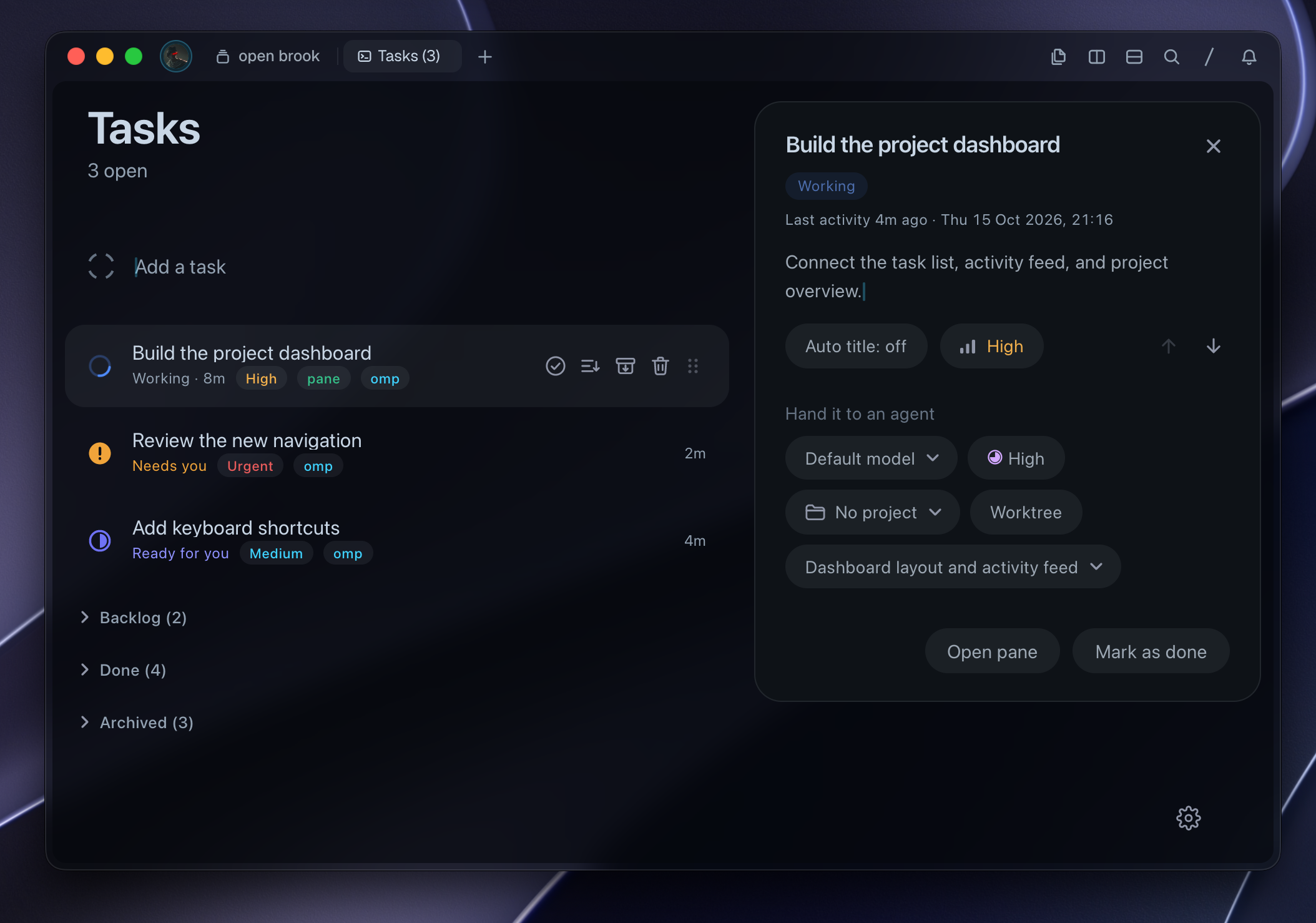
In the command palette, run Todo: open tasks. Or run this command from a terminal in that window:
tern ctl plugins run plugin.todo-proto.openOn the first launch, the plugin creates ~/todos.todo.json. Later launches use the last selected task file on that host.
tern plugin install github.com/deLiseLINO/tern-todo --force
tern plugin list
Task files and settings stay intact. If you previously linked a development checkout, run tern plugin unlink todo-proto before installing.
Run the installation commands on each remote host that runs Tern. Switch the Tern window to that host, then run Todo: open tasks.
For automatic installation on connected hosts, enable Todo: automatic installation on remote hosts in the local window's command palette. This installs missing copies only. Update existing copies manually.