

Unofficial fork



HARFANG®3D is an all-in-one 3D visualization library usable in C++, Lua, Squirrel and Python. This fork ships validated Lua and Squirrel runtimes. CPython build support remains present in-tree, but is not guaranteed in recent builds.
HARFANG®3D is an easy-to-adapt, cross-platform, multi-language, powerful and optimized solution to integrate with embedded systems, into existing environments and combining features to meet the industrial standards of real-time 3D imaging.
The HARFANG®3D architecture makes it easy to meet the requirements for hardware integration, display performance and security.
HARFANG®3D is written in C++ and is based on the open-source bgfx library supporting Vulkan, Metal, DirectX (from 9 to 12), OpenGL and OpenGL ES. It Builds on Windows, Linux, Intel and ARM.
Platforms supported
- Win32 and Win64 Intel
- Linux 64 Intel
- Aarch 64 ARM
Scene API
- Node & component based
- Performance oriented
Rendering pipeline
- Low-spec PBR rendering pipeline
- High-spec 'AAA' rendering pipeline (screen space GI & reflection)
- Support of user pipeline shaders
VR API
- XR support via OpenXR
- VR support via OpenVR/SteamVR including Eye tracking (SRanipal)
- Tested with the HTC Vive/Vive Pro, Valve Index, Lenovo Explorer, Oculus Rift S, Oculus Quest 2, Varjo XR-3
Physics API
- Selectable Bullet 3 or Tau scene-physics backend through the common
ScenePhysicsAPI - Rigid bodies, collisions, mechanical constraints, ray casting and continuous collision detection
- Primitive and mesh collision geometry with BVH-accelerated queries
Audio API
- Play/stream WAV/OGG formats
- Stream MOD/XM/S3M/IT modules through the XMP audio plugin
- 3D audio spatialization
Languages supported
- C++
- Lua (5.4)
- Squirrel (3.2+,
hg_squirrelruntime and launcher support) - Python (CPython, build support present but not guaranteed in recent builds)
- Go (1+, experimental)
Binding status notes
- Squirrel support is available in this fork through
HG_BUILD_HG_SQUIRREL, thehg_squirrelpackage, and thehg_squirrel/launcher_squirrelexecutables. - Squirrel currently supports host-side scripting; embedded scene scripting remains Lua-only.
- Python support still exists in-tree through
HG_BUILD_HG_PYTHON, but recent builds may fail or may not ship validated Python artifacts depending on platform and branch state.
Version 3.3.0 adds an experimental Tau rigid-body backend alongside Bullet 3, a backend-neutral ScenePhysics API, Squirrel 3.2+ bindings and packaged-application launchers for Lua and Squirrel. It also brings improved HiDPI handling, configurable spotlight shadow ranges, compositing shader parameters, XMP module audio streaming, an optional FFmpeg video plugin, static HTML API documentation, and an expanded multi-language tutorial suite.
See the 3.3.0 release notes for details and compatibility notes.
The following screenshots were captured on a 1080GTX in 1080P running at 60FPS.
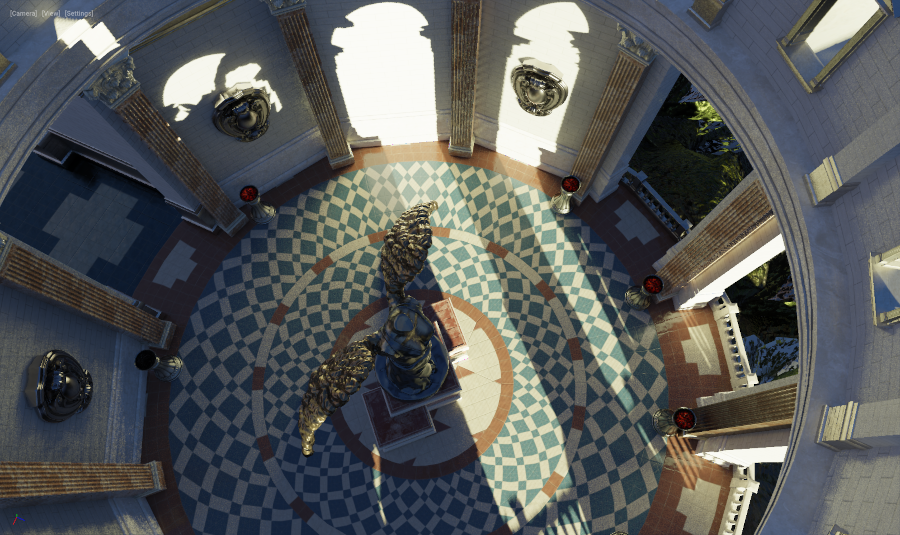
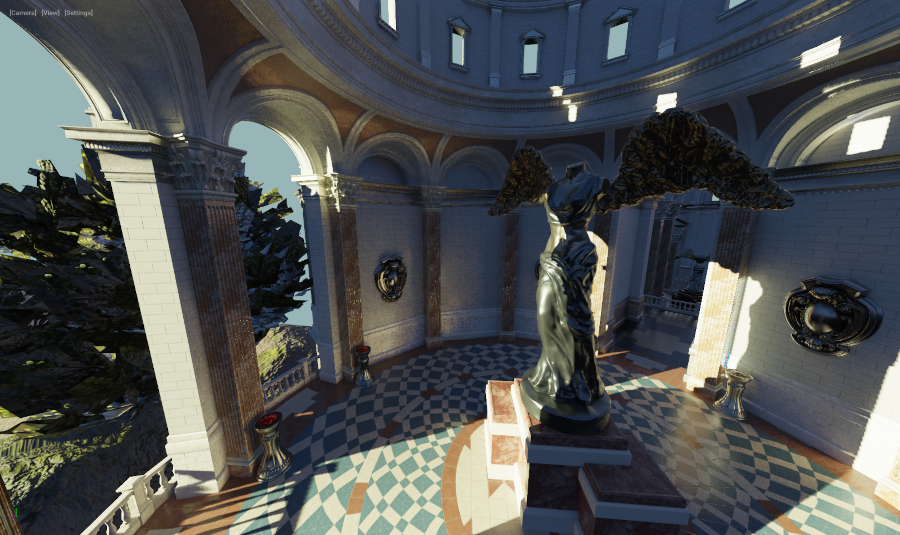
(Sun Temple, courtesy of the Open Research Content Archive (ORCA))
You can download upstream HARFANG binaries from the official website: https://dev.harfang3d.com/releases
To use the 3.3.0 features from this unofficial fork, build the SDK from source as described below.
- Git
- CMake 3.16.2+
- CPython 3.2+
- Go 1+ (for Harfang Go module)
- Doxygen (for Harfang C++ SDK documentation)
- Autodesk FBX SDK (for FBX Converter)
- Visual Studio 2019 (C++ compiler and IDE)
- MinGW (for Harfang Go module)
- GCC 9 or above
- CLang
-
Clone the
Harfang 3Drepository including its remaining submodules.git clone --recursive -j8 https://github.com/astrofra/harfang3d.git cd harfang3dThe BGFX stack (
extern/bgfx/bgfx,extern/bgfx/bimg,extern/bgfx/bx) is vendored directly in-tree; seeextern/bgfx/VENDORED.md. -
Create build directory. Note that the described directory layout is not mandatory.
mkdir build cd build -
Clone Harfang's Fabgen fork.
git clone https://github.com/astrofra/FABGen.git -
Download and install Autodesk FBX SDK.
-
Create a directory that will hold the build system generated by CMake.
mkdir cmake cd cmake -
Generate the build system using CMake. For example, on Windows it will be:
cmake ../.. -G "Visual Studio 16 2019" -A x64 \ -DCMAKE_INSTALL_PREFIX:PATH="D:/harfang/build/install" \ -DPYTHON_EXECUTABLE:FILEPATH="C:/Python36/python.exe" \ -DHG_FABGEN_PATH:PATH="D:/harfang/build/fabgen" \ -DHG_FBX_SDK:PATH="D:/fbx_sdk"CMAKE_INSTALL_PREFIXspecifies the directory where the Harfang SDK will installed.PYTHON_EXECUTABLEis the path the Python 3 interpreter.HG_FABGEN_PATHis the path to the Fabgen binding generator.HG_FBX_SDKis the path to Autodesk FBX SDK.
Here is the list of available CMake options.- C++ SDK
HG_BUILD_CPP_SDK: Build C++ SDK (default: OFF).HG_BUILD_TESTS: Build C++ SDK unit tests (default: OFF).HG_BUILD_DOCS: Build API and C++ SDK documentations (default: OFF).HG_BUILD_STATIC_DOCS: Build the static HTML documentation (default: OFF).HG_SCENE_PHYSICS_BACKEND: Selectauto,none,bullet, ortau(default:auto, which selects Bullet while its legacy option is enabled).HG_ENABLE_BULLET3_SCENE_PHYSICS: Enable Bullet physics forautobackend selection (default: ON).HG_ENABLE_XMP_AUDIO: Enable the MOD/XM/S3M/IT audio streamer plugin (default: ON).HG_ENABLE_RECAST_DETOUR_API: Enable Recast/Detour navigation mesh and path finding API (default: ON).HG_ENABLE_OPENVR_API: Enable OpenVR API (default: OFF).HG_ENABLE_OPENXR_API: Enable OpenXR API (default: OFF).HG_ENABLE_SRANIPAL_API: Enable VIVE Eye and Facial Tracking SDK (SRanipal) API (default: OFF).
- Tools
HG_BUILD_ASSETC: Build AssetC asset compiler (default: ON).HG_BUILD_ASSIMP_CONVERTER: Build Assimp based 3D model converter (default: ON).HG_BUILD_FBX_CONVERTER: Build FBX converter (default: ON).HG_BUILD_GLTF_IMPORTER: Build GLTF importer (default: ON).HG_BUILD_GLTF_EXPORTER: Build GLTF exporter (default: ON).HG_BUILD_LEGACY_ARCHIVE: Build the legacy GSA/NAC archive tool (default: ON).HG_BUILD_FFMPEG_PLUGIN: Build the optional FFmpeg video stream plugin (default: OFF).
- Bindings
HG_BUILD_HG_LUA: Build Harfang Lua module and application launchers (default: OFF).HG_BUILD_HG_SQUIRREL: Build Harfang Squirrel extension and launcher package (default: OFF).HG_BUILD_HG_PYTHON: Build Harfang Python module (wheel) (default: OFF, recent builds not guaranteed).HG_BUILD_HG_GO: Build Harfang GO module (default: OFF).
- Validation
HG_BUILD_LAUNCHER_TESTS: Build Lua and Squirrel launcher regression tests (default: OFF).
-
Build the SDK.
cmake --build . --config Release --target INSTALLNote: On Linux you will need to explicitly specify the build type with
-DCMAKE_BUILD_TYPE=ReleaseDepending on the set of option passed to CMake the install directory will contain the following subdirectories:
cppsdk: Harfang C++ SDK.hg_python: Harfang Python module.hg_lua: Harfang LUA module.hg_squirrel: Harfang Squirrel runtime, native module and launchers.hg_go: Harfang Go module.assetc: Asset compiler.assimp_converter: Assimp 3D model converter.fbx_converter: FBX converter.gltf_importer: GLTF importer.gltf_exporter: GLTF exporter.
-
Install the CMakeTools extension.
-
Copy the
harfang/.vscode/template_settings.jsonfile toharfang/.vscode/settings.jsonand edit it to reflect your local installation. -
Open the
harfangfolder in Visual Studio Code. CMakeTools should succesfully configure the project.
The Harfang C++ SDK directory cppsdk contains the following:
bin: depending on the configuration used, this directory contains either aReleaseorDebugsubdirectory with all the shared libraries.lib: like thebindirectory, it contains a subdirectories named after the configuration used during build (ReleaseorDebug) with all the generated static libraries.include: contains all the C++ include files of Harfang public API.cmake: contains the CMake configuration files.
To add the Harfang C++ SDK to your CMake project, just add the following to the CMakeLists.txt file:
find_package(harfang REQUIRED
    COMPONENTS cppsdk
    PATHS ${HG_CPPSDK_PATH}
    NO_DEFAULT_PATH
)
with HG_CPPSDK_PATH the path to the cppsdk directory. For example, if we follow the directory layout given above, it will be D:/harfang/build/install/cppsdk.
Targets should link against the following libraries.
hg::enginehg::foundationhg::platformhg::libluadll
The install_cppsdk_dependencies function installs the Harfang C++ SDK shared libraries dependencies.
install_cppsdk_dependencies(destination component)destination: is the library where the shared libraries will be installed.component: installation component name.
The current source-tree version is 3.3.0. See the release notes for the changes since 3.2.7.
Harfang follows the Semantic Versioning Specification (SemVer) (http://semver.org).
Given a version number MAJOR.MINOR.PATCH, increment the:
- MAJOR version when you make incompatible API changes,
- MINOR version when you add functionality in a backwards-compatible manner, and
- PATCH version when you make backwards-compatible bug fixes.
Harfang is licensed under the GPLv3, LGPLv3 and a commercial license:
https://www.harfang3d.com/license
By contributing your code to HARFANG you grant the HARFANG3D organization a non-exclusive, irrevocable, worldwide, royalty-free, sublicenseable, transferable license under all of Your relevant intellectual property rights (including copyright, patent, and any other rights), to use, copy, prepare derivative works of, distribute and publicly perform and display the Contributions on any licensing terms, including without limitation: (a) open source licenses like the MIT license; and (b) binary, proprietary, or commercial licenses. Except for the licenses granted herein, You reserve all right, title, and interest in and to the Contribution.
You confirm that you are able to grant us these rights. You represent that You are legally entitled to grant the above license. If Your employer has rights to intellectual property that You create, You represent that You have received permission to make the Contributions on behalf of that employer, or that Your employer has waived such rights for the Contributions.
You represent that the Contributions are Your original works of authorship, and to Your knowledge, no other person claims, or has the right to claim, any right in any invention or patent related to the Contributions. You also represent that You are not legally obligated, whether by entering into an agreement or otherwise, in any way that conflicts with the terms of this license.
The HARFANG3D organization acknowledges that, except as explicitly described in this Agreement, any Contribution which you provide is on an "AS IS" BASIS, WITHOUT WARRANTIES OR CONDITIONS OF ANY KIND, EITHER EXPRESS OR IMPLIED, INCLUDING, WITHOUT LIMITATION, ANY WARRANTIES OR CONDITIONS OF TITLE, NON-INFRINGEMENT, MERCHANTABILITY, OR FITNESS FOR A PARTICULAR PURPOSE.
There are numerous ways to help Harfang grow its community:
- Give the repository a Star ⭐
- Purchase a license of Harfang Studio
- Subscribe to Harfang Youtube channel
- Follow us on Twitter
- Leave a Comment/Like on Alternative To
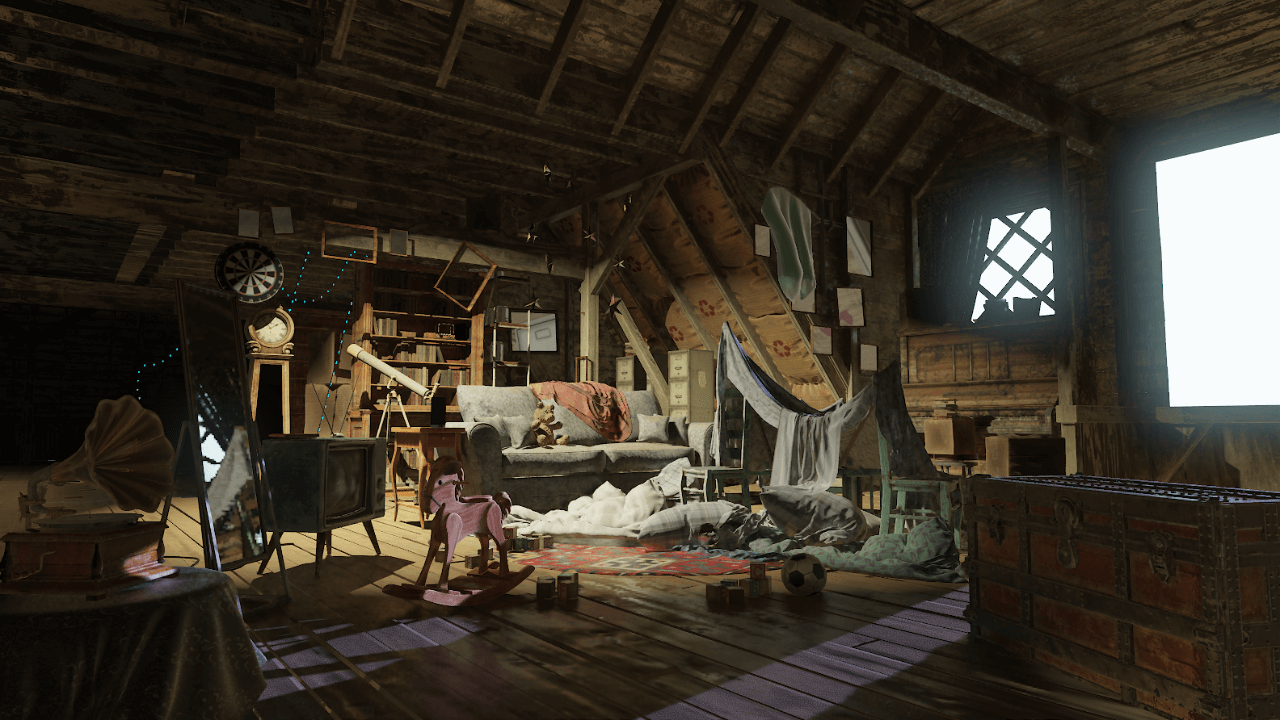
(The NVIDIA USD Attic using the HARFANG 3D AAA renderer)
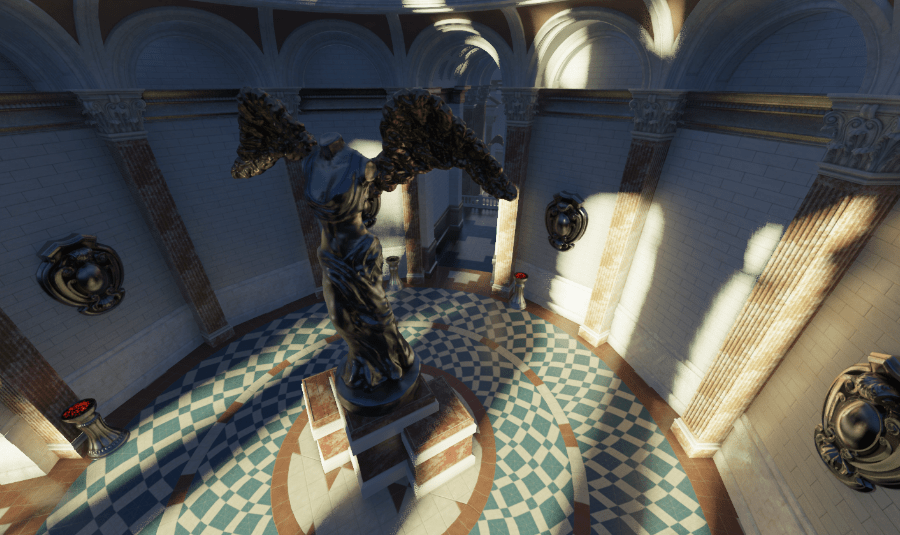
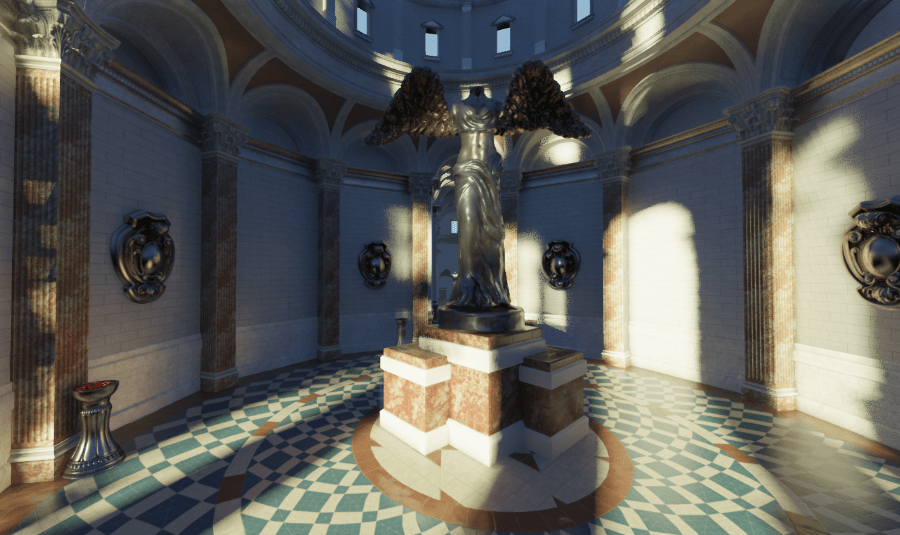
(Sun Temple, courtesy of the Open Research Content Archive (ORCA))
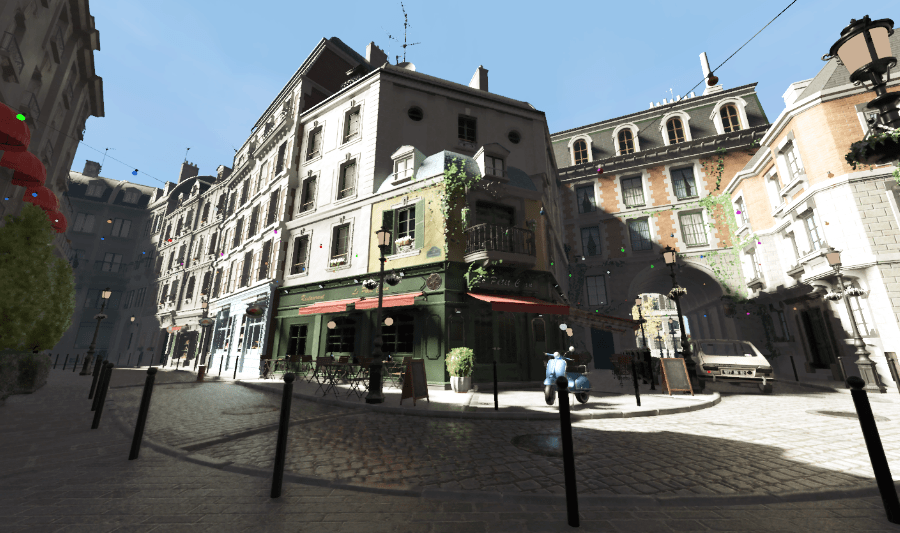
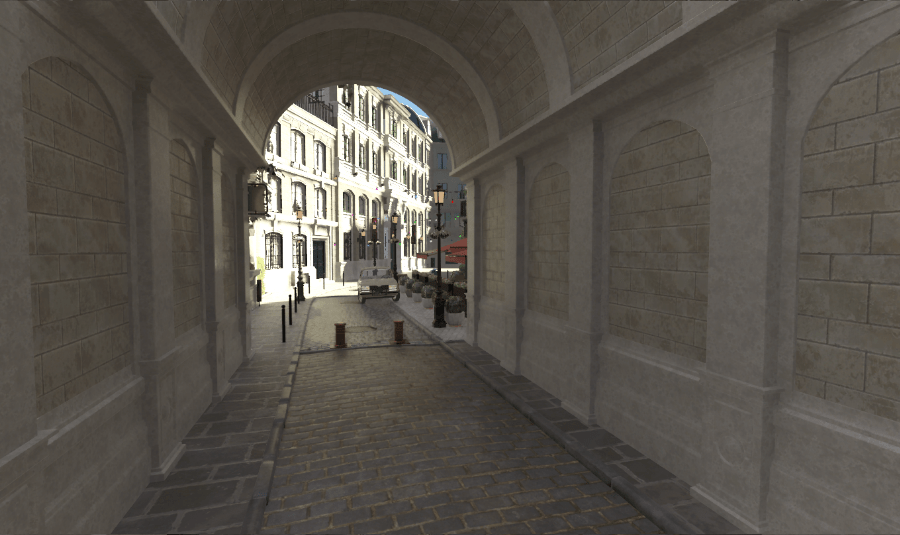
(Bistro, courtesy of the Open Research Content Archive (ORCA))
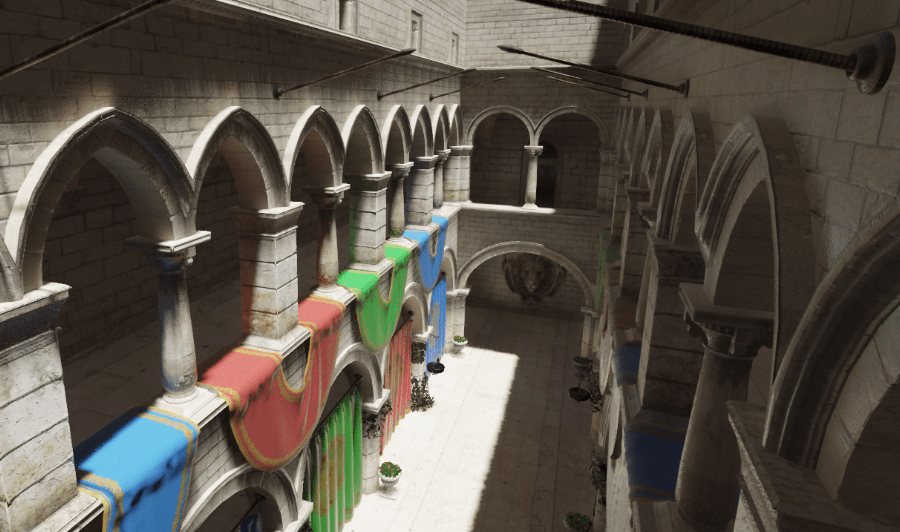
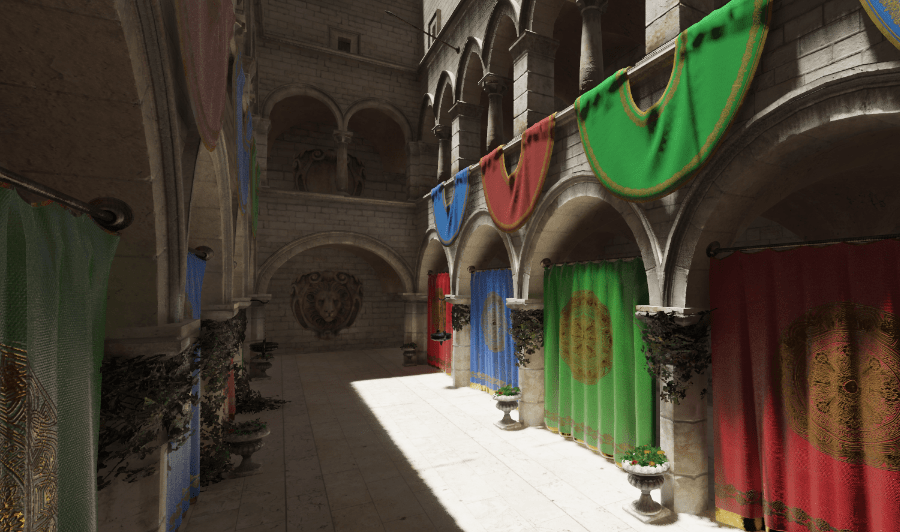
(Sponza Atrium GLTF, courtesy of Crytek/Themaister)
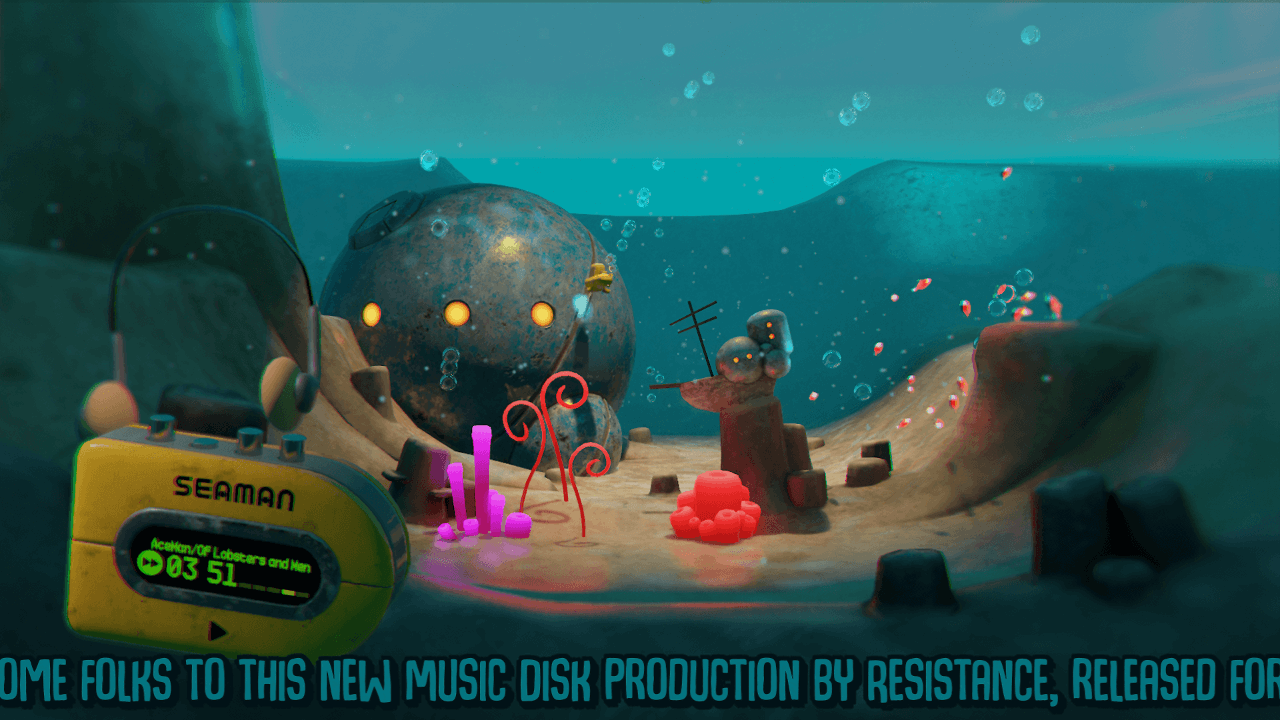
(Marine Melodies, by Resistance Norway)