

Your render finishes. Your download lands. Your AI agent keeps working. When you want it, one keystroke darkens the display without the PC going to sleep.
Windows can be unreliable, as are many utilities that are supposed to solve a simple problem. KiT runs from a single file — privately, securely, efficiently and reliably — to keep your PC awake.
Download KiT · See Night play · Trust
No admin · No account · No telemetry · Never fakes input
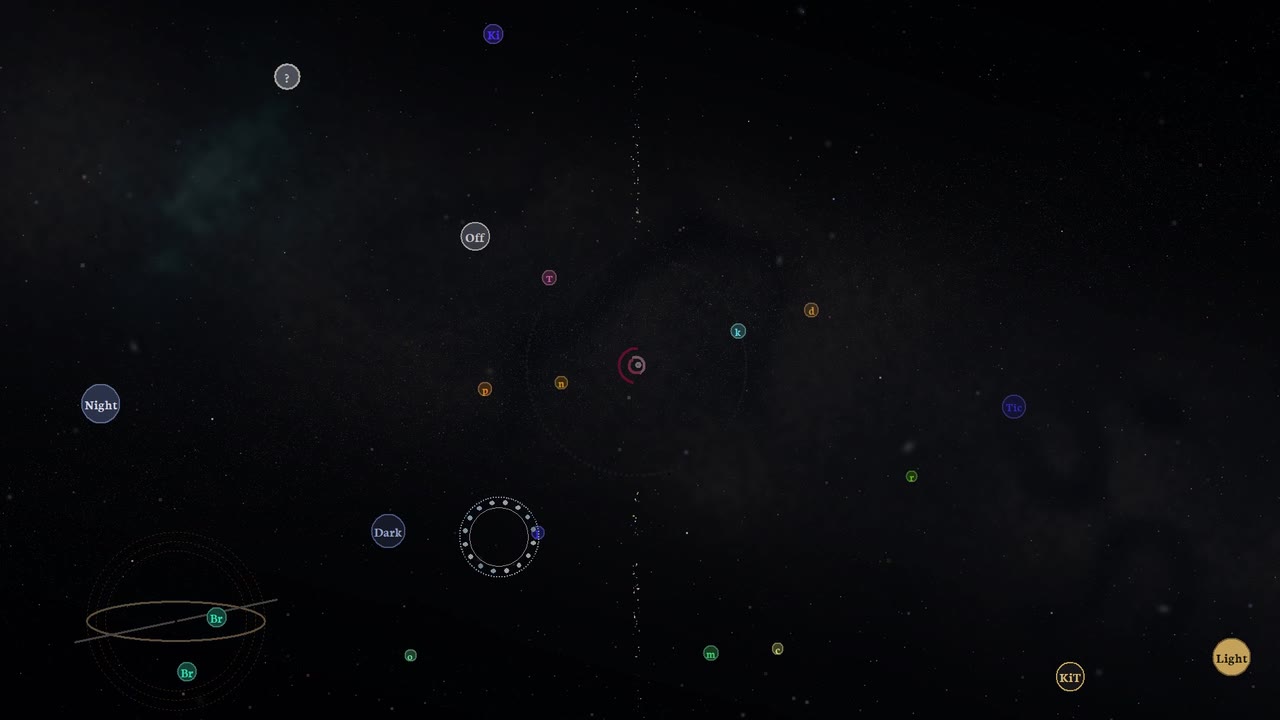
Six seconds of Cosmos, recorded from KiT as it ran. Watch it play, and try the three modes yourself.

KiT is a quiet Windows companion that keeps your session awake (Light) or darkens the desktop without sleeping the PC (Night), with wakeable screensaver faces; Off returns ordinary Windows.
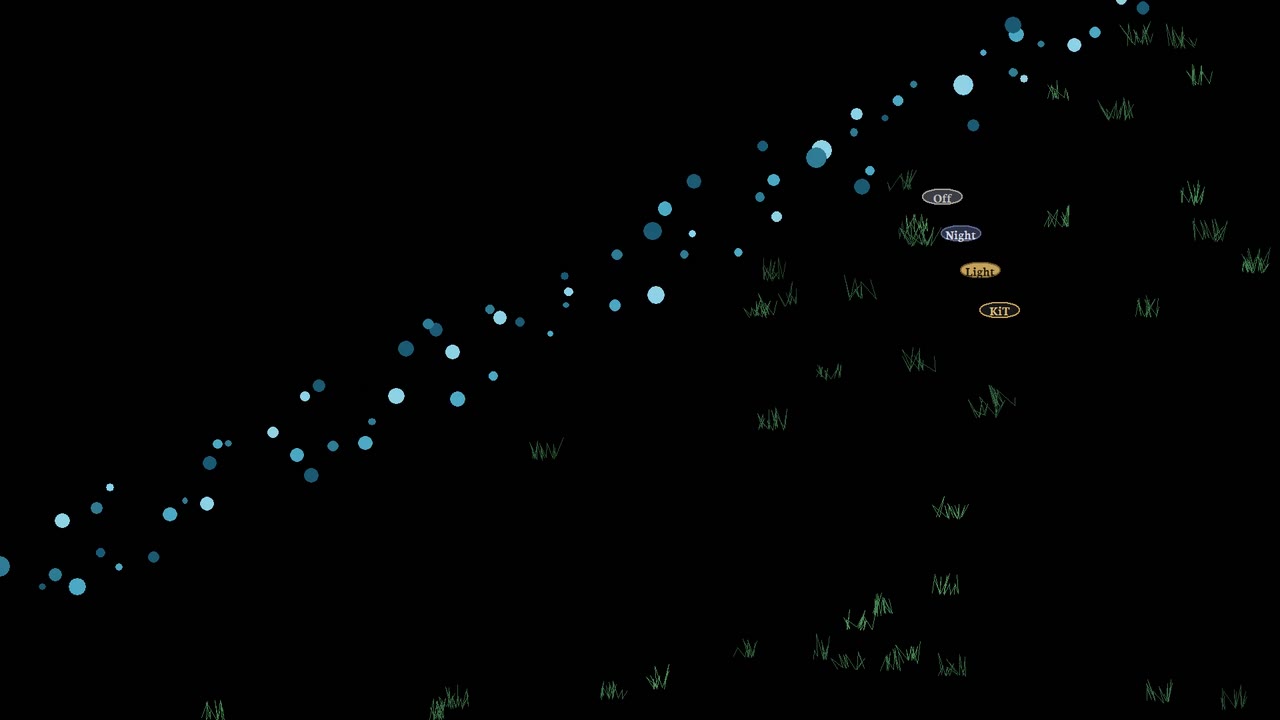
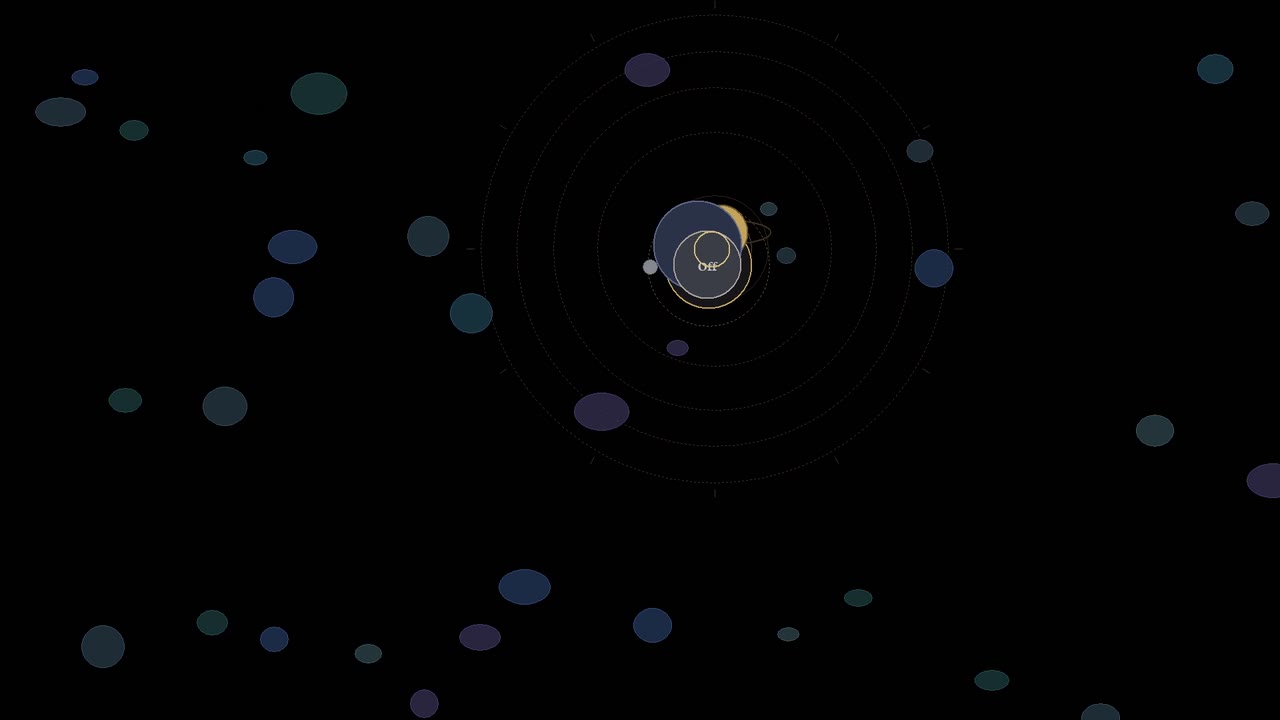
Night screensavers/faces: Blackout, Cosmos (cosmic anomalous marbles), Slither, Orbit, DVD — or Monitor off, which turns your displays off to save power while everything else keeps running. Burn-safe motion. Built to feel alive, not busy.
Pick a face for Night, or let Random choose one each time. No two Nights play out alike.
 |
 |
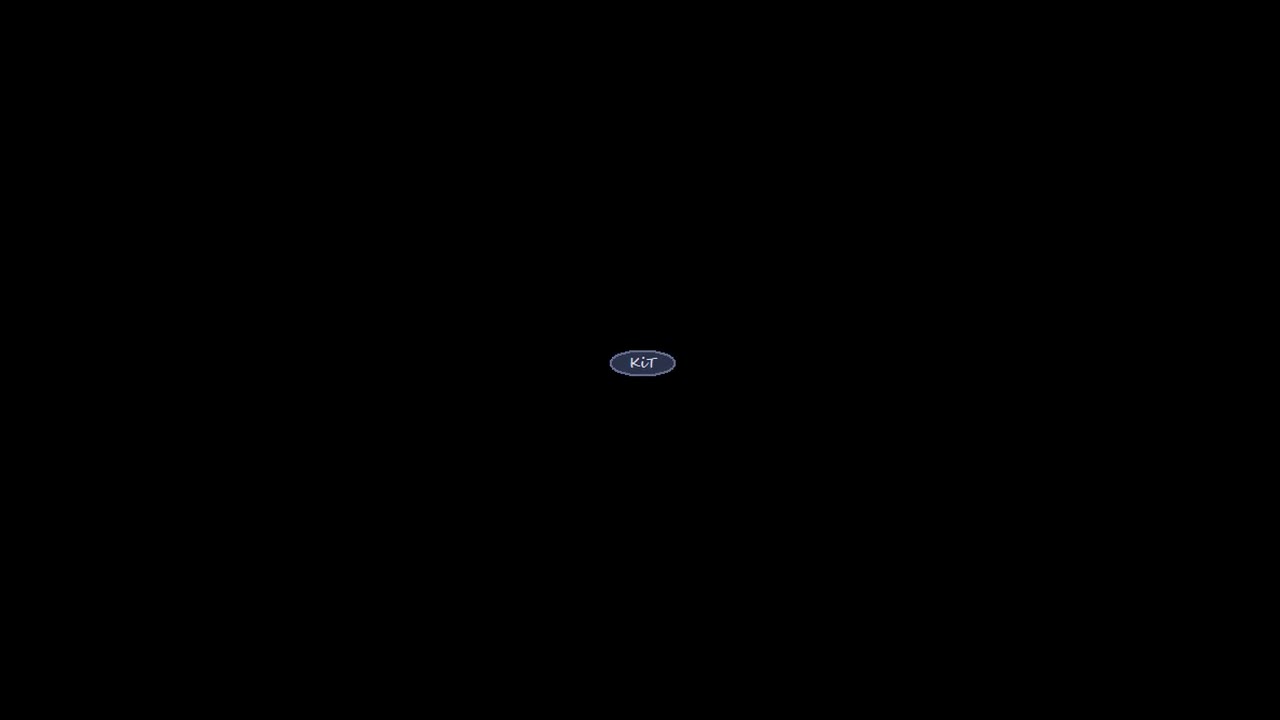 |
| Slither — a night train flattens its meadow until a disaster takes the field, then the world slides on to fresh grass. | Orbit — an orrery: nested rings on a brass dial, the outer ones sweeping slower. | DVD — the KiT mark drifts from wall to wall. |
Each one is its own quiet world — always moving, so nothing burns in. Night covers every monitor.
| The agent stopped at step 14. | You left a long build or an AI agent running, and came back to a sleeping PC and a dropped session. | Light keeps the machine and the session awake until you say so. |
| The export died at 62%. | Renders, exports and uploads that take longer than your power plan's patience. | Light for the long haul, Night if you'd rather not watch it. |
| 80 GB, paused overnight. | You queued the update before bed. Windows went to sleep ten minutes later. | Night darkens the display and the download keeps going. |
| The monitor lights up the whole room. | Turning the screen off means hunting for buttons, and sleep kills whatever was running. | One chord to Night. Touch the mouse and you're back. |
Mouse jigglers fake input to fool Windows, and IT notices. KiT asks Windows to stay awake the proper way, and never presses a key or moves your pointer.
| Mode | What it does |
|---|---|
| Light | The PC and display stay awake. Quiet and ready. |
| Night | Wakeable dark — Screen darkens, the machine stays working. A touch of activity brings you back. |
| Off | Regular old sleepy Windows again. |
One gesture each. No schedules. No idle. No hassle.
A low-profile bar sits just above the taskbar — there when you want it, gone when you don’t. Double-click the tray icon to show or hide it. Right-click the tray for settings, Ghost, Hold Night, Auto after idle, and the Night faces.
| Keys | Mode |
|---|---|
| Ctrl+Shift + D | Light · Default mode |
| Ctrl+Shift + K | Night · Auto-wakes on mouse/keyboard activity |
Hold either 2 seconds for Off · double-tap to flip to the opposite mode (Light → Night, Night → Light). Prefer other keys? Pick your own Light and Night keys from the tray's Keys item.
- Optional Ghost — transparent, click-through Control Bar/UI Element.
- Optional Hold Night — stay dark until you say otherwise. Esc or Space leaves Hold Night.
- Optional Auto after idle — from Off or Light, enter Light or Night after 1, 5, 10, 15 or 30 quiet minutes.
- Optional Night brightness — how deep Night goes, from a soft dim to fully dark.
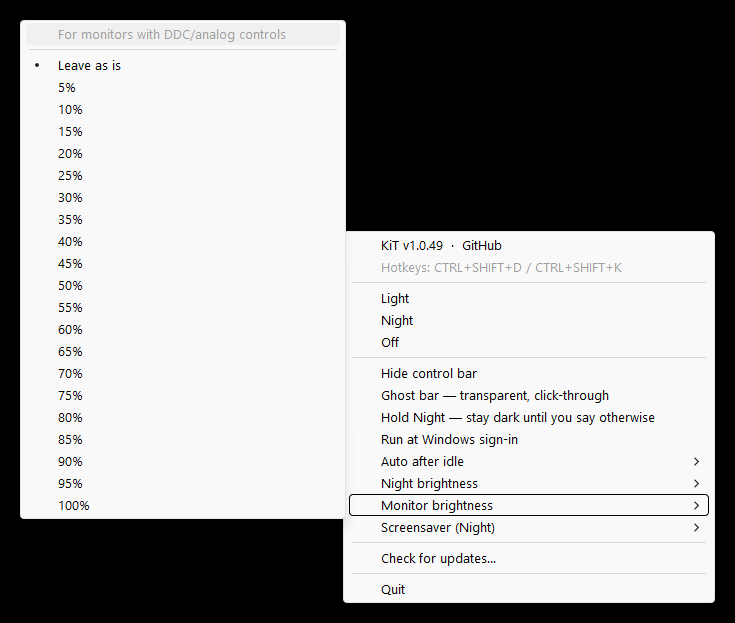
- Optional Monitor brightness — a convenience for displays with DDC/analog brightness controls; sets the panel's own brightness from the tray instead of reaching for its buttons, and does nothing on displays without DDC (most laptop panels).
- Optional run at sign-in.
Remembers how you left it.
One program. Entirely local. No accounts. No telemetry. No theater (except the screensavers).
Single instance, no telemetry, no account, no cloud, no keystroke recording, no clipboard access, no fake input. SHA-256-verified releases on GitHub. Two launches: installer (current-user scope) and portable (no admin needed). Also on winget: winget install --id SPRIC76.KIT -e.
| It does | It never |
|---|---|
| Asks Windows to keep the session and screen awake | Records keystrokes or reads the clipboard |
| Offers global chords for Light, Night, Off and flip, never a record of what you type | Moves the mouse or presses keys |
| Checks for updates only when you click Check for updates… | Calls home, or touches the network on its own |
The full account, in the maker's words: TRUST.md.
Both launches live on the latest release.
See it first: spric76.github.io/KIT — every mode and face, then the download.
| Launch | For | Download |
|---|---|---|
| Installer | Start menu, repair, uninstall | KIT-Setup.exe |
| Portable | No install — run from any folder | KIT.exe |
Installer: download KIT-Setup.exe → Next → Finish → open KiT from Start.
Portable: download KIT.exe → double-click.
winget install --id SPRIC76.KIT -escoop bucket add kid https://github.com/SPRIC76/KIT
scoop install kidCheck a download in PowerShell with Get-FileHash .\KIT-Setup.exe and compare it with the .sha256 file on the release page.
More paths: Download. How it earns trust: Trust.
Is it really free?
Yes. No account, no tier, nothing to unlock. It's closed-source freeware; the license says exactly what that means.
How is Night different from turning the monitor off?
Night keeps the machine working while every display goes dark, with no buttons to find. A touch of the mouse or keyboard brings you straight back, or Hold Night keeps it dark until you press Esc or Space. To save power, pick Monitor off in the tray's Screensaver (Night) menu: Night then turns the displays off, and a touch still brings them back.
Will my PC still lock or sleep when I want it to?
Yes. Switch to Off, or hold either chord, and Windows goes back to its own power settings.
Windows SmartScreen warned me. Is the file bad?
Windows looks twice at new publishers; that's ordinary, not a verdict. Compare the SHA-256 digest with the one on the release page if you want certainty.
How do I remove it completely?
Uninstall from Settings → Apps, or turn off Run at sign-in and delete the portable file. Settings live in %LOCALAPPDATA%\KiT (%LOCALAPPDATA%\KiD if you ran it under its earlier name); delete that folder for a clean slate.
Hassle-free screen blackout and awake modes that keep your PC, Apps & AI ticking.
Free for Windows 10 and 11. Windows 10 (1809+) or 11, 64-bit. Nothing else to install.
KiT · Freeware