
Drag and Drop Application to view key MSI Information and copy the values to the Clipboard
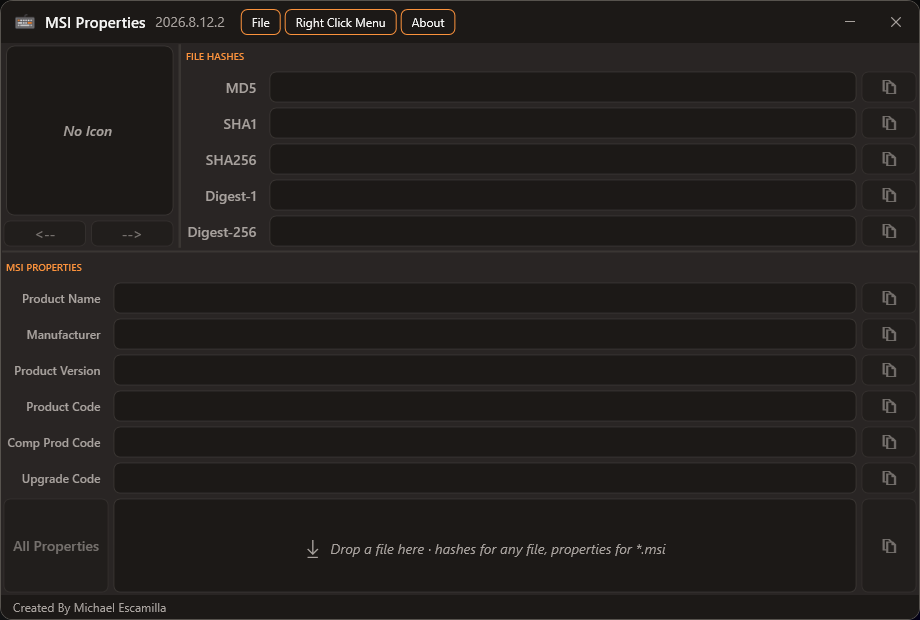
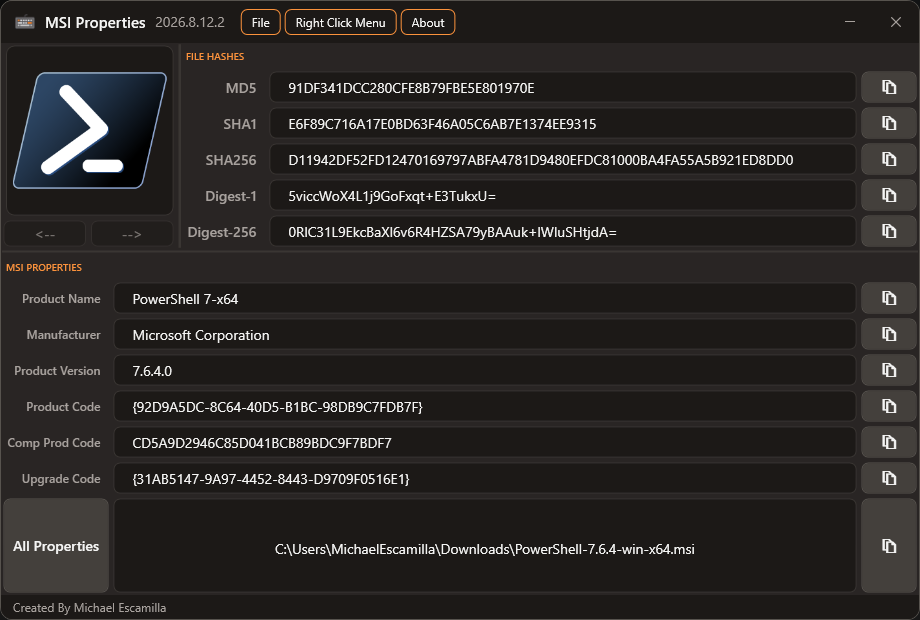
Quickly access the app by invoking the URL msiapp.michaeltheadmin.com
iex (irm msiapp.michaeltheadmin.com)
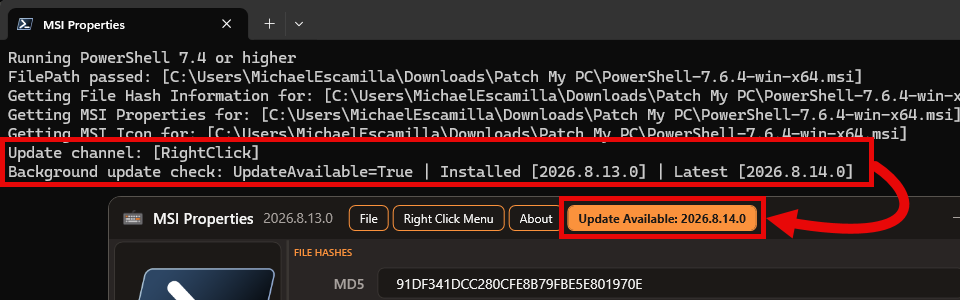
When the app launches, it quietly checks for a newer version in the background, so it never slows down or freezes while you use it.
If an update is found, you'll see an Update Available item appear in the menu.
You can also check for updates anytime from the About menu.
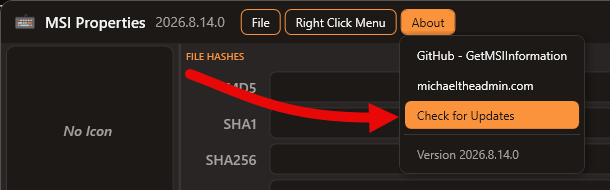
Updates are based on the Releases published on GitHub.
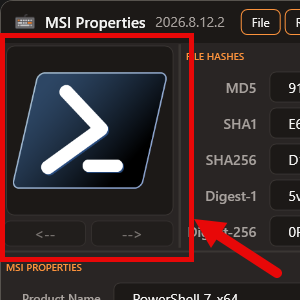
If the MSI contains an icon, it will be extracted and displayed
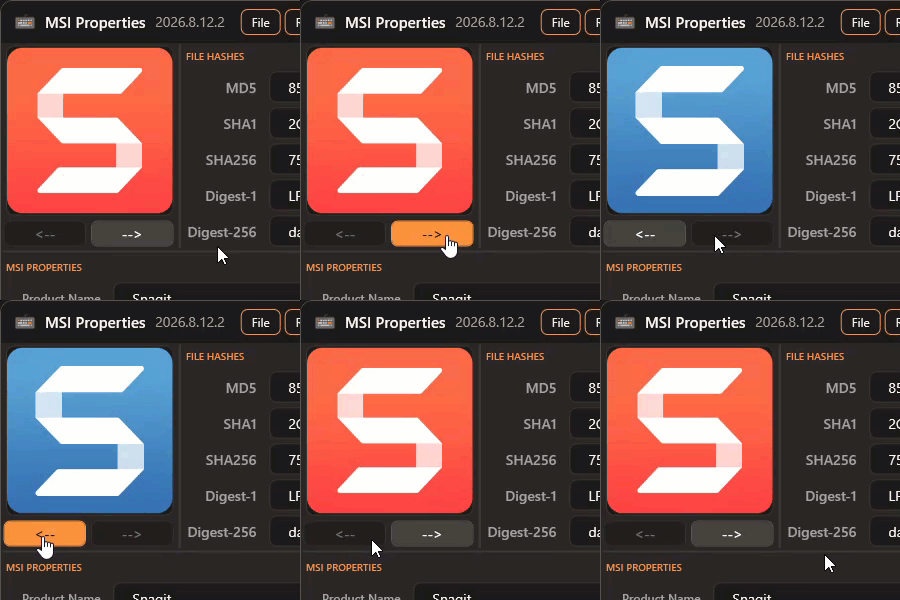
If multiple icons are found, you can view each one using the navigation arrows
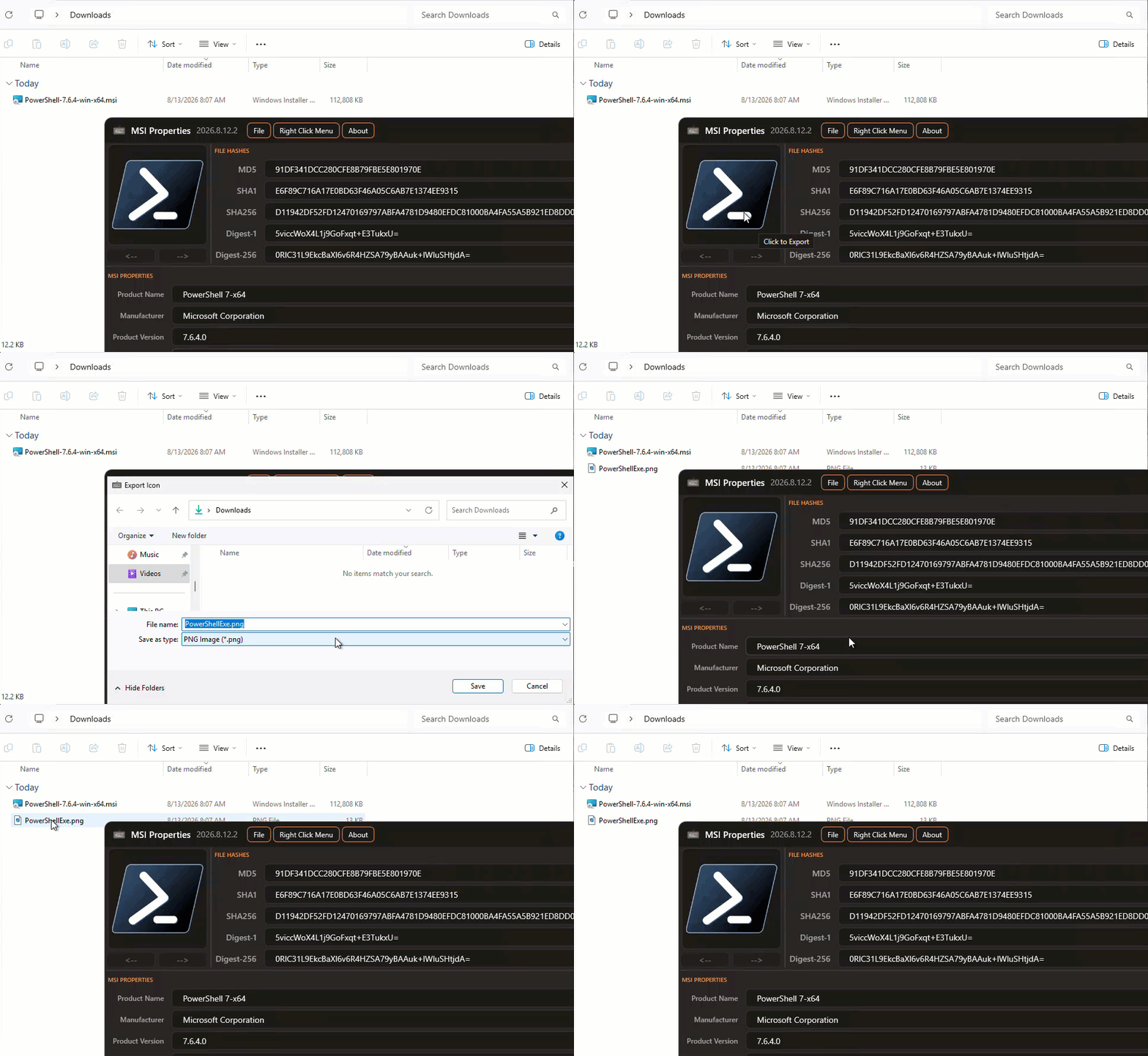
Click the desired icon to Export
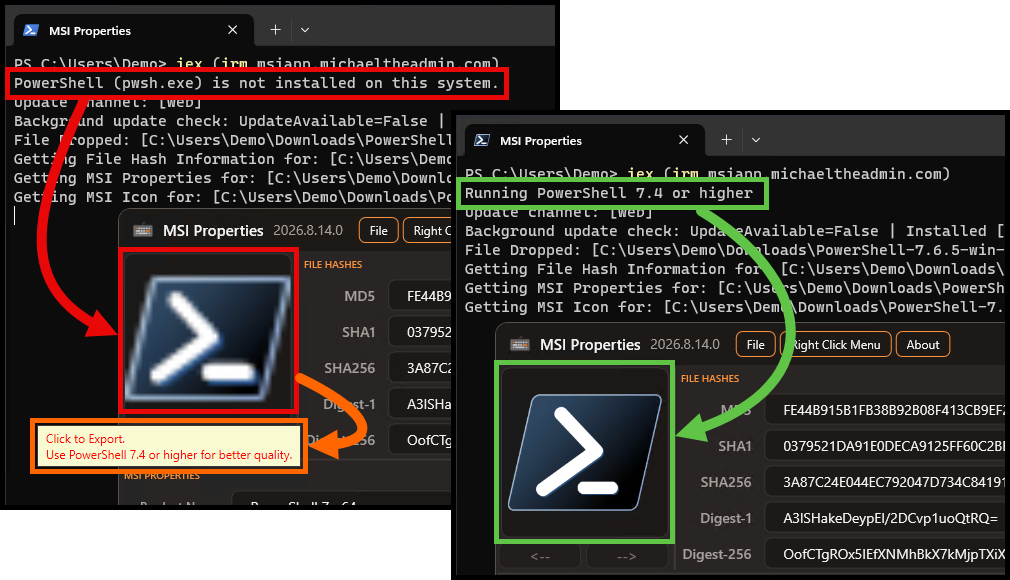
Use PowerShell (pwsh.exe) to export higher quality icons, .NET 8+ has newer methods that make it eaisier to extract higher quality icons. You'll see the quality difference in the preview
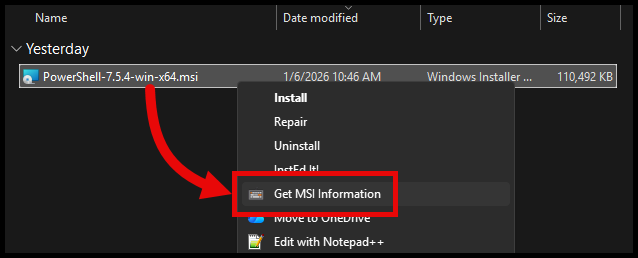
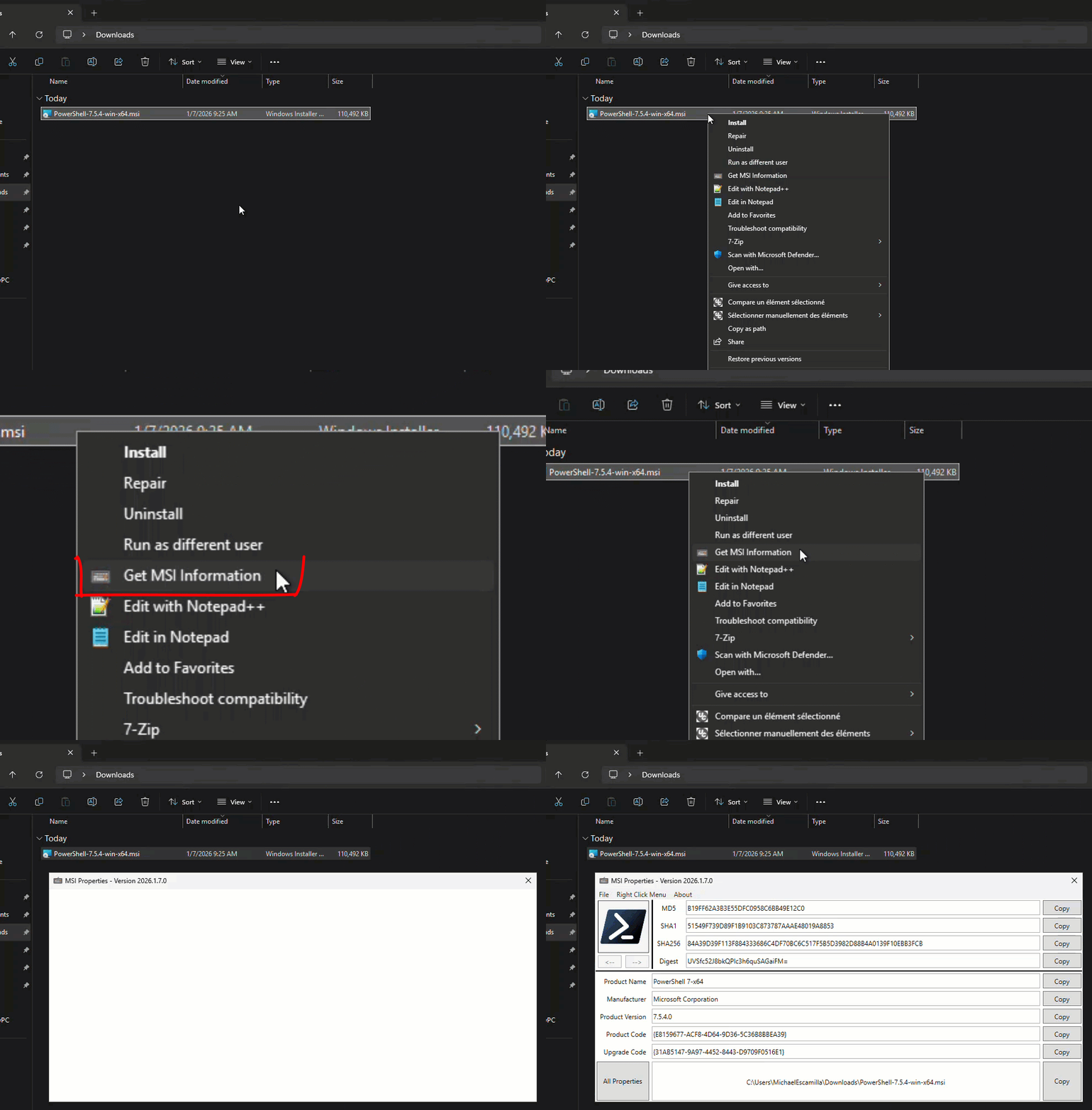
Right-Click Context Menu Option to Lauch the app and automatically load the information
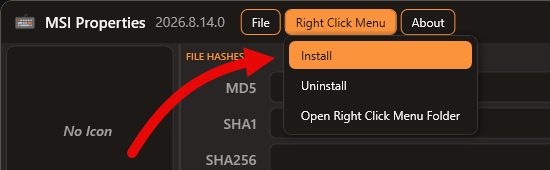
Install the Context Menu Option from the menu bar
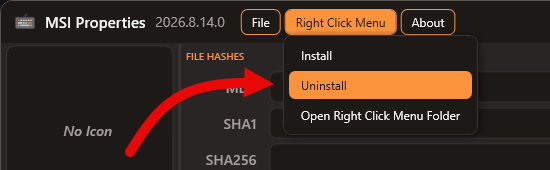
Uninstall the Context Menu Option from the menu bar
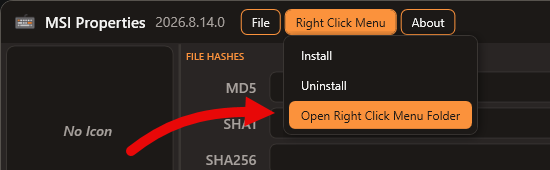
Open the Folder that contains the script and icon files used for the Context Menu
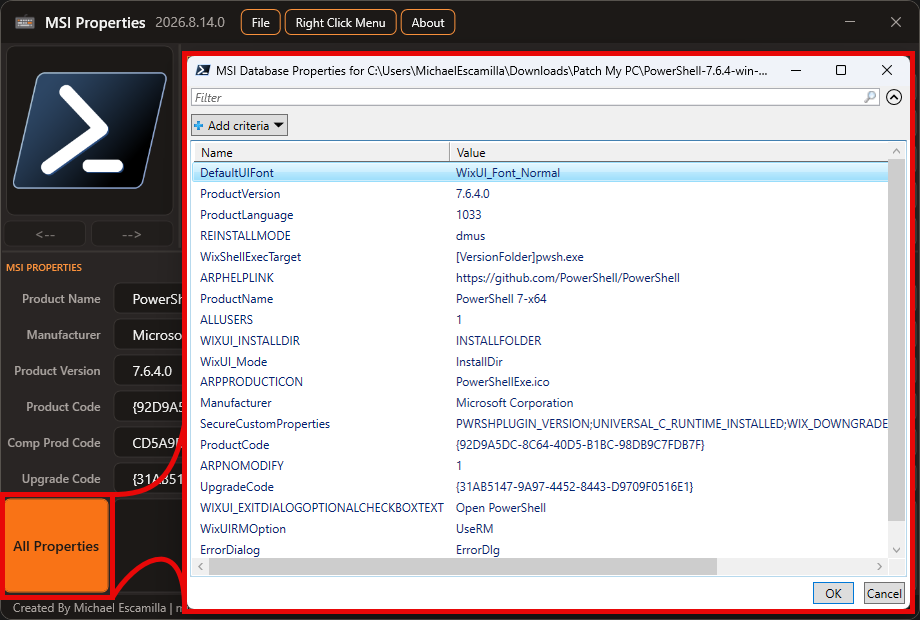
Easily view all the properties of the MSI Database
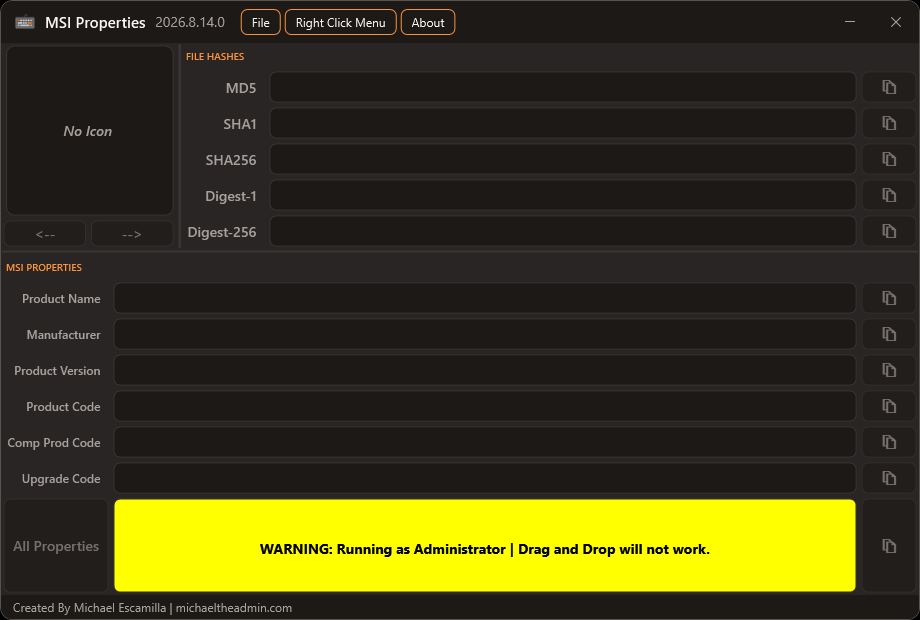
The Drag and Drop events will not work when ran as administrator. Run the script without elevated Priveledges.
Got the inspiration from Andrew Jimenez GetMSIInfo
https://github.com/asjimene/GetMSIInfo