
Browse your Calibre ebook library from your Windows, macOS, or Linux PC. Find a book fast, see its details, then read it on your Kobo: open a book already on the device, or sync a missing one over with one click.
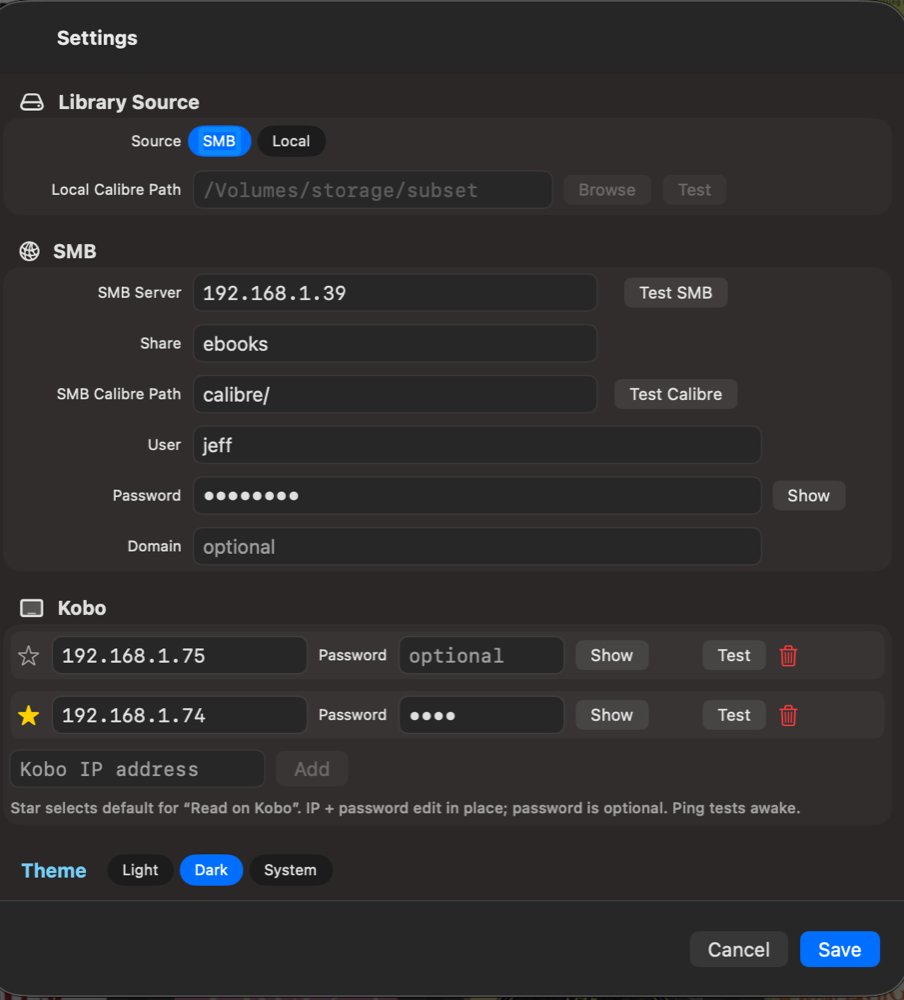
- ★ Read on Kobo — open a book directly on your Kobo, or sync it to the device if it is not there yet.
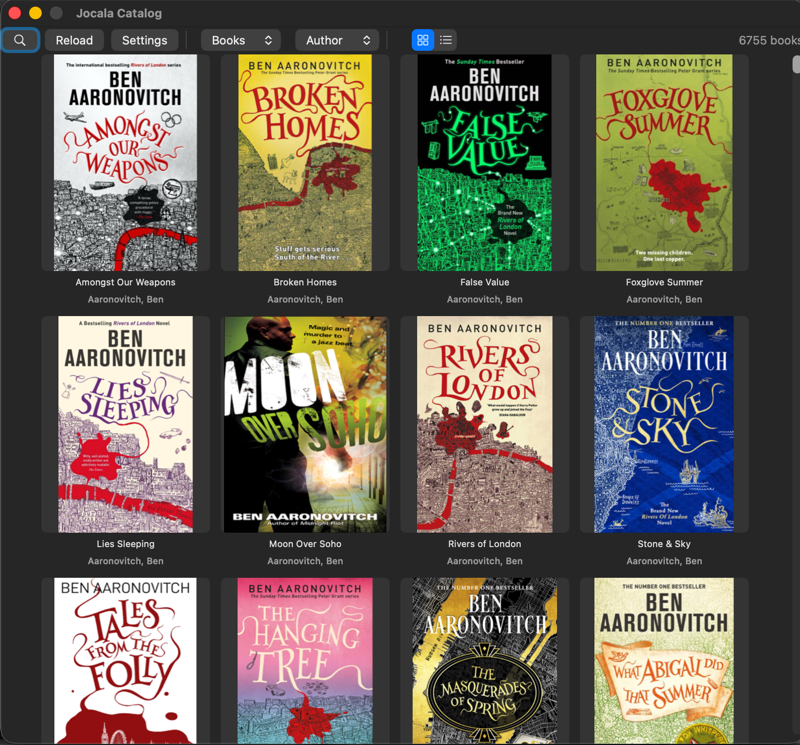
- Fast library grid — scroll thousands of books with covers. Tested against a 6,755-book library.
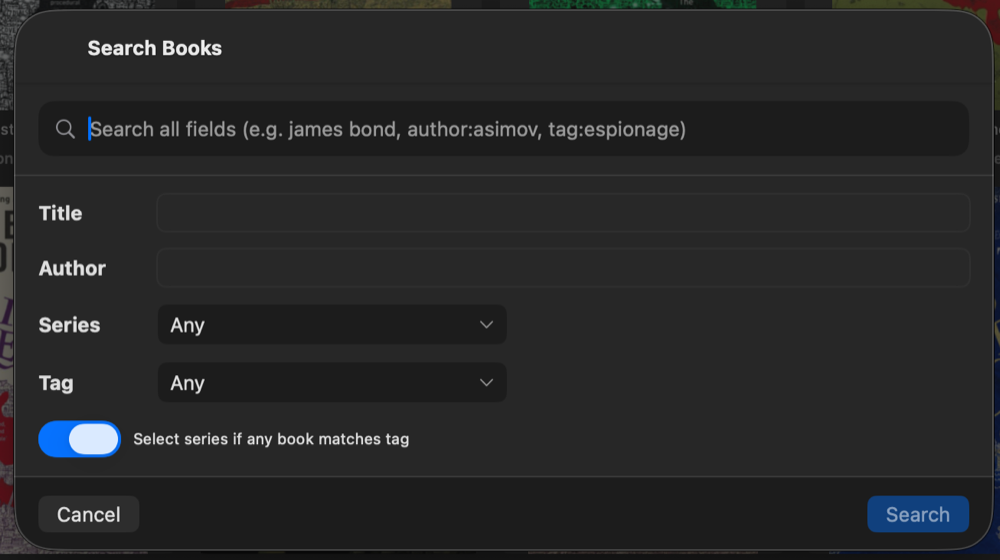
- Search that helps — by title, author, series, or tag, with a form that fills the dropdowns for you.
- Book detail — cover, author, publisher, ISBN, and description at a glance before you read.
- Live Calibre library — reads your Calibre database on your PC or over the LAN. No import step, no duplicates.
- Windows, macOS & Linux — same app on all three platforms. Same features, same flow.
Catalog is free for Windows, macOS, and Linux. No ads, no tracking. Just point Catalog at your Calibre library and start reading.
| Platform | Size | Download |
|---|---|---|
| Windows | 16 MB | jocala-catalog.1.07.exe |
| macOS | 41 MB | jocala-catalog.1.07.dmg |
| Linux | 14 MB | jocala-catalog.1.07.tar.gz |
More at jocala.com/catalog · Changelog
© 2026 Jocala Software · Read on Kobo requires KOReader and SSH.
One tree, three targets. Qt Widgets shell (qt/) over the Rust engine
(crates/catalog-core + crates/catalog-ffi); crates/catalog-cli is a
headless acceptance harness.
- Windows (static Qt 6.11.1): mirror
qt+crates/+Cargo.toml/Cargo.lock, runqt/build-catalog-windows.ps1, thenqt/package-catalog-windows.ps1. - Linux (system Qt via
qt6-base-dev): runqt/build-catalog-linux.sh, thenqt/package-catalog-linux.sh(TGZ). - macOS (static Qt 6.11.1): run
qt/build-catalog-macos.sh(universal app), thenqt/package-catalog-macos.sh(signed + notarized DMG).
Verify: cargo test --workspace,
cargo clippy --workspace --all-targets -- -D warnings.
Full procedure (release, staging, AppId): AGENTS.md.