Translate RPG Maker games without installing Ruby, changing the original files, or breaking the game.
LRPGM understands the project structure, protects sensitive commands, and applies translations through a reversible workflow—so you can focus on the text instead of rebuilding a broken game.





Over 250 subscribers · over 500 community members · over 3,000 downloads
Translating an RPG Maker game is not as simple as replacing words. A modified command, an ignored line break, an incompatible font, or an incorrect image name can prevent the game from starting or break events during gameplay.
LRPGM was built to handle the complete workflow. It identifies the engine and project structure, extracts useful text, preserves sensitive elements, lets you review the result, and applies the translation while keeping the project playable.
The goal is not only to translate. It is to translate safely.
| Easy to start | Smart during translation | Safe when applying |
|---|---|---|
| Does not require Ruby | Detects control codes and sensitive structures | Preserves the original game files |
| Automatically identifies the RPG Maker version | Recognizes custom line breaks and patterns | Uses a separate plugin and translation file |
| Organizes projects in a single library | Avoids translating elements that must remain unchanged | Lets you disable the translation and restore the original state |
| Lets you pause, continue, and review your work | Adjusts fonts and references that could break the game | Validates content before applying changes |
LRPGM provides its own reading and writing support for formats used by RPG Maker XP, VX, and VX Ace, without requiring an external Ruby installation. For MV and MZ, it understands the modern project structure, files, plugins, and control patterns.
Supported engines:
- RPG Maker XP
- RPG Maker VX
- RPG Maker VX Ace
- RPG Maker MV
- RPG Maker MZ
Modified games, third-party plugins, and custom project structures may require specific compatibility adjustments. The integrated reporting system helps turn real compatibility cases into reusable improvements.
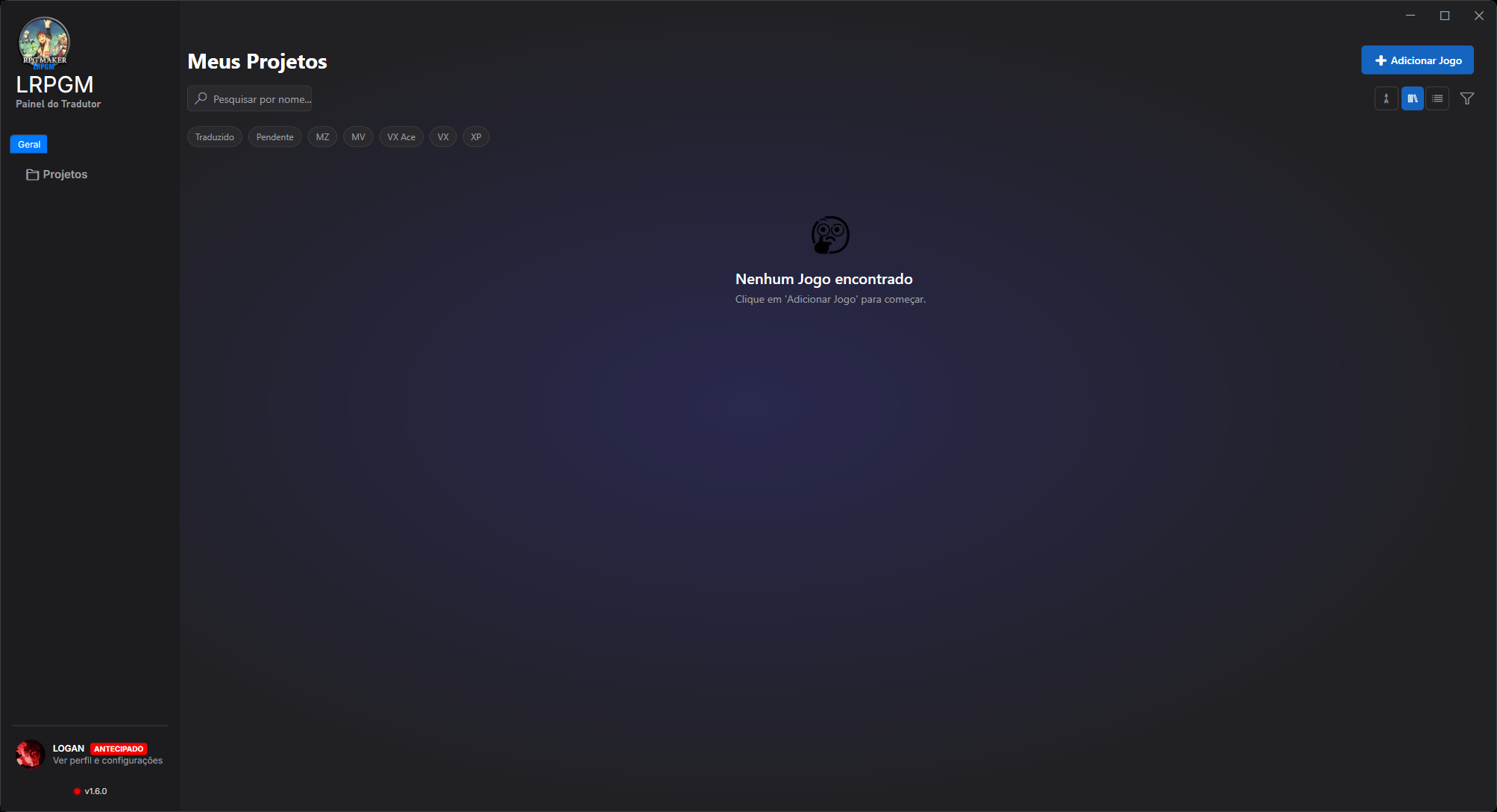
Select the project folder. LRPGM identifies the engine, file structure, active plugins, and the most suitable workflow.
Choose dialogue, events, databases, plugins, scripts, and other detected resources. Filters reduce noise and protect commands that must not be handled as ordinary text.
LRPGM identifies the languages found in the project and lets you choose the target language and the translation provider that best suits your needs.
Correct names, recurring terms, and sentences directly in the review workflow. You remain in control before any change is applied to the game.
In the main workflow, LRPGM adds a lightweight plugin and a separate translation file. Original files remain preserved, and disabling the plugin can return the game to its previous state.
- Preserves commands, variables, scripts, and plugin patterns.
- Detects RPG Maker control codes used in messages.
- Recognizes standard and custom line breaks.
- Replaces incompatible fonts when necessary.
- Protects technical values that should not be translated.
- Corrects image and file references when translated names could cause errors.
- Reuses compatibility profiles and learned corrections.
- Sends technical reports from the application with the context needed for investigation.
LRPGM is available for Windows 10 and Windows 11.
The download page offers two official installers:
- Full Installer: includes the required .NET runtime and is recommended for most users.
- Compact Installer: smaller download that requires the .NET 9 Desktop Runtime x64 to be installed.
The installer verifies file integrity before making changes to the computer. Download LRPGM only from the official website or the files published in this repository's Releases section.
You can download LRPGM for free and try its main workflow. Basic and Plus plans provide additional features, expanded limits, more translation providers, and options for advanced workflows.
Game-specific problems should be reported through the LRPGM application. This allows the report to include the engine, application version, and technical context required for investigation. For account, access, and general questions, use the official Discord server.
This is LRPGM's public presentation and official distribution repository. It contains project information, release notes, and published installers.
The LRPGM source code and internal infrastructure are not distributed in this repository.
Do I need to install Ruby?
No. LRPGM has its own technology for working with supported legacy formats and does not depend on an external Ruby installation.
Does the translation replace the original game files?
Not in the main workflow. The translation is applied through a plugin and a separate file, preserving the original game data and allowing a reversible application.
Can I review the translation before applying it?
Yes. LRPGM includes a review workflow for correcting names, sentences, and recurring terms before applying the translation.
Are all games automatically compatible?
LRPGM supports XP, VX, VX Ace, MV, and MZ. However, heavily modified games or projects with custom plugins may require compatibility adjustments. These cases can be reported directly through the application.
Is LRPGM free?
There is a free way to get started. Basic and Plus plans unlock additional features, providers, limits, and advanced options.
LRPGM — simple on the outside, intelligent within, and safe where it matters.
RPG Maker is a trademark of its respective owners. LRPGM is an independent tool and is not officially affiliated with the creators of RPG Maker.