Skip to content

Make the sections list keyExtractor handle a missing item - #104311

Draft
MelvinBot wants to merge 1 commit into
mainfrom
claude-nullSafeSectionsListKeyExtractor
Draft

MelvinBot wants to merge 1 commit into
mainfrom
claude-nullSafeSectionsListKeyExtractor

Conversation

@MelvinBot

Copy link
Copy Markdown
Contributor

Explanation of Change

BaseSelectionListWithSections passed FlashList a keyExtractor that ran 'flatListKey' in item with no guard. FlashList can ask for the key of an index past the end of the data. When that happens, item is undefined and the in operator throws TypeError: right operand of 'in' is not an object, which crashes the participants step (Sentry APP-JQB).

This happens when the list's data shrinks while <Activity> hides it, as in MoneyRequestParticipantsSelector. Hiding the list runs FlashList's effect cleanup, which disposes its RecyclerViewManager. A disposed manager doesn't recompute its engaged indices. So when the hidden list re-renders with shorter data, processDataUpdate syncs the render stack with the old indices and calls getDataKey for indices that no longer exist.

This PR moves the keyExtractor into a named function. When item is missing, the function falls back to index.toString(). BaseSelectionList already does the same thing, and getItemType in this file already uses item?.type. FlashList replaces the stale slots once the list is shown again.

I added tests/unit/BaseSelectionListWithSectionsActivityTest.tsx, which renders the real FlashList (not a mock) inside <Activity>:

  • Hide, shrink, show: Shrinks the list from 30 rows to 2 while it is hidden, then shows it. Expects no error and only rows 0 and 1 after the list is shown. Without the fix, this case throws the same processDataUpdate → getDataKey → keyExtractor error as Sentry.
  • Shrink while visible: The control case. It passes with or without the fix.
  • Missing item: keyExtractor(undefined, 5) returns '5'. Without the fix, this case throws.

Fixed Issues

$ #103776
PROPOSAL: #103776 (comment)

Tests

// TODO: The human co-author must fill out the tests you ran before marking this PR as "ready for review"
// Please describe what tests you performed that validates your changed worked.

  • Verify that no errors appear in the JS console

Offline tests

QA Steps

// TODO: The human co-author must fill out the QA tests you ran before marking this PR as "ready for review".
// Please describe what QA needs to do to validate your changes and what areas do they need to test for regressions.

  • Verify that no errors appear in the JS console

PR Author Checklist

  • I linked the correct issue in the ### Fixed Issues section above
  • I wrote clear testing steps that cover the changes made in this PR
    • I added steps for local testing in the Tests section
    • I added steps for the expected offline behavior in the Offline steps section
    • I added steps for Staging and/or Production testing in the QA steps section
    • I added steps to cover failure scenarios (i.e. verify an input displays the correct error message if the entered data is not correct)
    • I turned off my network connection and tested it while offline to ensure it matches the expected behavior (i.e. verify the default avatar icon is displayed if app is offline)
    • I tested this PR with a High Traffic account against the staging or production API to ensure there are no regressions (e.g. long loading states that impact usability).
  • I included screenshots or videos for tests on all platforms
  • I ran the tests on all platforms & verified they passed on:
    • Android: Native
    • Android: mWeb Chrome
    • iOS: Native
    • iOS: mWeb Safari
    • MacOS: Chrome / Safari
  • I verified there are no console errors (if there's a console error not related to the PR, report it or open an issue for it to be fixed)
  • I verified any copy / text that was added to the app is either coming verbatim from figma or has been approved by marketing (in order to get marketing approval, ask the Bug Zero team member to add the Waiting for copy label to the issue)
  • If a new code pattern is added I verified it was agreed to be used by multiple Expensify engineers
  • I tested other components that can be impacted by my changes (i.e. if the PR modifies a shared library or component like Avatar, I verified the components using Avatar are working as expected)
  • If new assets were added or existing ones were modified, I verified that:
    • The assets are optimized and compressed (for SVG files, run npm run compress-svg)
    • The assets load correctly across all supported platforms.
  • If the PR modifies code that runs when editing or sending messages, I tested and verified there is no unexpected behavior for all supported markdown - URLs, single line code, code blocks, quotes, headings, bold, strikethrough, and italic.
  • If the PR modifies a generic component, I tested and verified that those changes do not break usages of that component in the rest of the App (i.e. if a shared library or component like Avatar is modified, I verified that Avatar is working as expected in all cases)
  • If the PR modifies a component related to any of the existing Storybook stories, I tested and verified all stories for that component are still working as expected.
  • If the PR modifies a component or page that can be accessed by a direct deeplink, I verified that the code functions as expected when the deeplink is used - from a logged in and logged out account.
  • If the PR modifies the UI (e.g. new buttons, new UI components, changing the padding/spacing/sizing, moving components, etc) or modifies the form input styles:
    • I verified that all the inputs inside a form are aligned with each other.
    • I added Design label and/or tagged @Expensify/design so the design team can review the changes.
  • If the PR adds or modifies the UI:
    • I asked an AI agent to review the changes for accessibility issues and addressed its findings.
    • I tested with a screen reader (VoiceOver on macOS) and verified all new/changed elements are reachable with a logical focus order.
    • I verified all new/changed elements have meaningful accessible names and roles.
    • I verified state changes are announced (e.g. checked/unchecked, expanded/collapsed, selected).
  • I added unit tests for any new feature or bug fix in this PR to help automatically prevent regressions in this user flow.
  • If the main branch was merged into this PR after a review, I tested again and verified the outcome was still expected according to the Test steps.

Screenshots/Videos

Android: Native
Android: mWeb Chrome
iOS: Native
iOS: mWeb Safari
MacOS: Chrome / Safari

AI Tests

Melvin ran these locally:

  • npm test on BaseSelectionListWithSectionsActivityTest.tsx and BaseSelectionListSectionsTest.tsx: 16/16 passed. With the source fix reverted, the new file fails 2 of 3 cases with TypeError: Cannot use 'in' operator to search for 'flatListKey' in undefined.
  • npm run typecheck: passed.
  • npm run lint on the changed files: clean.
  • npm run react-compiler-compliance-check check on BaseSelectionListWithSections.tsx: no errors.
  • npm run spell-changed: 0 issues.
  • npm run fmt (oxfmt): no changes.

Not run locally: the full Jest suite and the Storybook smoke test. CI covers them.

FlashList can ask for the key of an index past the end of the data when the
list shrinks while it is hidden by <Activity>. The keyExtractor used the 'in'
operator on that undefined item and crashed. Fall back to the index instead,
like BaseSelectionList already does, and add regression tests.

Co-authored-by: thelullabyy <[email protected]>
@MelvinBot
MelvinBot requested a review from a team October 18, 2026 11:00
@melvin-bot melvin-bot Bot added Melvin-Test-Android Melvin-Test-Web Triggers Melvin to run the testing steps of the PR on web labels Oct 18, 2026
@MelvinBot

Copy link
Copy Markdown
Contributor Author

I created this PR from an upstream branch because I don't have push access to your fork.

To take over this branch and push updates yourself, run:

git remote add upstream https://github.com/Expensify/App.git
git fetch upstream claude-nullSafeSectionsListKeyExtractor
git checkout -b claude-nullSafeSectionsListKeyExtractor upstream/claude-nullSafeSectionsListKeyExtractor
git push -u origin claude-nullSafeSectionsListKeyExtractor

Then you can close this PR and open a new one from your fork.

@MelvinBot

MelvinBot commented Oct 18, 2026 •

Copy link
Copy Markdown
Contributor Author

🤖 Android test steps verification results: ✅ pass

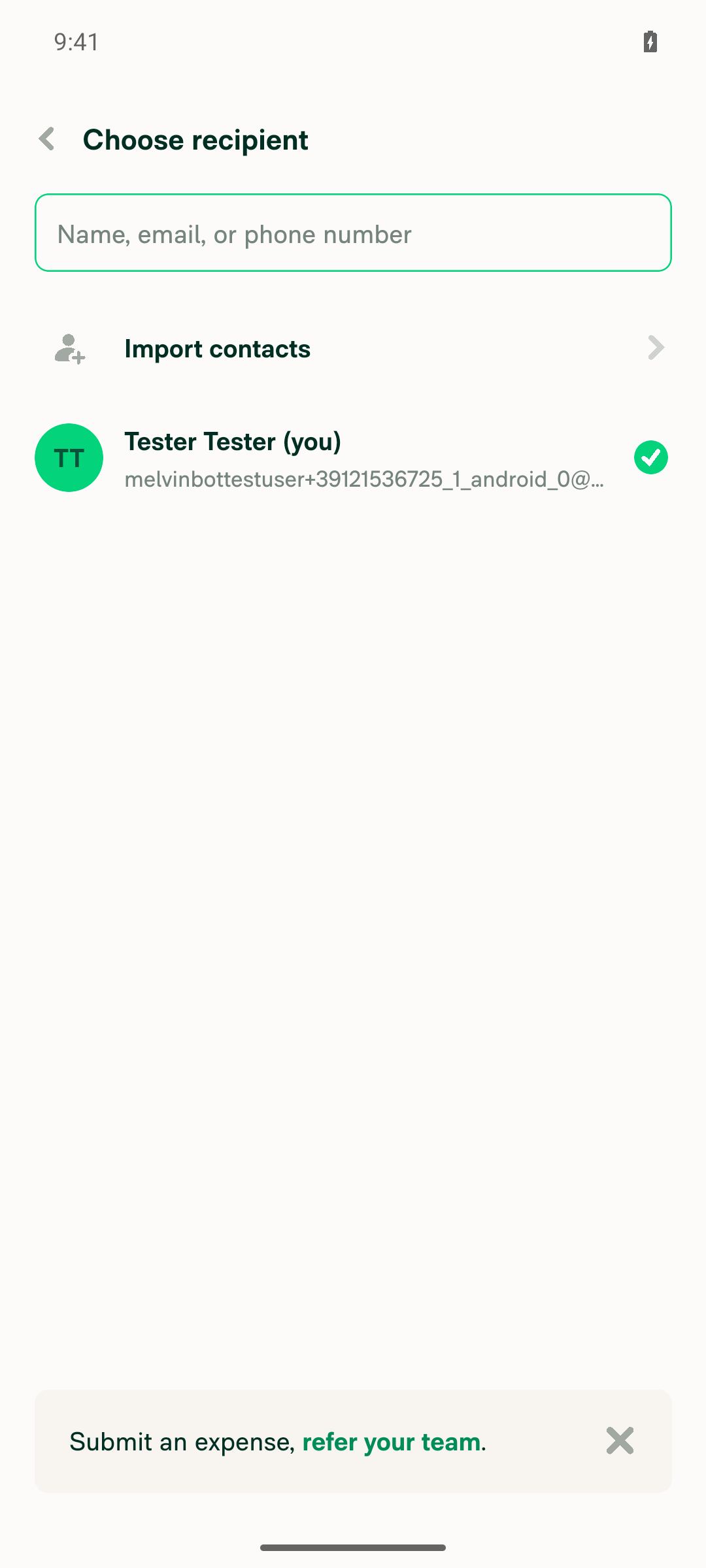
On standalone Android NewDot, the participants list (BaseSelectionListWithSections) stayed stable when its data shrank, grew, and survived repeated back-and-forward navigation. No crash and no JS error or LogBox overlay appeared.
Final clean state of the participants list with no error overlay

Step Status
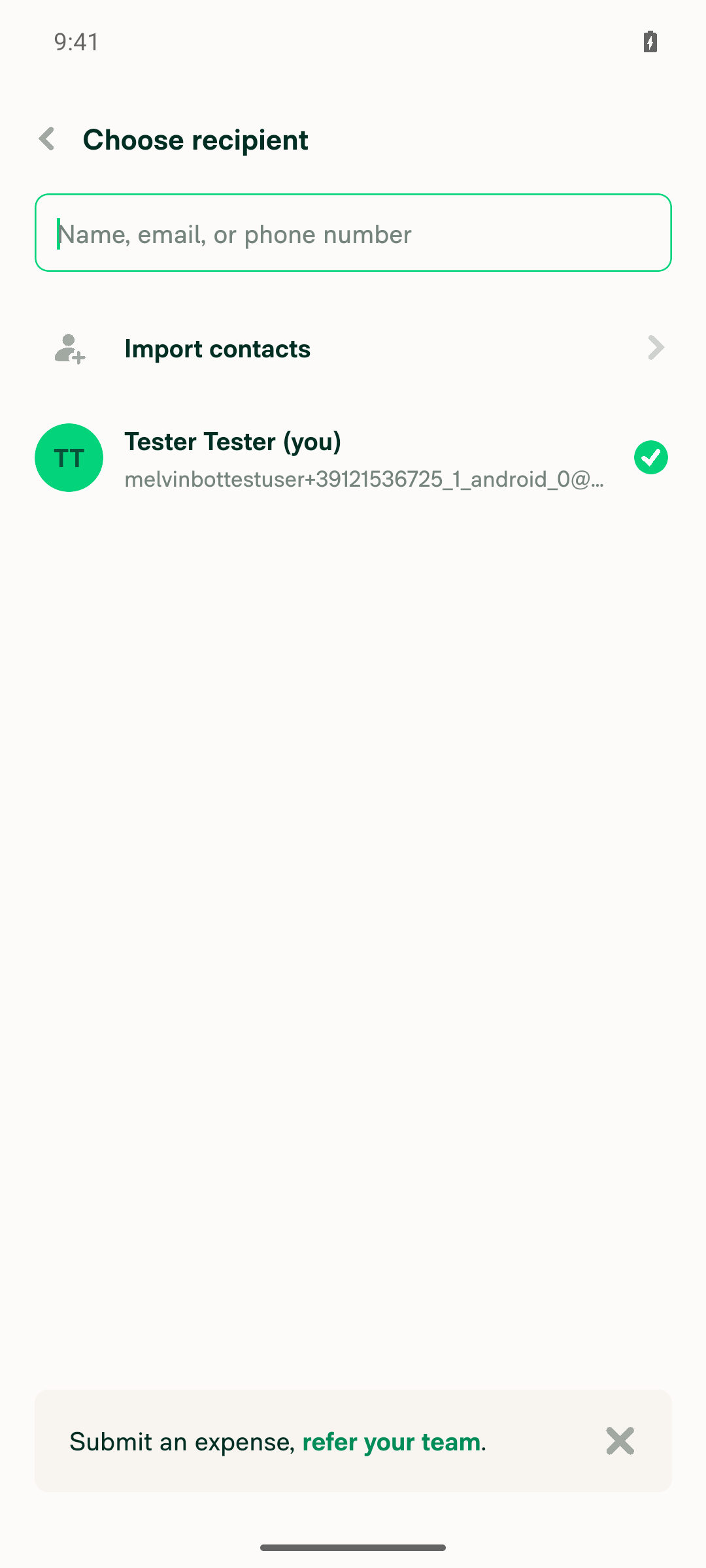
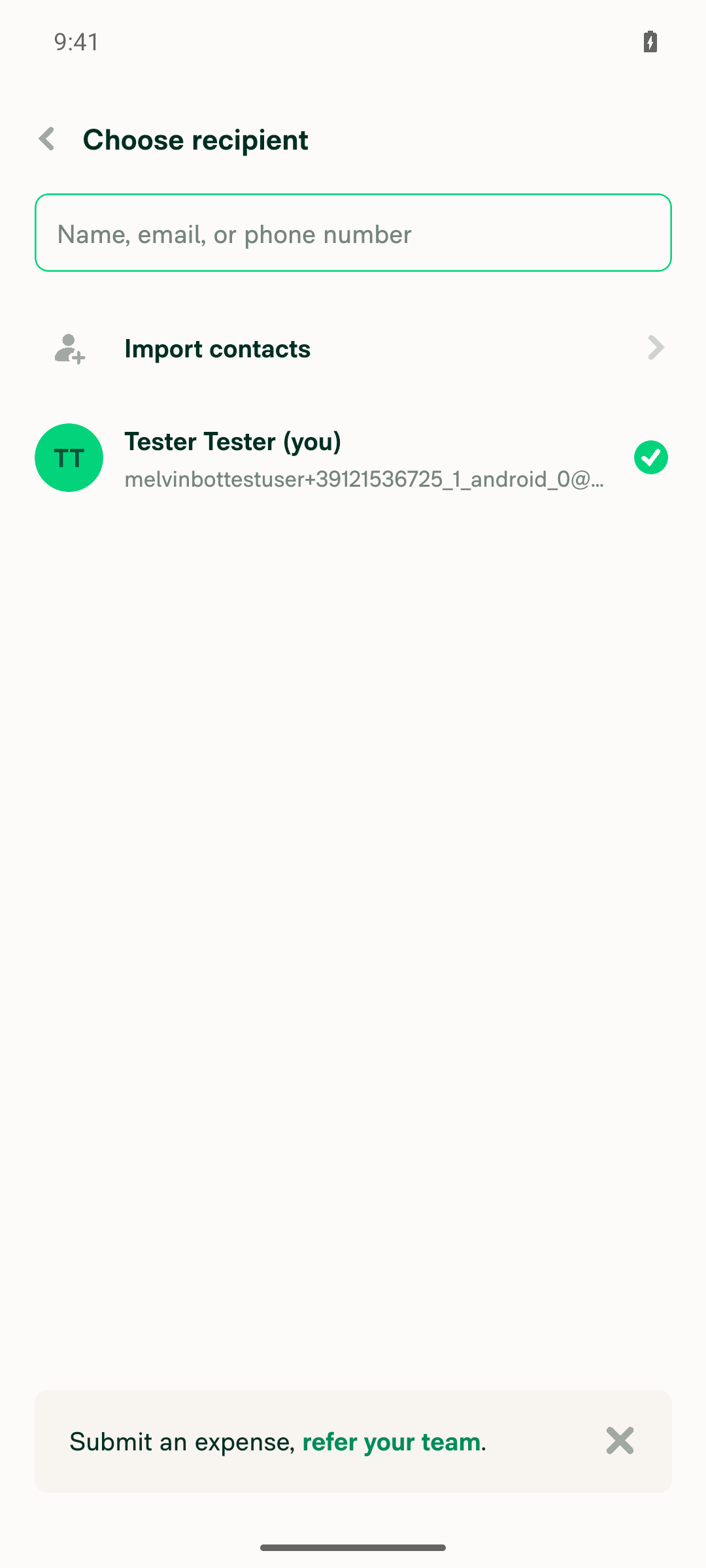
Start a manual expense, enter an amount, and continue. The participants step renders with no crash or red error screen.Tapped FAB → Create expense → Manual, entered 25, and tapped the participant row. The "Choose recipient" screen opened with the search field, the Import contacts row, and "Tester Tester (you)" selected. No crash and no red error screen.
Choose recipient participants step rendered cleanly after entering amount
✅
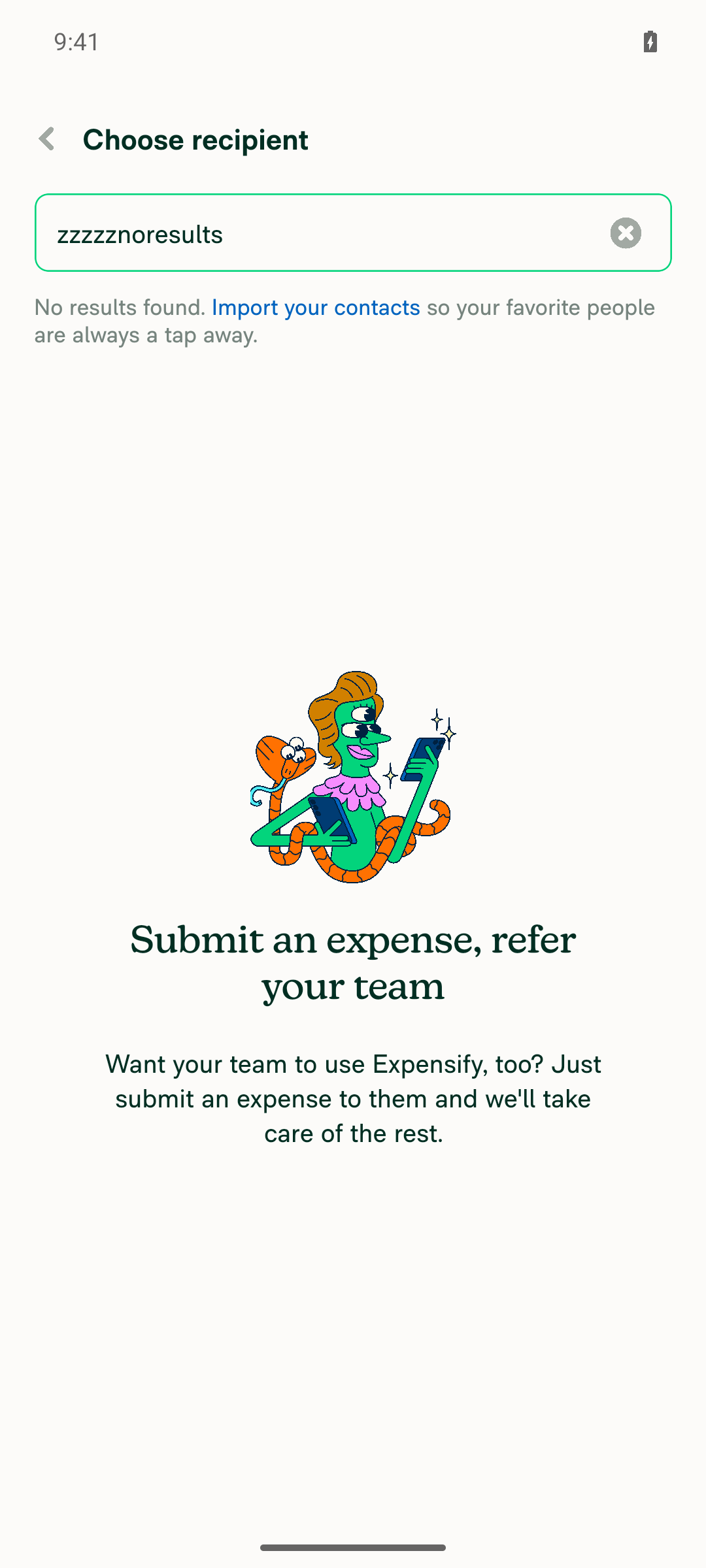
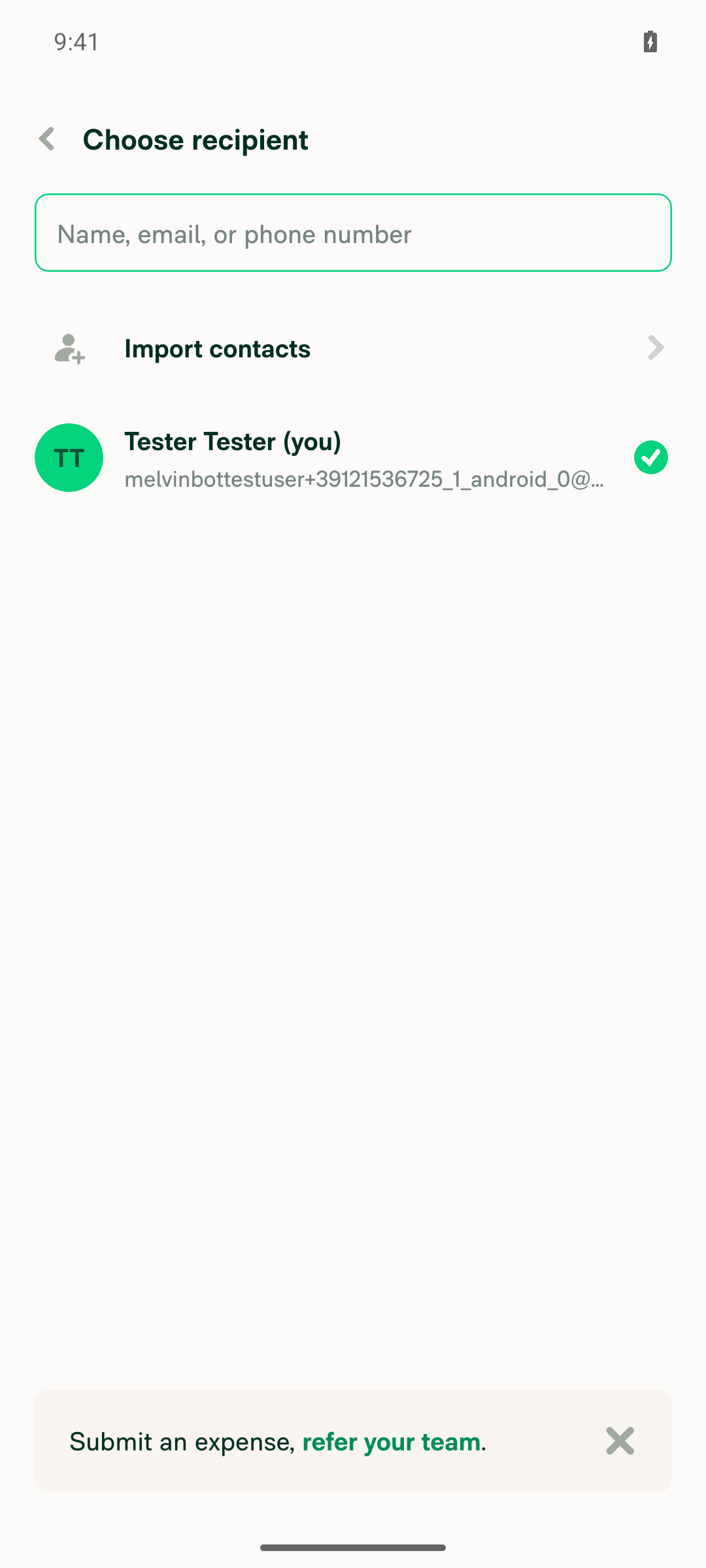
Search to shrink the list to zero results, then clear the search so the list grows again. The list updates with no crash.Typing "zzzzznoresults" shrank the list to 0 items and showed the "No results found" empty state. Tapping Clear brought back "Tester Tester (you)" with the checkmark. No crash.
Search term shrinks list to zero results without crashing
Clearing the search restores the participant list
✅
Go back to the amount step and forward again, then repeat with a search term entered first. The list renders correctly each time.Back returned to the amount screen with 25 still entered, and forward rendered "Choose recipient" correctly. On the second cycle, "Test" filtered the list to 1 result before going back. Going forward again showed the full list with the search reset. No crash at any point.
Participants step renders correctly after back/forward navigation with a prior search term
✅
Verify that no errors appear in the JS console, and no red box or LogBox error appears during the flow.No LogBox or RedBox overlay appeared in any snapshot. An explicit LogBox visibility check found nothing, and the app stayed in the foreground the whole time. Note: the tester could not read logcat or Metro output in this environment, so this result rests on the missing overlay and crash, not on a raw console log search.
Final clean state of the participants list with no error overlay
✅

view run · view recording

@MelvinBot

MelvinBot commented Oct 18, 2026 •

Copy link
Copy Markdown
Contributor Author

🤖 Web test steps verification results: ✅ pass

On dev NewDot web, the participants list in the create-expense flow stayed stable when search shrank and regrew it, and through repeated back-and-forward navigation. No crash or error screen appeared. The web test tool can't read the browser console, so the console check rests on the missing crash and error UI.
Participants list correctly rendered after second back/forward cycle with prior search term

Step Status
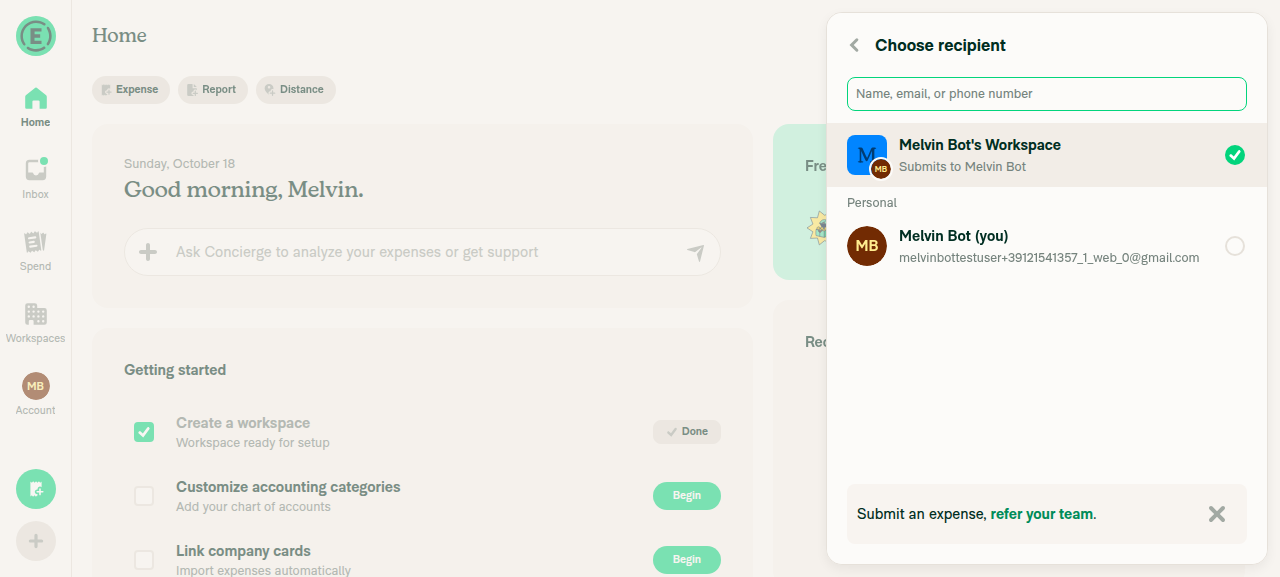
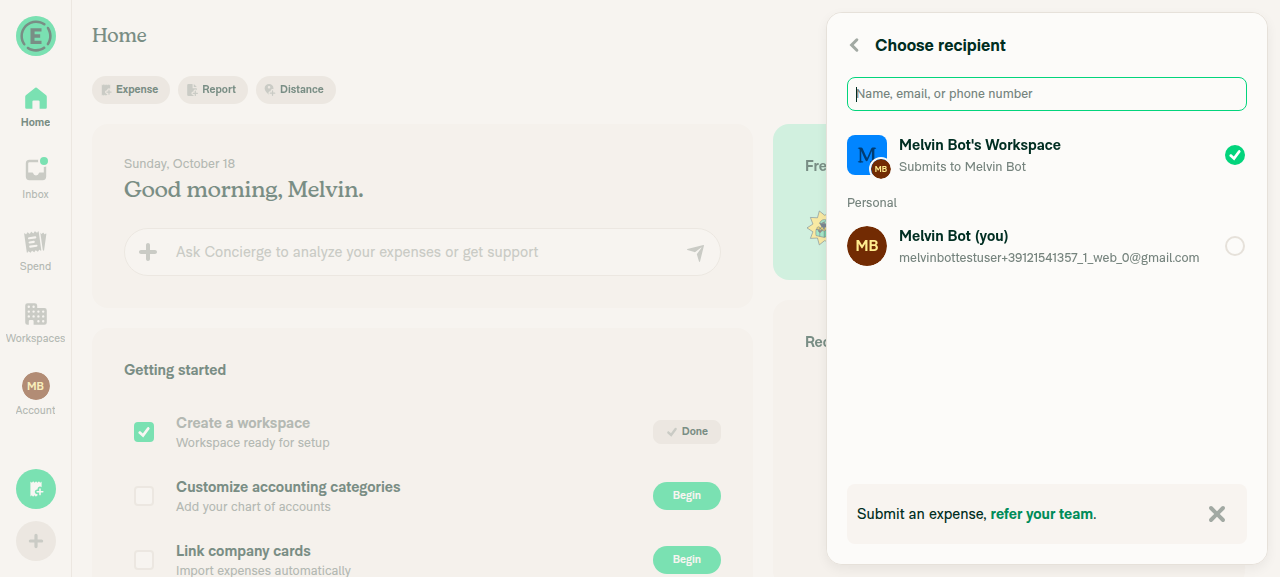
Start a manual expense, enter an amount, and continue. The participants step opens with no crash or error screen.Opened Create expense → Manual, entered 25, and tapped the recipient row. The "Choose recipient" list opened with "Melvin Bot's Workspace" and "Melvin Bot (you)". No error screen.
Choose recipient list open with amount entered
✅
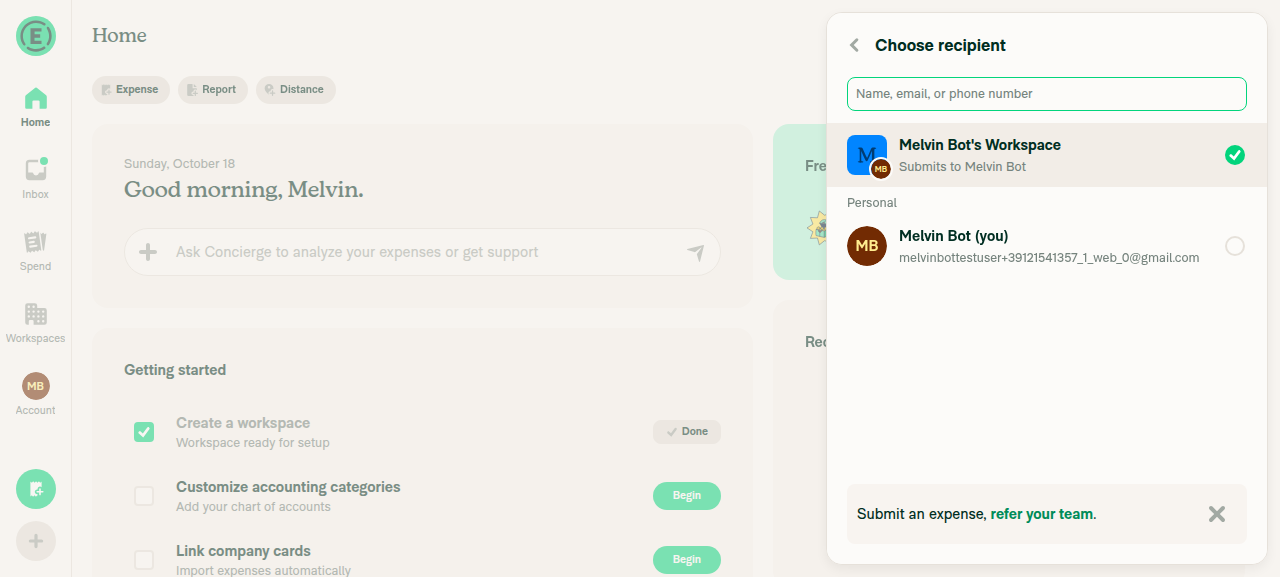
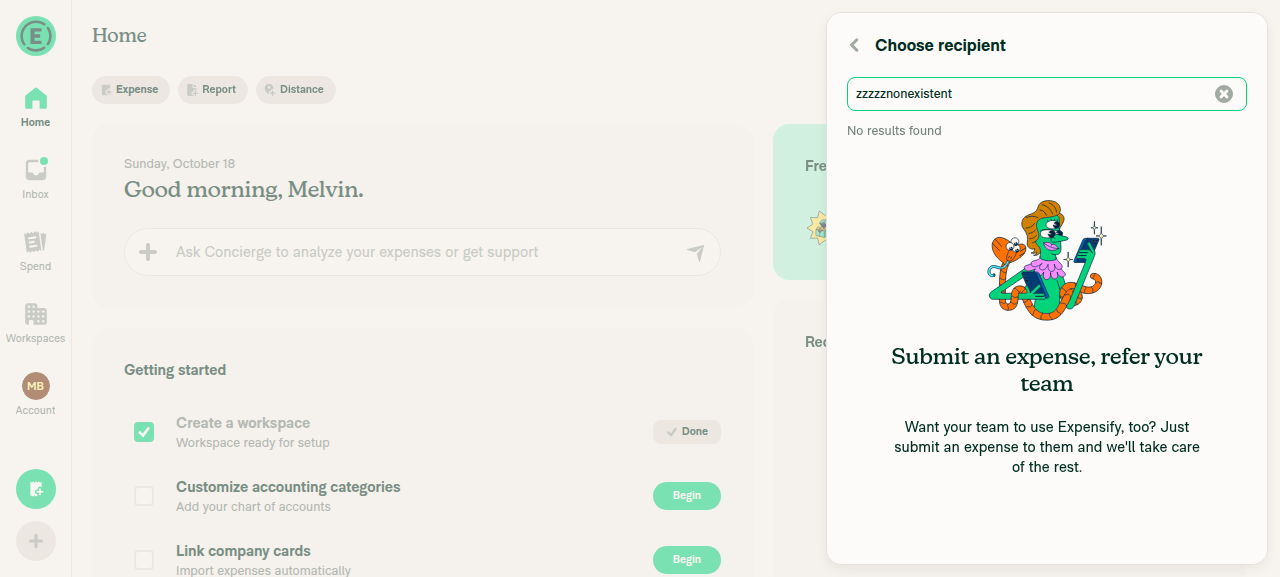
Search to shrink the list to zero results, then clear the search so the list grows again. The list updates with no crash.Searching "zzzzznonexistent" showed the "No results found." empty state with no error. Clearing the search brought back both options.
Participants list showing No results found after search
Participants list restored to both options after clearing search
✅
Go back to the amount step and forward again, then repeat with a search term entered first. The list renders correctly each time.The first cycle returned to the amount step, and going forward showed the list correctly. On the second cycle, "Melvin" was entered in the search before going back. Going forward again showed both options with the search reset. No crash or error screen on any transition.
Participants list correctly rendered after second back/forward cycle with prior search term
✅
Verify that no errors appear in the JS console during the flow.The web test tool has no command to read the browser console. The app never showed a crash or error screen and stayed responsive through every step. This result rests on that, not on a direct console read, so console errors were not directly ruled out.
✅

view run · view recording

This branch has not been deployed

No deployments
Sign up for free to join this conversation on GitHub. Already have an account? Sign in to comment

Labels

Melvin-Test-Android Melvin-Test-Web Triggers Melvin to run the testing steps of the PR on web

Projects

None yet

Development

Successfully merging this pull request may close these issues.

2 participants